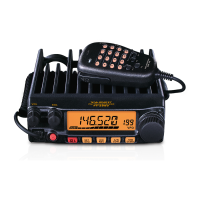
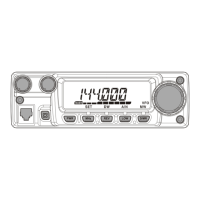
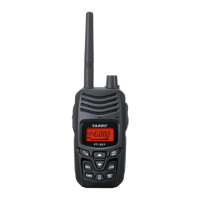
FT-252 OperaTing Manual 3
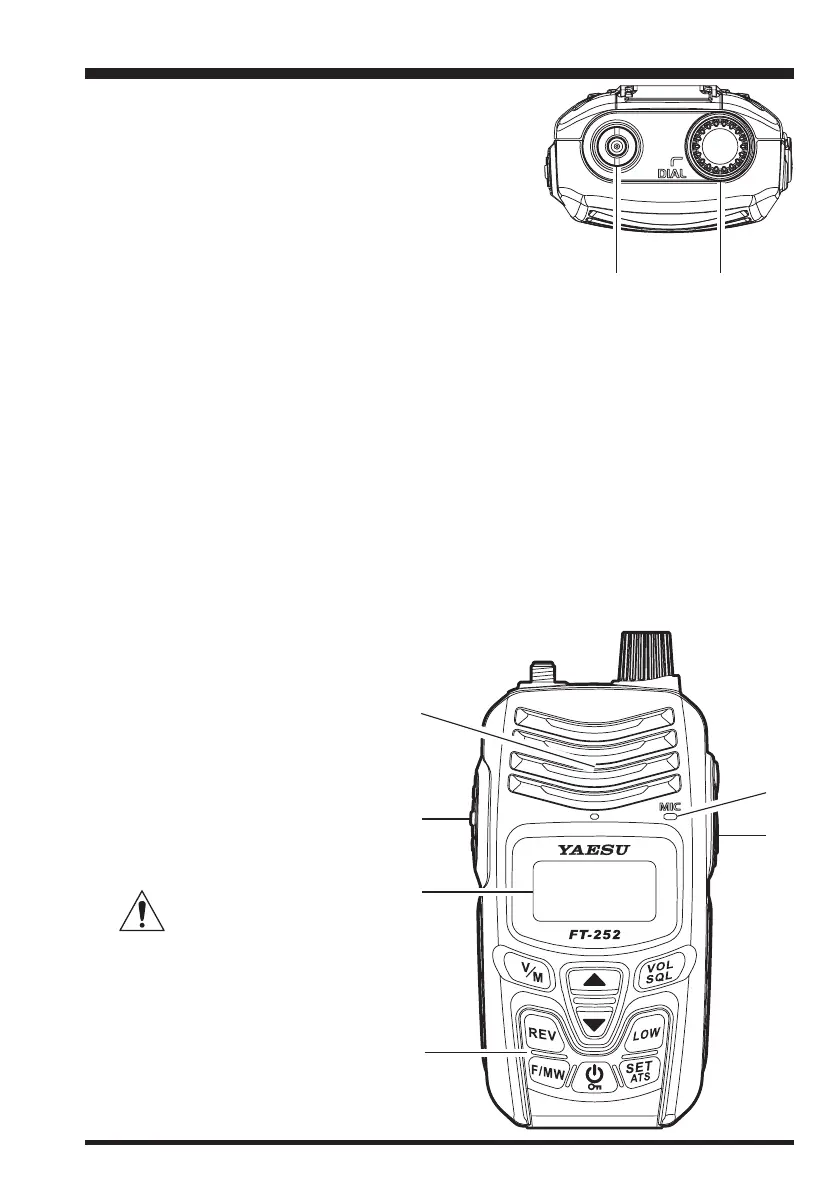
Antenna Jack
Connect the supplied rubber ex antenna (or an-
other antenna presenting a 50-Ohm impedance)
here.
DIAL
Knob
The main tuning Dial is used to set the operating
frequency. It is also used for menu selections and
other adjustments.
Speaker
The internal speaker is located here.
PTT
(Push To Talk) Switch
Press this switch to transmit, and release it (to receive) after your transmission is
completed.
LCD (Liquid Crystal Display)
The display shows the current operating conditions, as described on the next page.
Keypad
These 9 keys select many of most important operating features on the
FT-252
.
MIC
The internal microphone is
located here.
EXT DC
Jack
This coaxial DC jack allows
connection to an external DC
power source (5-10V DC).
The center pin of this jack is
the Positive (+) connection.
Do not allow the FT-
252 to become sub-
merged in water while the
rubber cap over the EXT DC
jack is removed.
Controls & Connectors
honbun_130313.indd 3 2013/03/13 19:47:33


 To Next Page