CVP-509/505/503/501 Reference Manual 49
Songs – Recording Your Performances and Creating Songs –
4
Recording Chords (Step Recording)
You can record Chords and Sections (Intro, Main, Ending, and so on) one at a time with precise timing.
These instructions show how to record chord changes using the Step Record function.
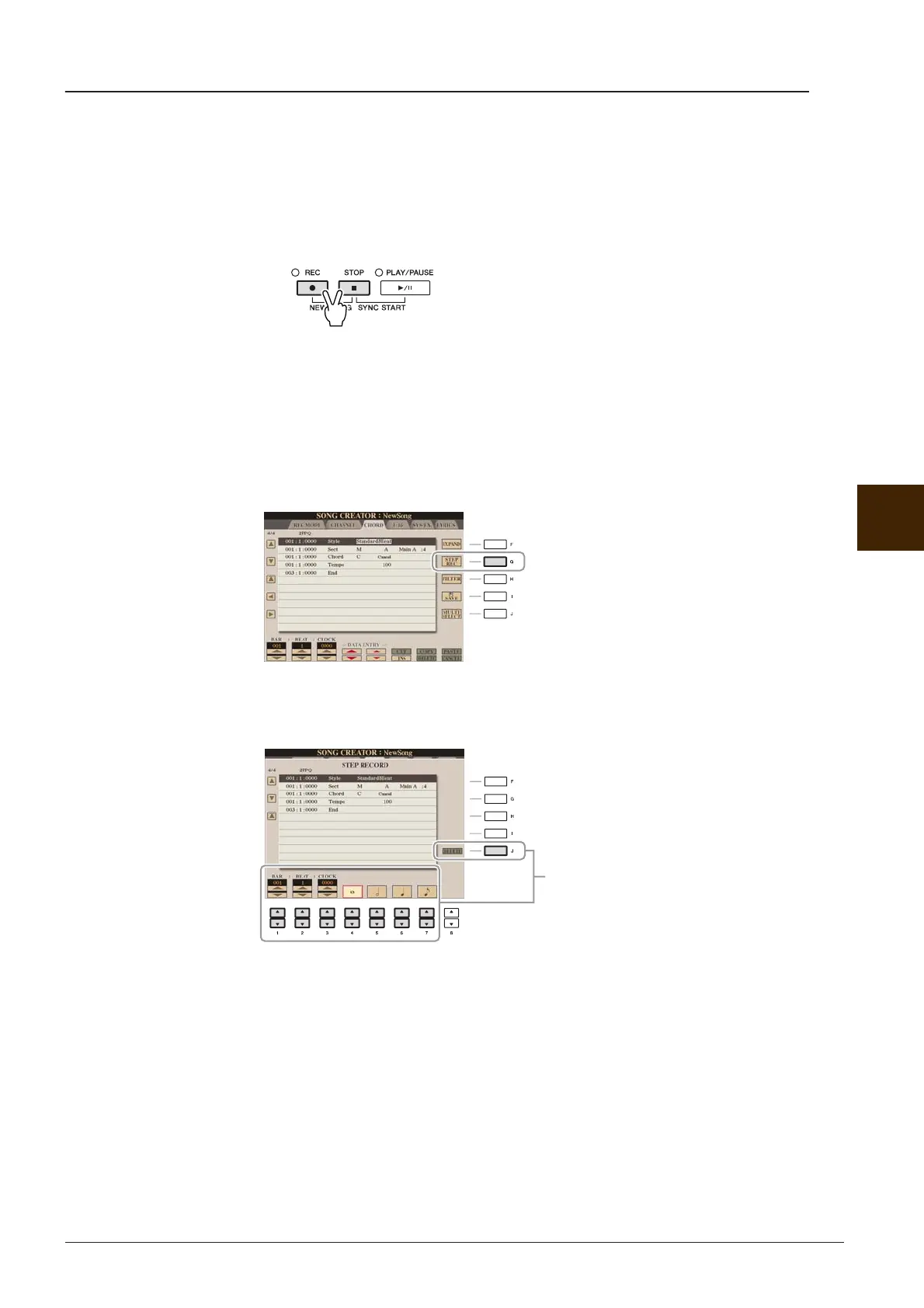
1 Press the SONG [REC] and SONG [STOP] buttons simultaneously.
A blank Song (“New Song”) is called up for recording.
NOTE Selecting a blank Song initializes the panel settings.
2 Select the Style you want to use in the Song.
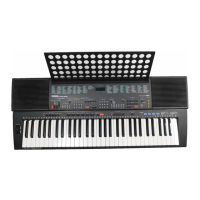
3 Call up the operation display.
[FUNCTION] → [F] DIGITAL REC MENU → [A] SONG CREATOR → TAB [E][F] CHORD
4 Press the [G] (STEP REC) button to call up the STEP RECORD display.
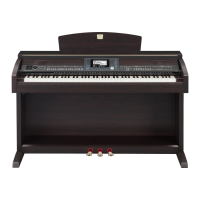
5 Start Step Recording.
About these buttons, refer to page 46.






 To Next Page