10
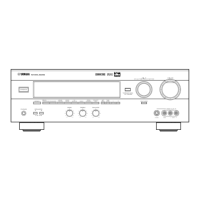
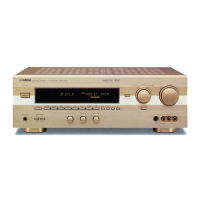
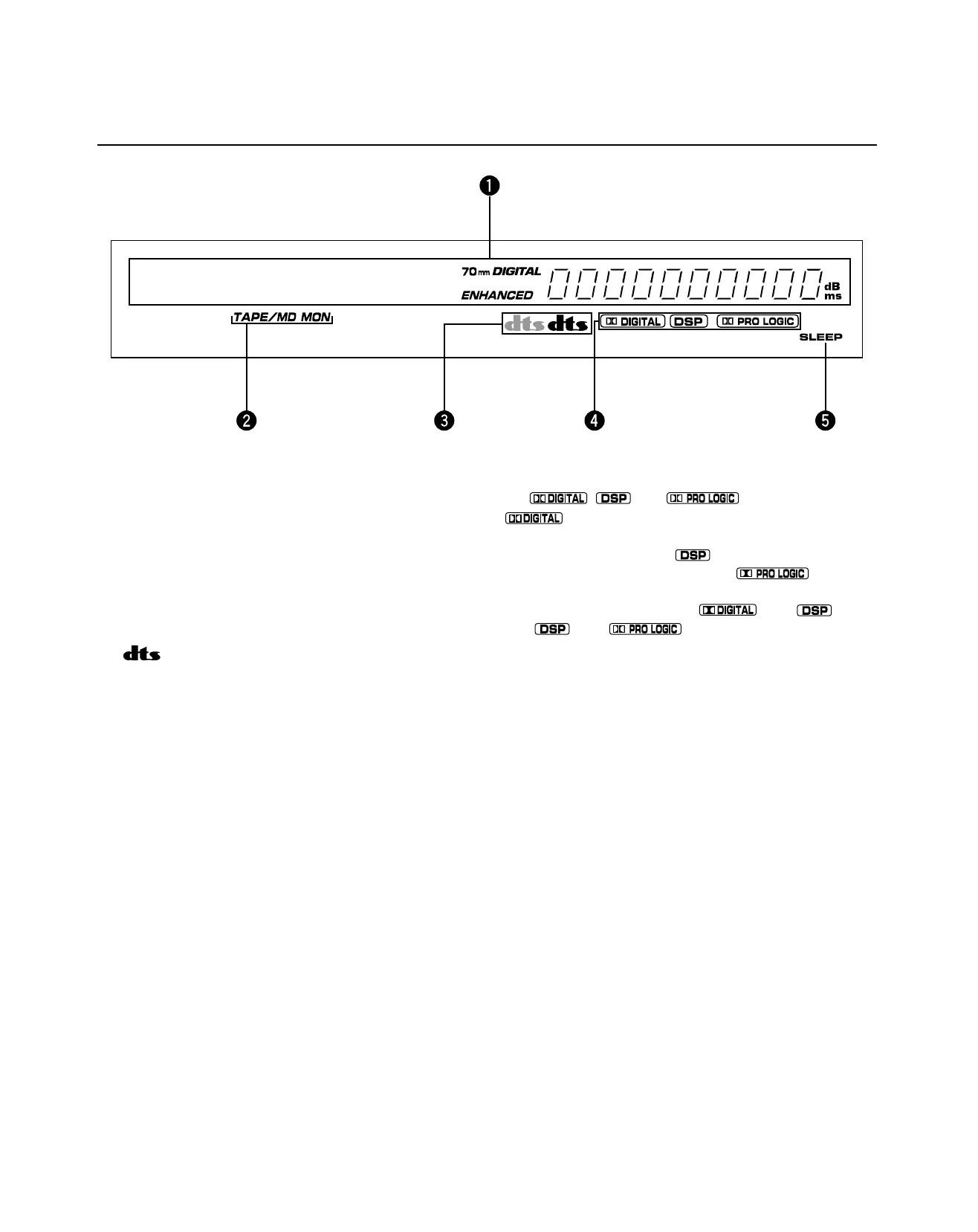
1 Multi-information display
This displays various information, for example the name of
selected DSP program and name of selected input source.
2 TAPE/MD MON indicator
This lights up when the tape deck (or MD recorder, etc.) is
selected as the input source by pressing TAPE/MD MON / EXT.
DECODER on the front panel or TAPE/MD on the remote control.
3 indicators
Either “dts” indicator lights up when the built-in DTS decoder is
turned on.
The red “dts” indicator lights up when playing a CD or LD
encoded with DTS.
The orange “dts” indicator lights up when playing a DVD
encoded with DTS.
* An orange “dts” indicator may light up when playing a CD or
LD encoded with DTS after playing a video-CD or DVD on a
DVD/LD combi-player.
DISPLAY PANEL
4
, and indicators
“
” lights up when the built-in Dolby Digital decoder is
on and the signals of the selected source encoded with Dolby
Digital are not in 2-channel. “ ” lights up when the built-in
digital sound field processor is on, and “
” lights up
when the built-in Dolby Pro Logic decoder is on. Depending on
the selected DSP program, both “ ” and “ ”, or
both “ ” and “ ” will light up.
5 SLEEP indicator
This lights up while the built-in SLEEP timer is functioning.
01DSP-A595a-1 6/24/99, 12:14 PM10


 To Next Page
 Loading...