TRBL
SHTG
Troubleshooting
39
60L3D1X
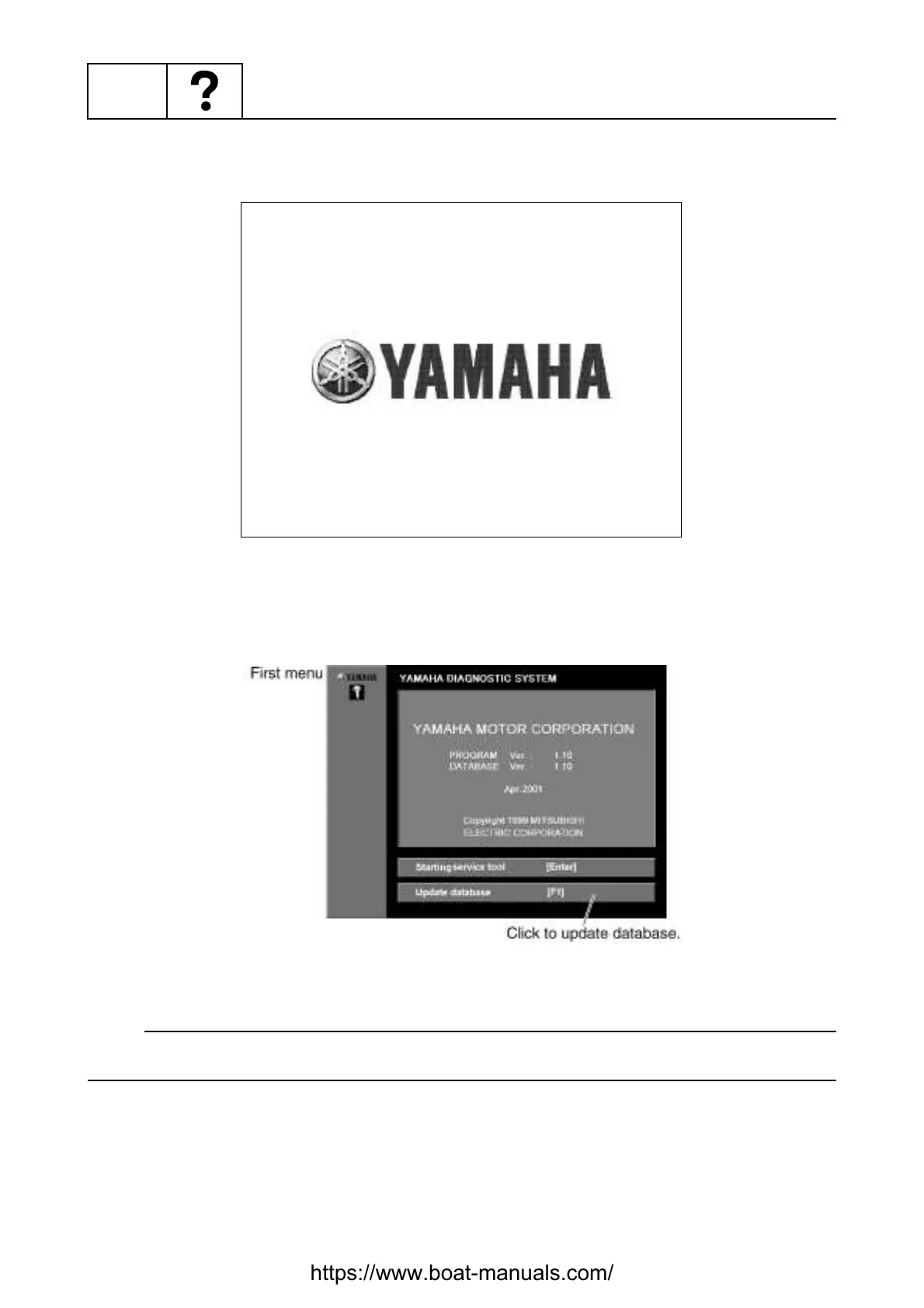
3. After about three seconds the display will automatically go to the first menu display, or you can
click or press any key to go to the first menu. (See fig. 11.)
Fig. 10
4. Click the
Update database
[F1]
button or press the F1 key on your keyboard. (Fig. 11)
Fig. 11
NOTE:
Do not click the
Starting service tool [Enter]
button or press the Enter key on your keyboard until
the database has been updated, otherwise the program will not operate correctly.
https://www.boat-manuals.com/


 To Next Page