16 PSR-E203/YPT-200 Owner’s Manual
Step
2
Fun Sounds
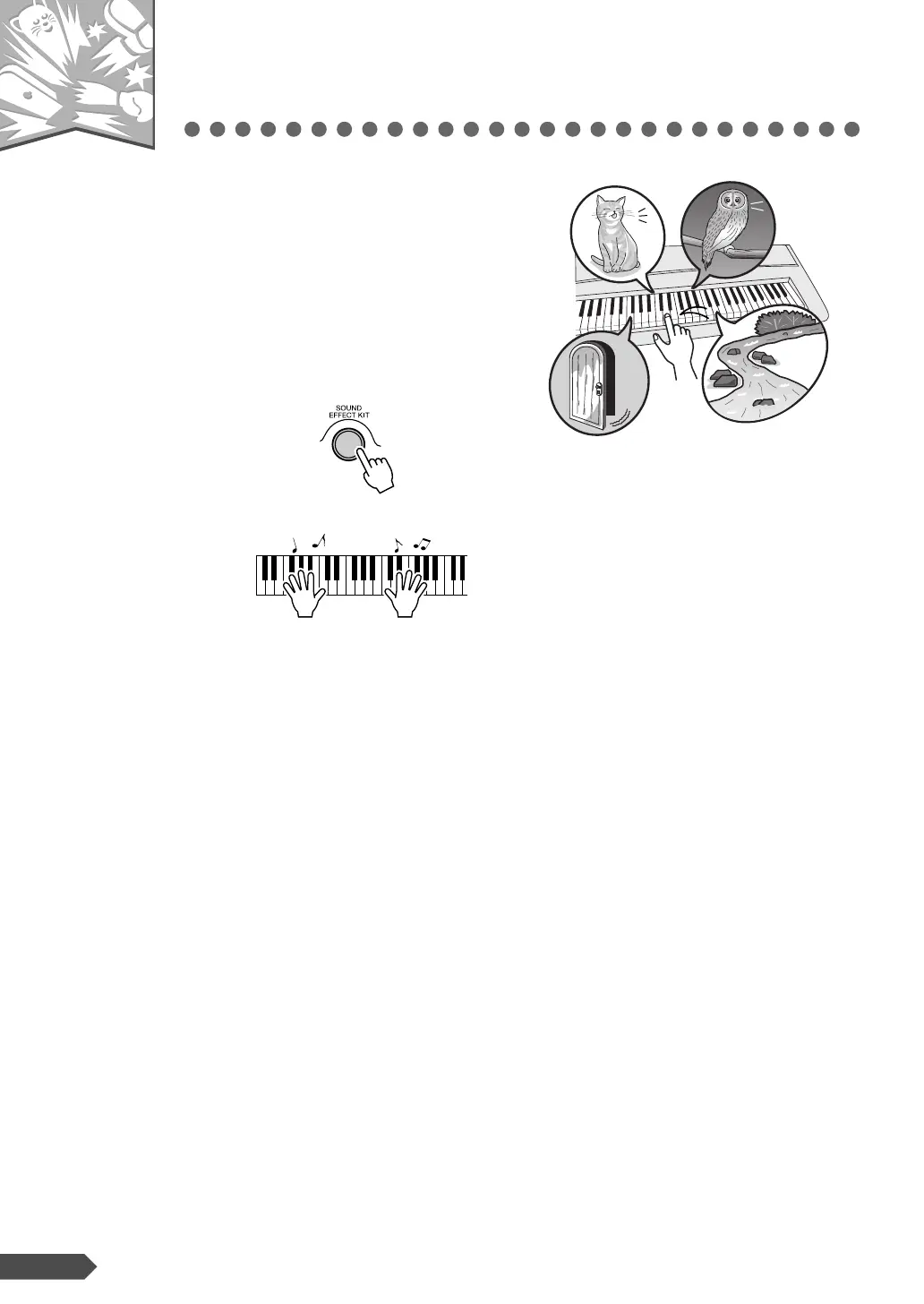
This instrument also includes a wide range of unique
sound effects. Try out each key and enjoy the sounds!
As you try out the various keys you’ll hear the sound of
a dog barking, running water, a creaking door and many
other unique effects.
Press the [SOUND EFFECT KIT] button.
Try out each key and enjoy the sounds. Don’t forget the black
keys!
You’ll be able to play various sound effects from the keyboard:
barking, braying, yelling, and much more.
After trying out these sounds, press the [PORTABLE GRAND]
button to reset the instrument Voice to the default setting of Voice
“001 Grand Piano1.”
— Quick Guide —



 To Next Page