36 PSR-E203/YPT-200 Owner’s Manual
Handy Performance Features
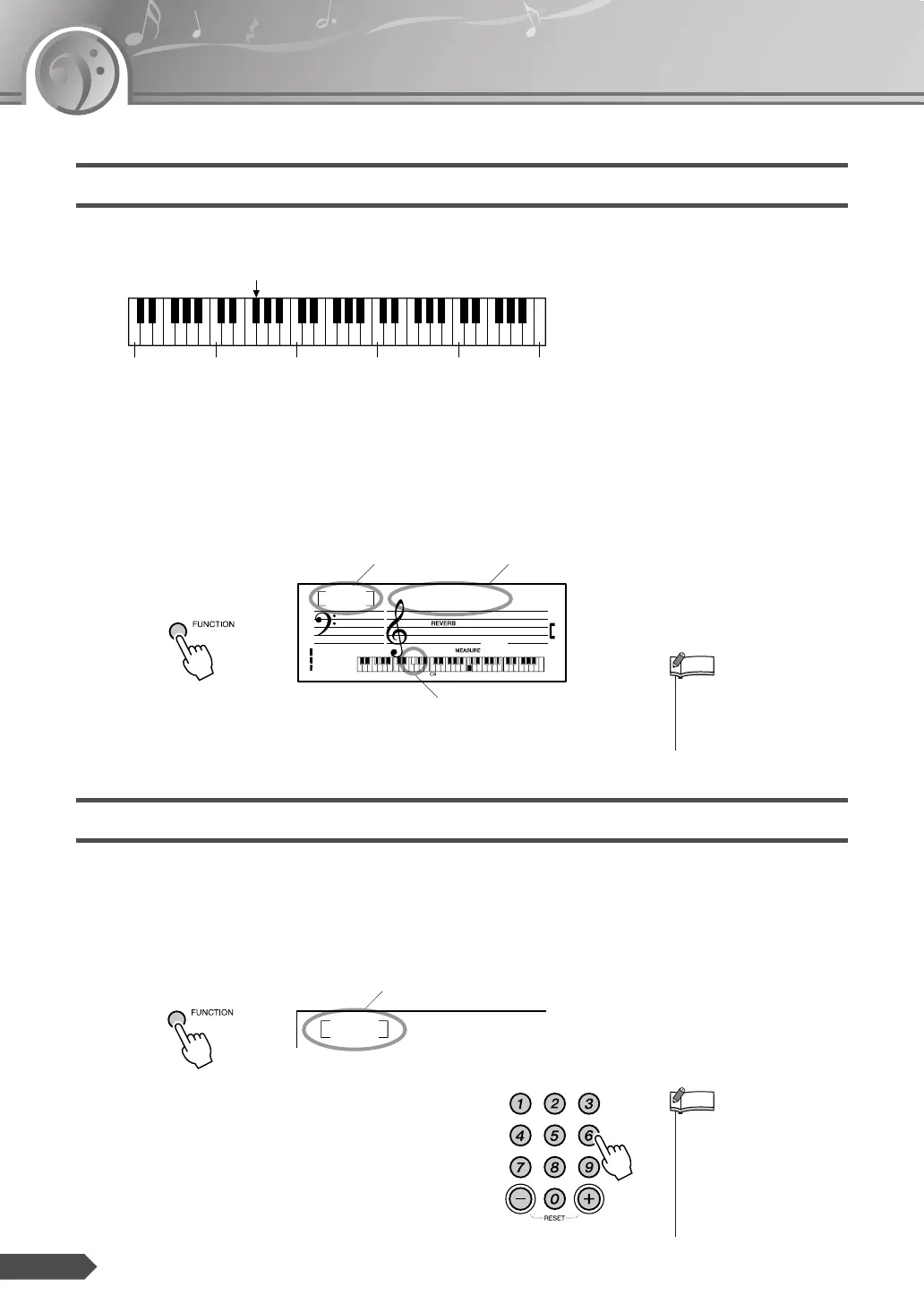
Setting the Split Point
The Split Point setting can be changed as desired.
The initial default Split Point is key number 54 (the F#2 key), but you can
change it to another key. When you change the Split Point, the auto accom-
paniment range also changes.
1 Press the [FUNCTION] button a number of times until “SplitPnt”
appears.
2 Set the Split Point by using the number buttons [0]-[9], [+], [-].
Transpose
The overall pitch of the instrument can be shifted up or down by a maxi-
mum of 1 octave in semitone increments.
1 Press the [FUNCTION] button a number of times until the “Transpos”
appears.
2 Use the number buttons [0]-[9], [+], [-] to set the
Transpose value between -12 and +12 as
required.
36 48 60 72 84 96
Split Point—default setting: 54 (F#2)
Currently selected Split Point
Split Point
Split Point
SplitPnt
054
001
• Press the [+] and [-] buttons
simultaneously to instantly
reset the value to its default
setting (54 or F
#
2).
NOTE
Current transpose value
Transpos
00
• The pitch of the Drum Kits
Voices (Voice numbers 130-
134) cannot be changed.
• Press the [+] and [-] buttons
simultaneously to instantly
reset the value to its default
setting (00).
NOTE



 To Next Page