PSR-E203/YPT-200 Owner’s Manual 19
Quick Guide
Step
4
Playing Songs
This instrument has 102 built-in Songs.
Listening to a Song
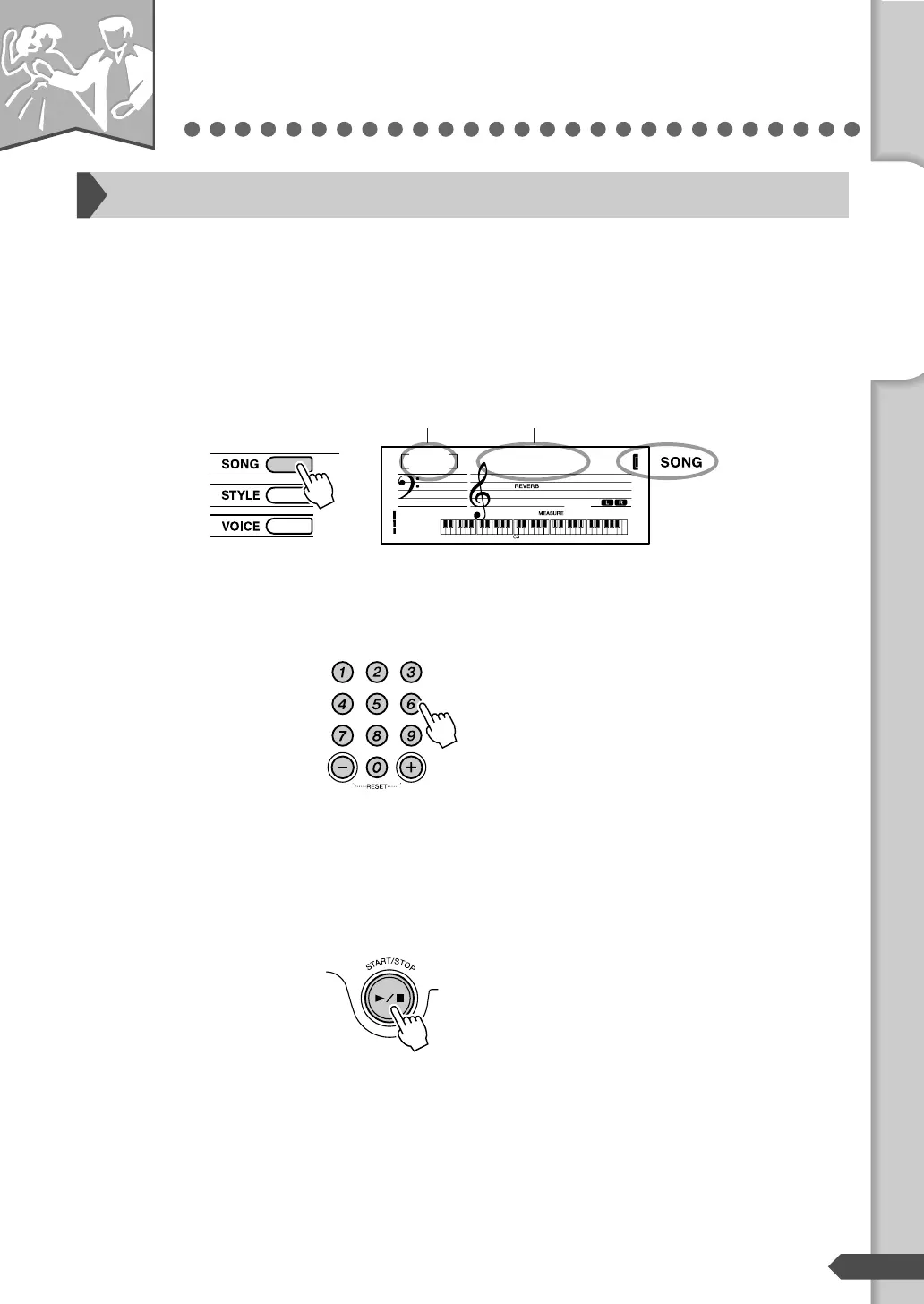
Press the [SONG] button.
The Song number and name are displayed.
Select the desired Song by using the number buttons [0]-[9], [+], [-].
Refer to the Song List on next page.
Press the [START/STOP] button.
The Song will begin playing.
You can stop playback at any time by pressing the [START/
STOP] button.
Select and Listen to a Specific Song
Castaway
001
001
Song number Song name
Appears when
the Song mode is
active.
— Quick Guide —
Step 4 Playing Songs



 To Next Page