PSR-E203/YPT-200 Owner’s Manual 21
Quick Guide
Step
5
Play with a Style
The Style feature provides backing and rhythm parts in a wide variety of musical categories,
including rock, blues, techno and much more. Here’s how to play a rhythm of a Style. The rhythm
sound consists of percussion instruments.
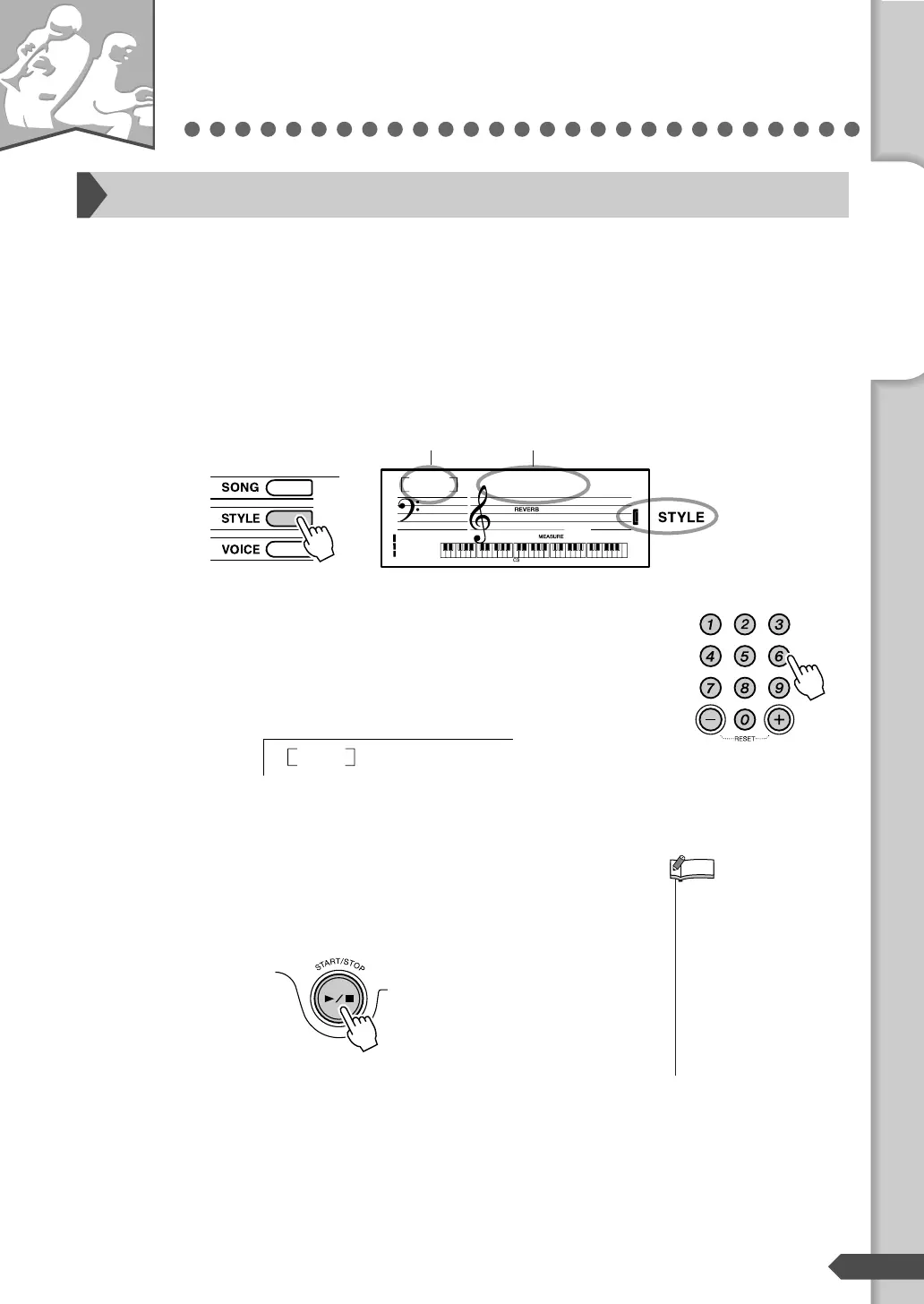
Press the [STYLE] button.
The Style number and name are displayed.
Select a Style.
Select the desired Style by using the number buttons [0]-[9], [+],
[-].
Refer to the Style List on page 56.
Press the [START/STOP] button.
The Style rhythm will start.
You can stop playback at any time by pressing the [START/
STOP] button.
Selecting a rhythm of a Style
8BtModrn
001
001
Style number Style name
Appears when
the Style mode is
active.
HH Light
016
• Since the Pianist category
Styles (093-100) have no
rhythm parts, no sound will
be produced if you start
rhythm-only playback. To
use these Styles, turn on
the auto accompaniment
and play the keyboard as
described on pages 22-23.
(The bass and chord
accompaniment parts will
sound.)
NOTE
— Quick Guide —
Step 5 Play with a Style



 To Next Page