Play With a Variety of Effects
PSR-E203/YPT-200 Owner’s Manual 35
Adding Panel Sustain
This function adds a fixed sustain to the keyboard Voices.
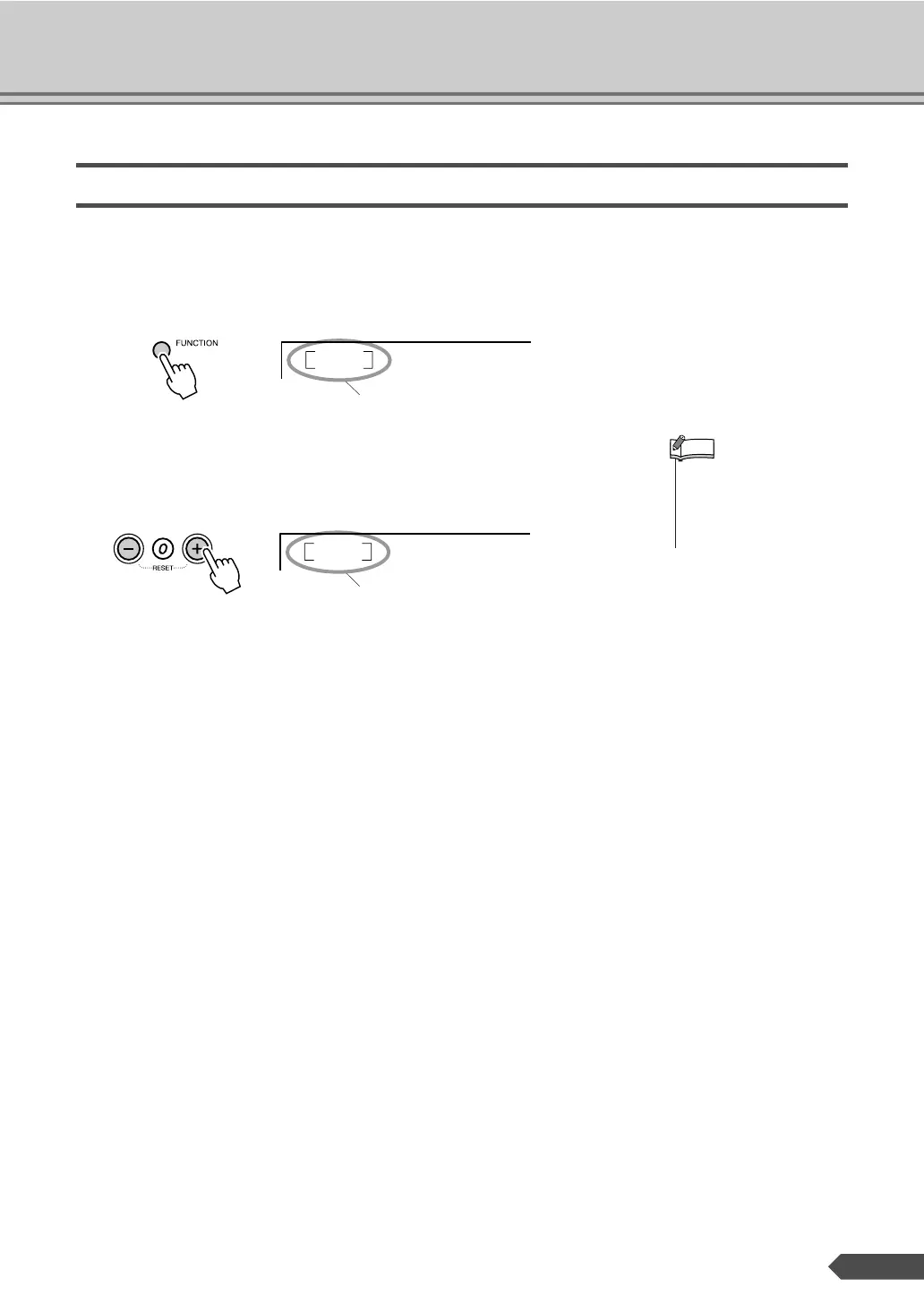
1 Press the [FUNCTION] button a number of times until the “Sustain”
item appears.
2 Press the [+] button to turn the Panel Sustain on.
Panel Sustain will be added to the notes you play on the keyboard
when the Panel Sustain is on. To turn it off, press the [-] button.
Sustain
oFF
Current setting
• See the section “Connect-
ing a footswitch (SUSTAIN
Jack)” on page 9 for infor-
mation on applying sustain
with the optional footswitch.
NOTE
Sustain
on
On



 To Next Page