Song settings
PSR-E203/YPT-200 Owner’s Manual 33
Practice Makes Perfect
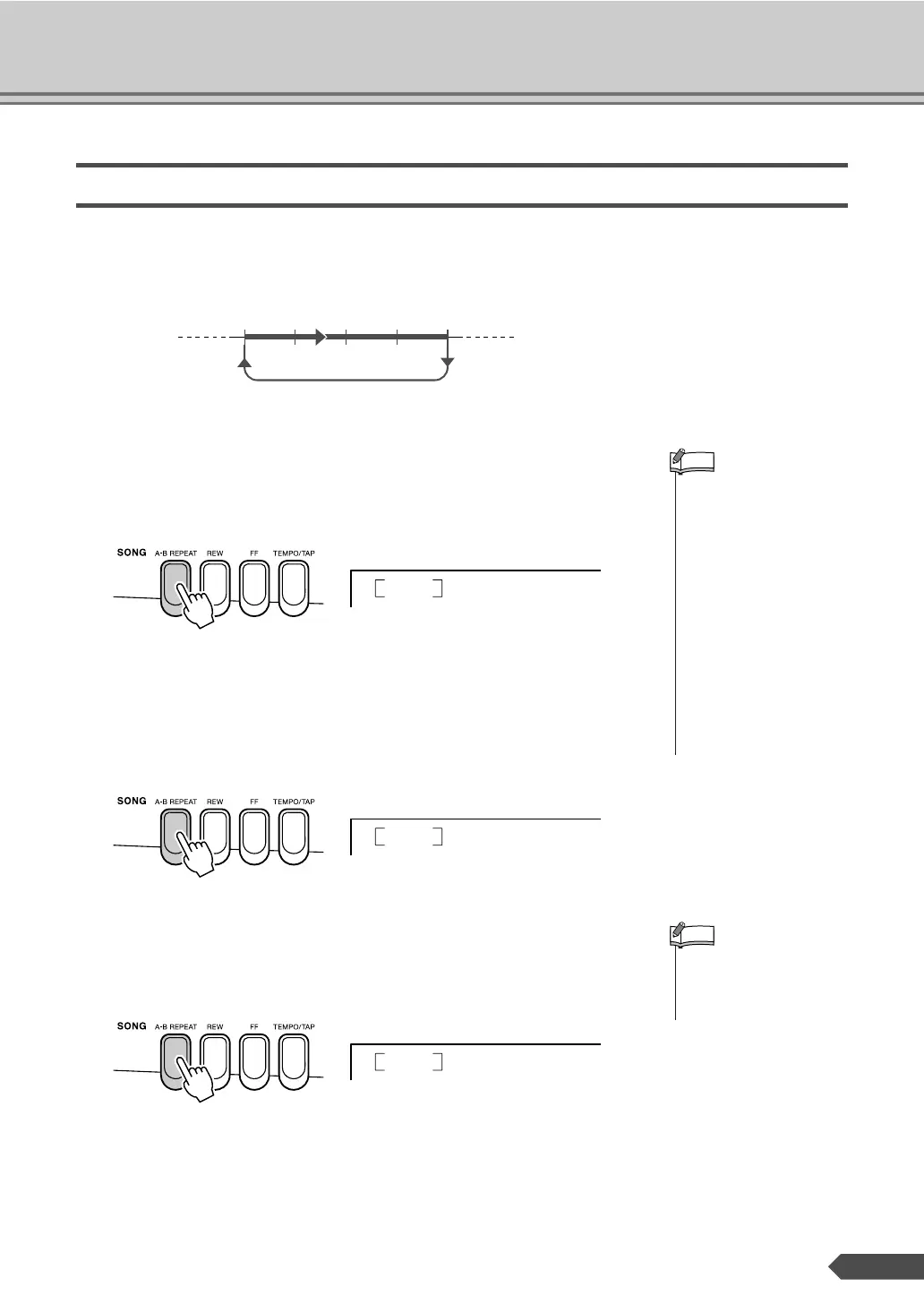
You can repeatedly practice a section you find difficult. This function lets
you specify a section of a Song you want to practice—“A” is the start point
and “B” is the end point—for repeat playback.
1 Play the Song and press the [A-B REPEAT] button at the beginning of
the section you want to repeat (the “A” point).
“A-REPEAT” will be displayed.
2 Press the [A-B REPEAT] button a second time at the end of the section
you want to repeat (the “B” point). The specified A-B section of the
Song will now play repeatedly, letting you practice the section over and
over.
You can stop repeat playback by pressing the [A-B REPEAT] button.
The A-B REPEAT mode will be canceled and normal playback of the
Song will continue.
AB
Repeat playback of this section
• The repeat start and end
points can be specified in
one-measure increments.
•You can also set the A-B
Repeat function when the
Song is stopped. Simply
use the [REW] and [FF] but-
tons to select the desired
measures, pressing the [A-
B REPEAT] button for each
point, then start playback.
• If you want to set the start
point “A” at the very begin-
ning of the Song press the
[A-B REPEAT] button
before starting playback of
the Song.
NOTE
REPEAT
A-
REPEAT
A-b
• The A-B Repeat function
will be canceled when you
select another Song or
Style mode.
NOTE
REPEAT
oFF



 To Next Page