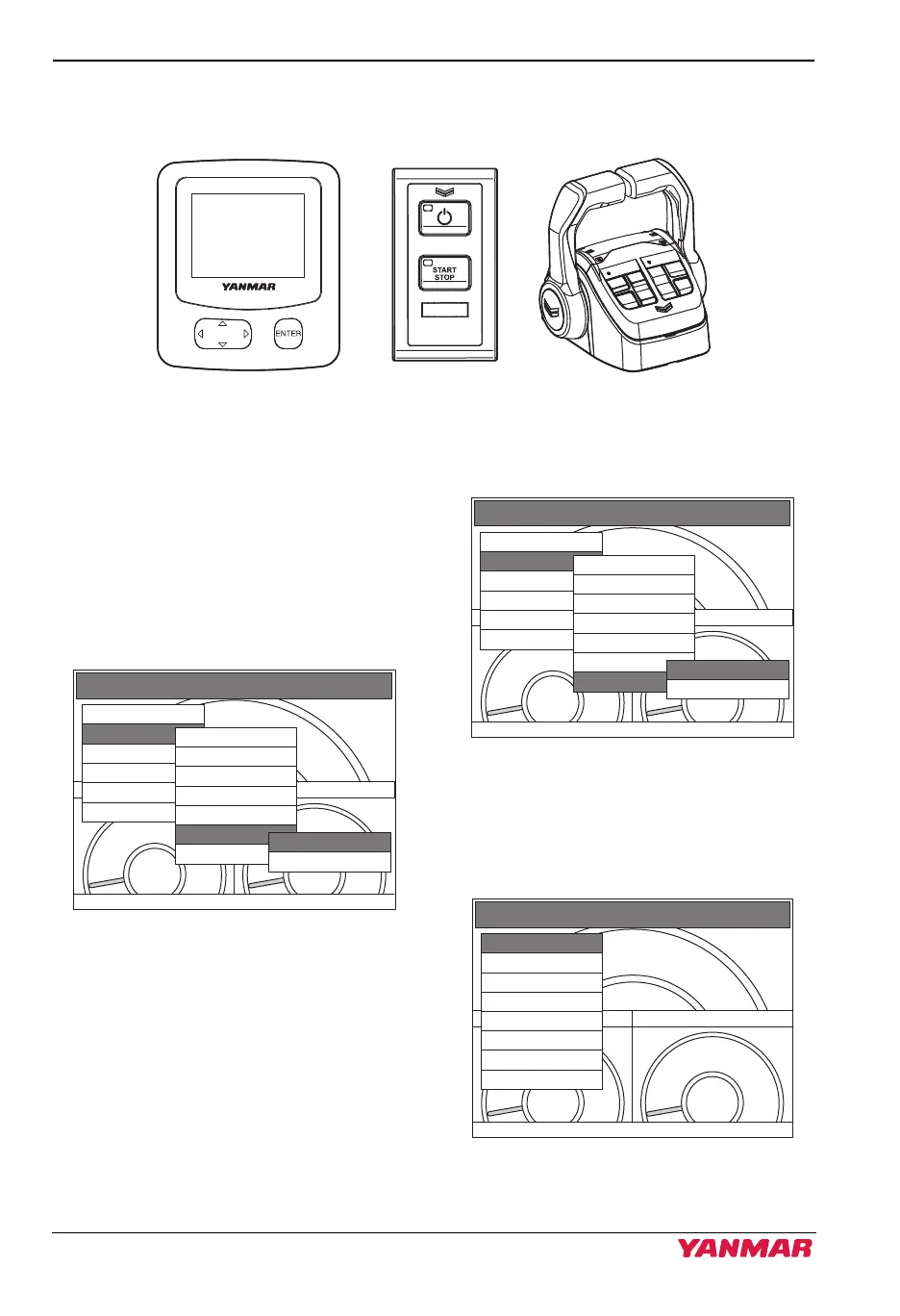
PRODUCT OVERVIEW
42 JH Series Operation Manual
Dimmer Linkage
The same brightness as the setting of Display is applied to Switch panel and Control head.
Figure 19
Figure 35
Auto Dimmer
Auto dimmer is enabled, the brightness of
each device is automatically adjusted
according to the ambient brightness.
1. Select “Auto dimmer”.
(Display: Auto dimmer)
• “YES”: Auto dimmer mode
• “NO”: Manual dimmer mode
Figure 20
Figure 36
2. Select “Auto dimmer limit”.
(Display: Auto dimmer limit)
Figure 21
Figure 37
3. Set the minimum and maximum
brightness as required.
• The brightness is adjusted in 8 steps.
Figure 22
Figure 38
OIL PRESSURE COOLANT TEMP
00
0
MAIN MENU
Alarms/DIAGs
Display
Engine speed
Monitor settings
Synchro
Utility
Choices
Split window
Window select
Brightness
Night mode
Auto dimmer
Auto dimmer limit
YES
NO
OIL PRESSURE COOLANT TEMP
00
0
MAIN MENU
Alarms/DIAGs
Display
Engine speed
Monitor settings
Synchro
Utility
Choices
Split window
Window select
Brightness
Night mode
Auto dimmer
Auto dimmer limit
High limit
Low limit
OIL PRESSURE COOLANT TEMP
00
0
MAIN MENU
0
1
2
3
4
5
6
7
122767-00EN02
3JH40_4JH45_4JH57_4JH80_4JH110_EN_OPM.book 42 ページ 2022年9月22日 木曜日 午後6時17分



 To Next Page