| Introduction | 11
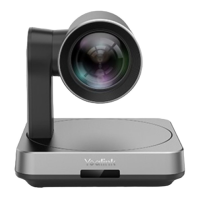
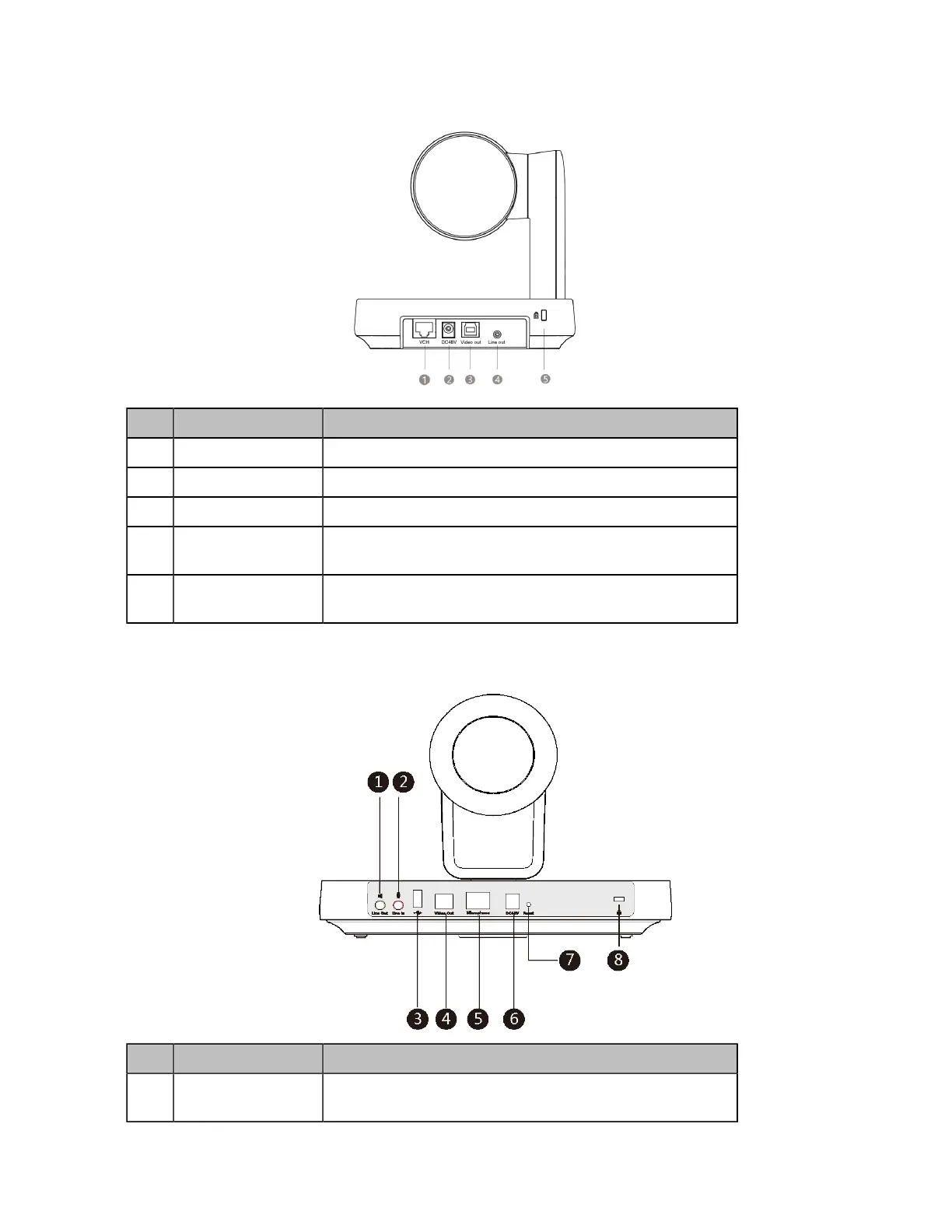
UVC84
Port Name Description
①
VCH port Connects to audio devices, for example, VCM34.
②
DC48V port Connects to the power source via a power adapter.
③
Video Out port Connects to a PC as a video output.
④
Line Out port Connects to an audio output device (for example,
MSpeaker
Ⅱ)
using a 3.5mm audio cable.
⑤
Security Slot Creates a secure connection to the device with a universal
security cable to lock the device down.
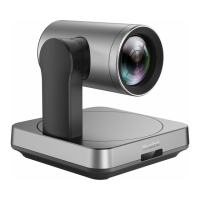
UVC80
Port Name Description
①
Line Out port Connects to an audio output device using a 3.5 mm audio
cable (for example, MSpeaker
Ⅱ).


 To Next Page
 Loading...