| Basic Settings of Teams Room Systems | 56
• Sharing the Content on the Whiteboard with Remote Participants
Setting the Content Camera Mode on Yealink RoomConnect Plug-in
Procedure
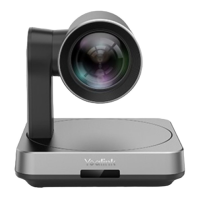
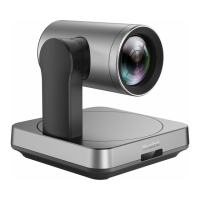
1. On the home page of Yealink RoomConnect, select the desired UVC30 camera.
2. Go to Advanced > Others.
3. From the drop-down menu of Content Camera Mode, select ON or OFF.
4. Save the change.
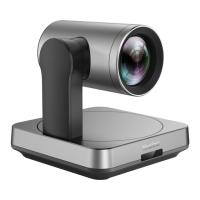
Setting the Content Camera
Procedure
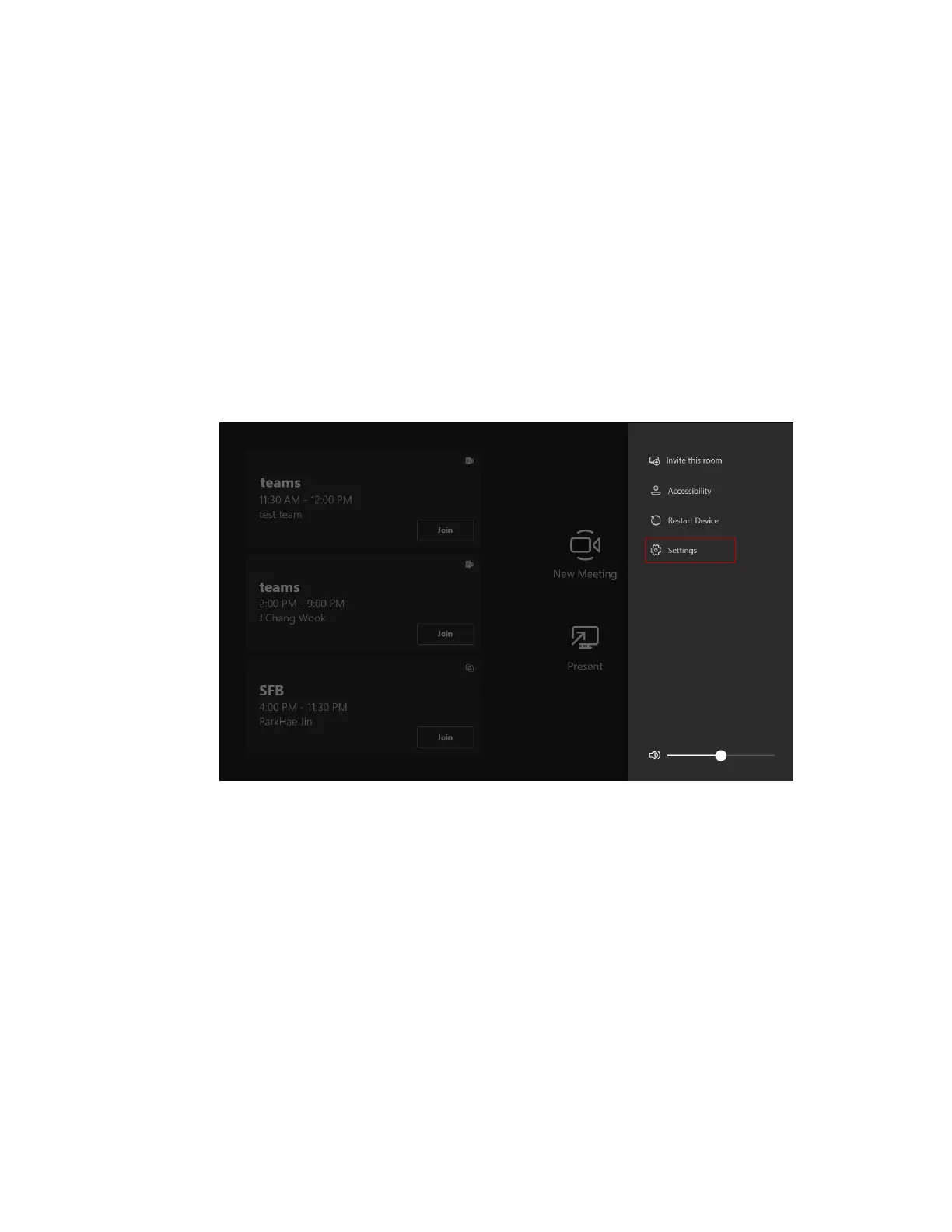
1. Tap More > Setting.
2. Enter the administrator password (default: sfb) to go to the Settings page.


 To Next Page
 Loading...