YL9120 UV/Vis Detector
Chapter 3. Operation
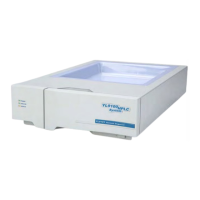
There are four LEDs in front of YL9120 UV/Vis detector.
POWER LED turns ON if main power turns on
CONNECTED LED turns ON if communication is connected,
LED blinks during connection
READY/RUN LED turns ON before analysis,
LED blinks during analysis
ERROR LED turns ON if there is error
3-1. YL-Clarity Chromatograph software
3-1-1. Installation of UV/Vis detector
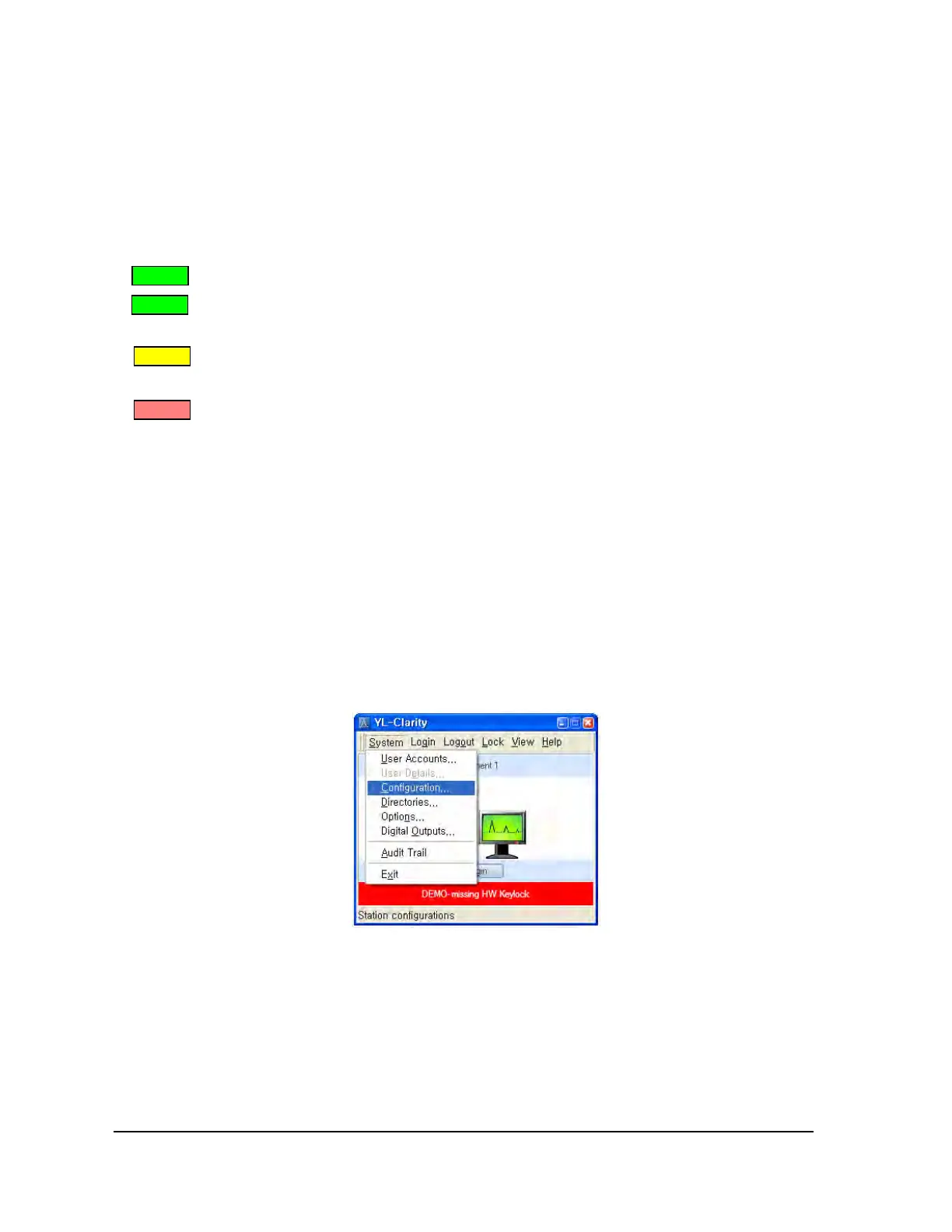
Open YL-Clarity software and select Configuration on the main window. On the system configuration
window, click [ADD] button and select YL9120.
8

 To Next Page
 Loading...