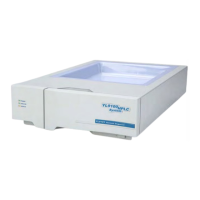
YL9170 RI Detector
Chapter 4. Maintenance
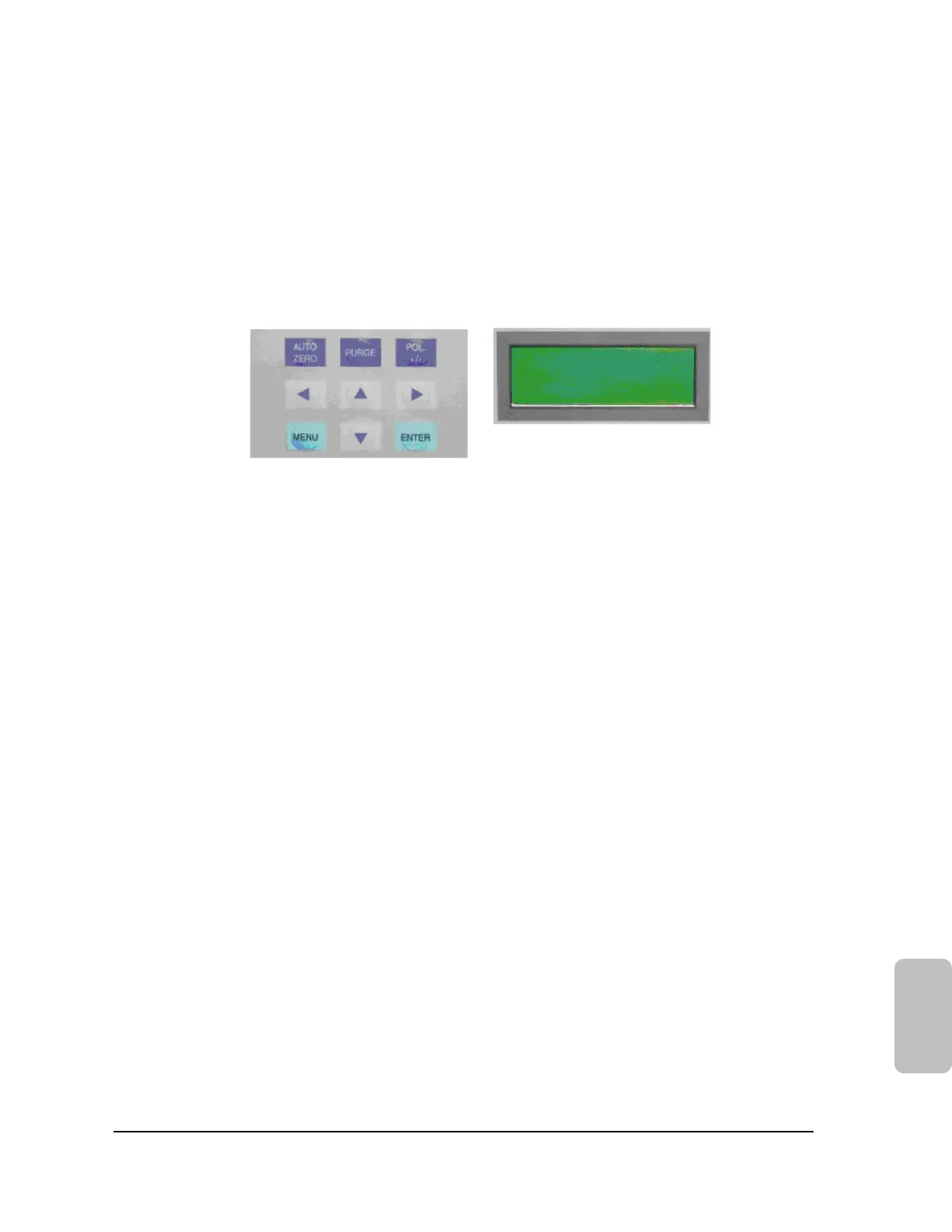
For use of service and maintenance, there is a keyboard and LCD display inside of YL9170 RI detector.
LCD Display: The RI Detector has a four line display.
The first line shows the actual temperature of the optical bank.
The second line shows the optical balance in %.
The third line shows the signal of the Integrator Output
The fourth line shows the output range of the recorder.
The recorder output is set to 1 by default.
Autozero: Use of this button autozeros the detectors signal.
Purge : Pressing this button, flow- and reference cell will be flushed with solvent. (LED is highlighted)
Pressing the purge button again (LED is turned off). Solvent runs only through the sample
cell.
Polarity: Can be used to reverse a signal.(LED is highlighted)
Enter: All changes in the menu must be confirmed with ″Enter″.
L9170
Menu: The fourth line in the display is the ″MENU LINE“. The Recorder range which is shown in this line,
can be set by using the upper and lower arrows directly without pressing ″Menu″.
9


 To Next Page
 Loading...