YL9170 RI Detector
20-60 psi back-pressure.
NOTE: Before connecting any new tube or column to the detector, flow several mL of clean solvent
through the new tube to a waste reservoir. This will clean any particulates or oil that may be residing in
the tube that could clog the heat exchanger or contaminate the sample cell of the detector.
Connect the capillary, coming from the HPLC column with the INLET port of RI Detector. Use the
stainless steel capillary tubing with the Teflon tubing and connect the tubing to your waste reservoir.
Column outlet
Waste
2-4. Connection of cables
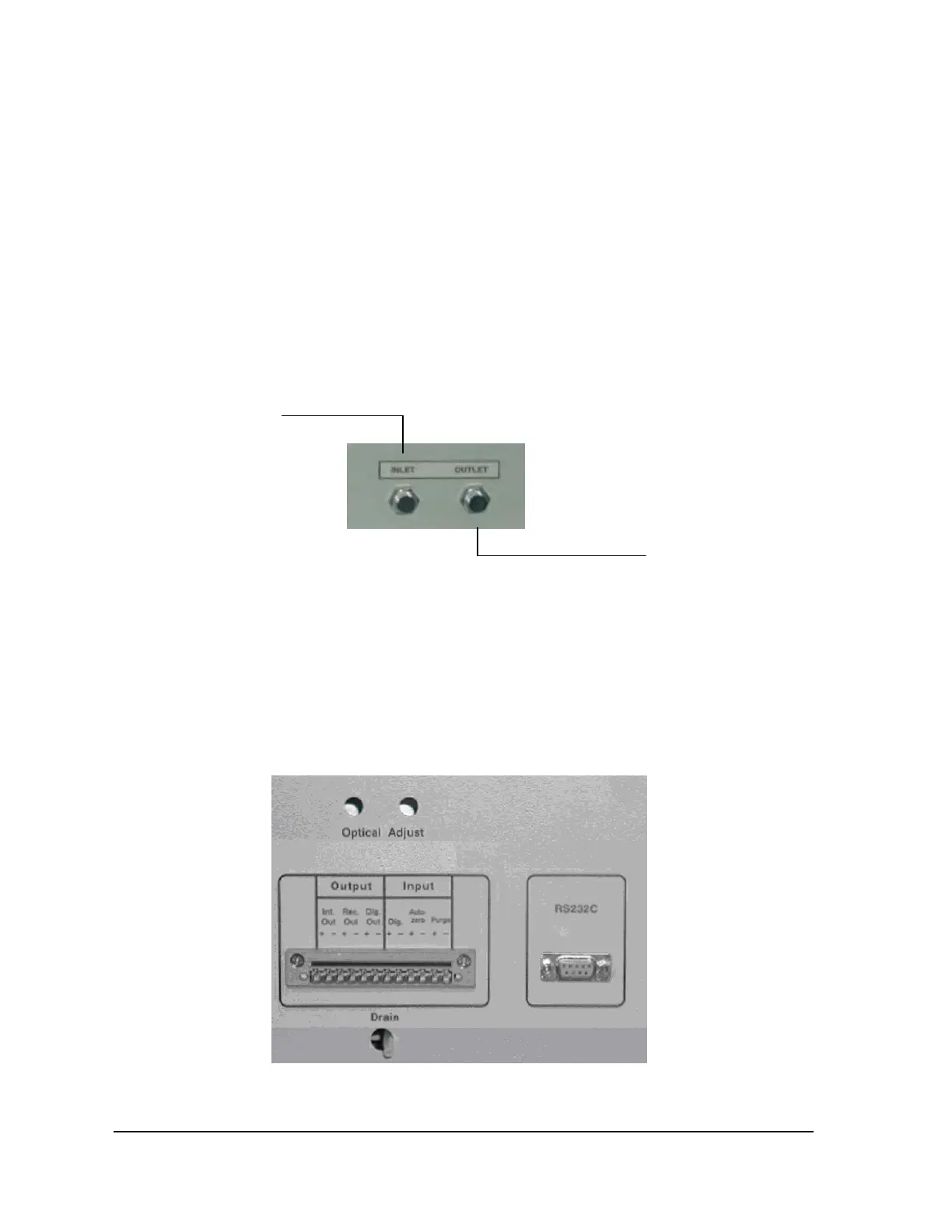
If you acquire the data with an integrator, data system or recorder, connect the signal cable, using one of
the 2pin-connectors with the analog output of YL9170 RI detector at the rear side of the detector, using
INT-Out or Rec-Out.
4


 To Next Page
 Loading...