YOMANI ML/XR
OWNER MANUAL
20 unrestricted
last updated 3 May 16 document release 2.2 ymn_installing.fm
highlighted with stripes in the illustration
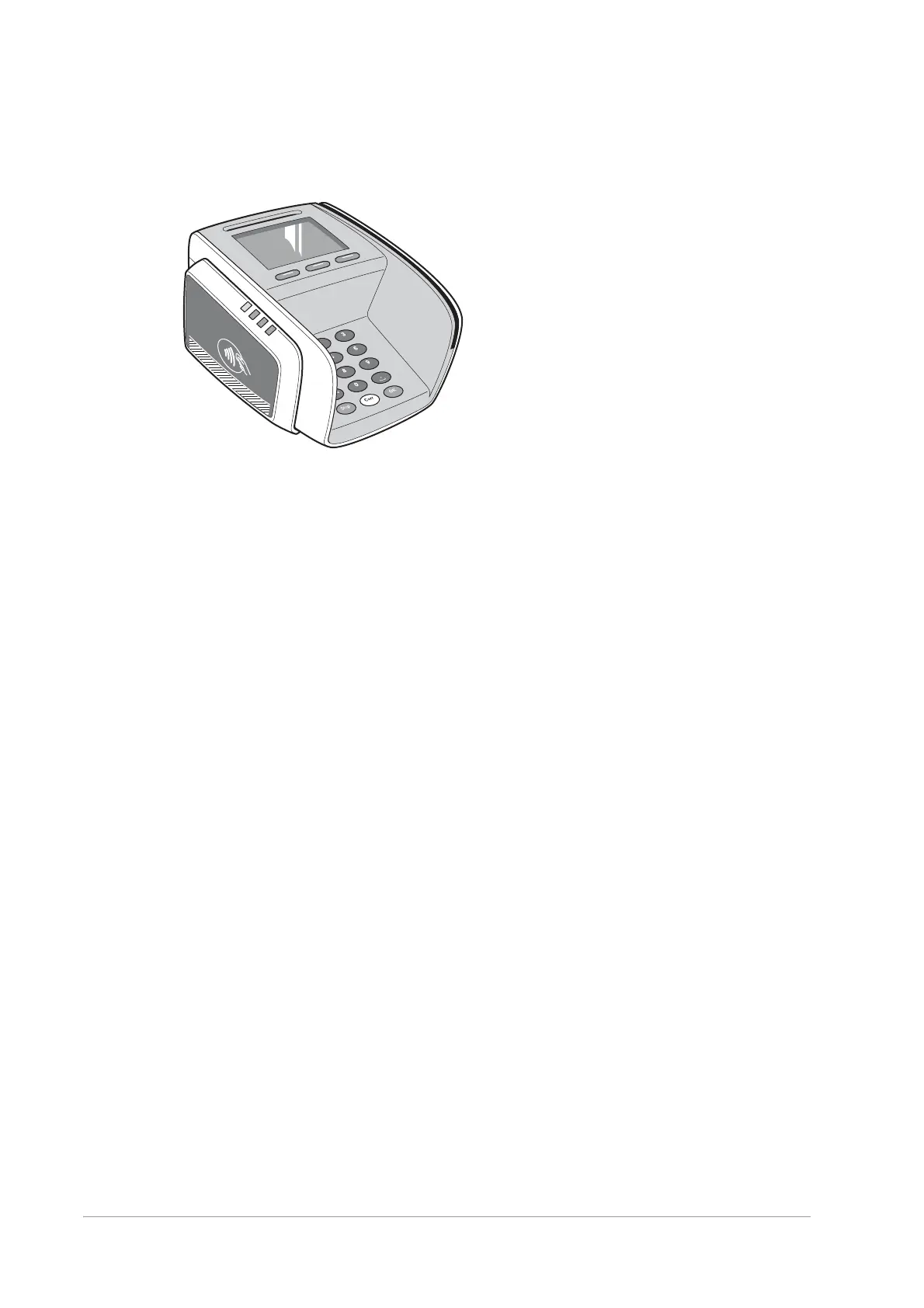
Figure 19. Sticker placement on contactless reader
• no restrictions apply to the printer, Merchant Unit, fixation plate or swivel
Preparing the YOMANI ML for operation
At this stage, you need to:
1. Install the SAM (Secure Application Module) card, if you are using one.
2. Connect all communication and power cables to the terminal.
Preparing the YOMANI XR for operation
At this stage, you need to:
1. Install the SAM (Secure Application Module) card, if you are using one.
2. Install the SIM card, if you are using 2G or 3G wireless communication
3. Connect all communication and power cables to the YOMANI.


 To Next Page