YOMANI ML/XR
OWNER MANUAL
38 unrestricted
last updated 3 May 16 document release 2.2 ymn_using.fm
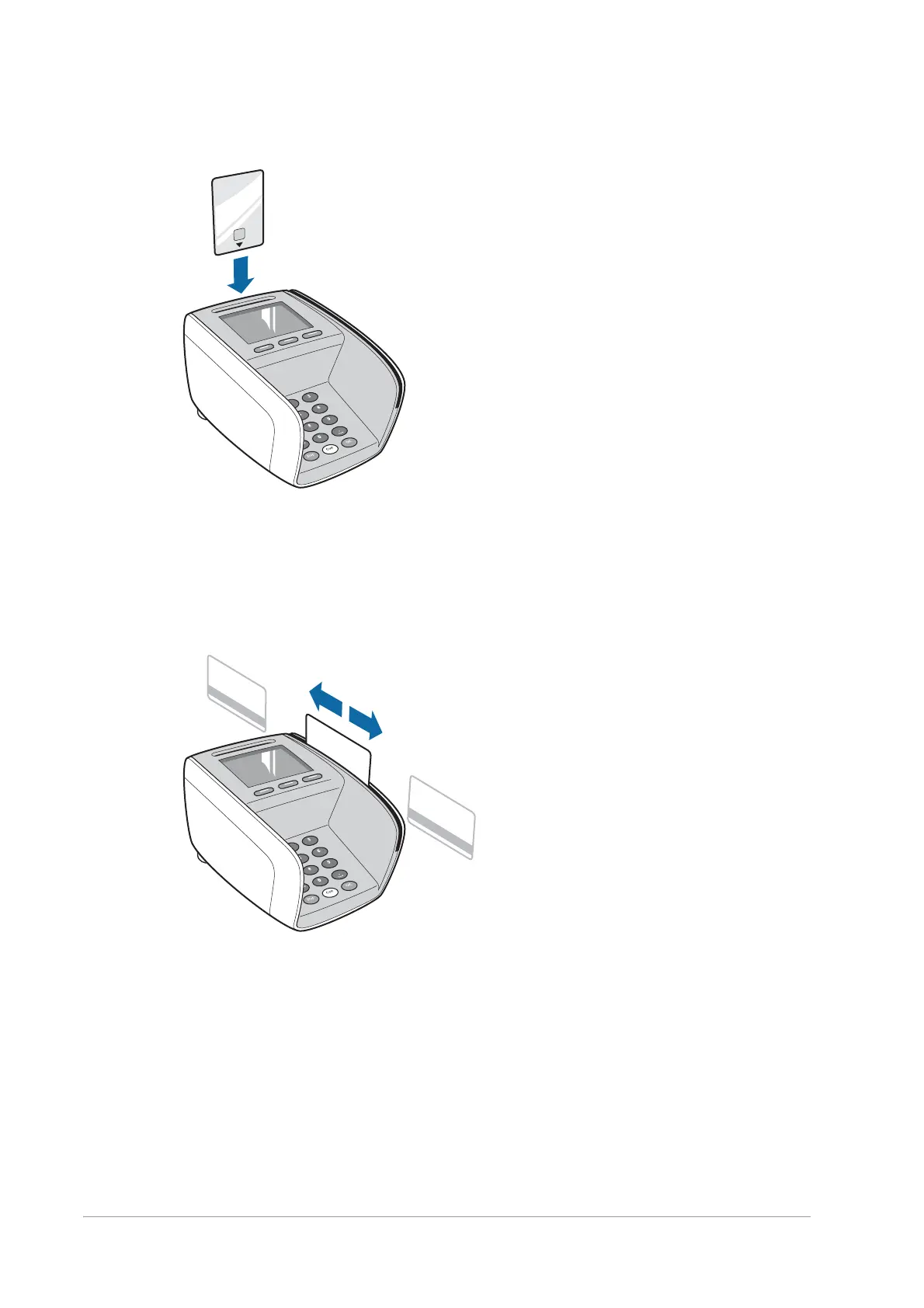
Figure 42. Inserting a chip card
Magstripe cards
Slide the card through the magstripe-card reader with the stripe facing the keypad.
You can slide the card in either direction.
Figure 43. Swiping a magstripe card
Contactless cards or devices
Contactless devices can be read up to 4cm from the landing zone.
To read a contactless card or device:
1. Wait for the reader to become active.
When the LED at the back is lit, the reader is ready to read contactless cards and
devices.


 To Next Page