11
English
Zaptec Pro
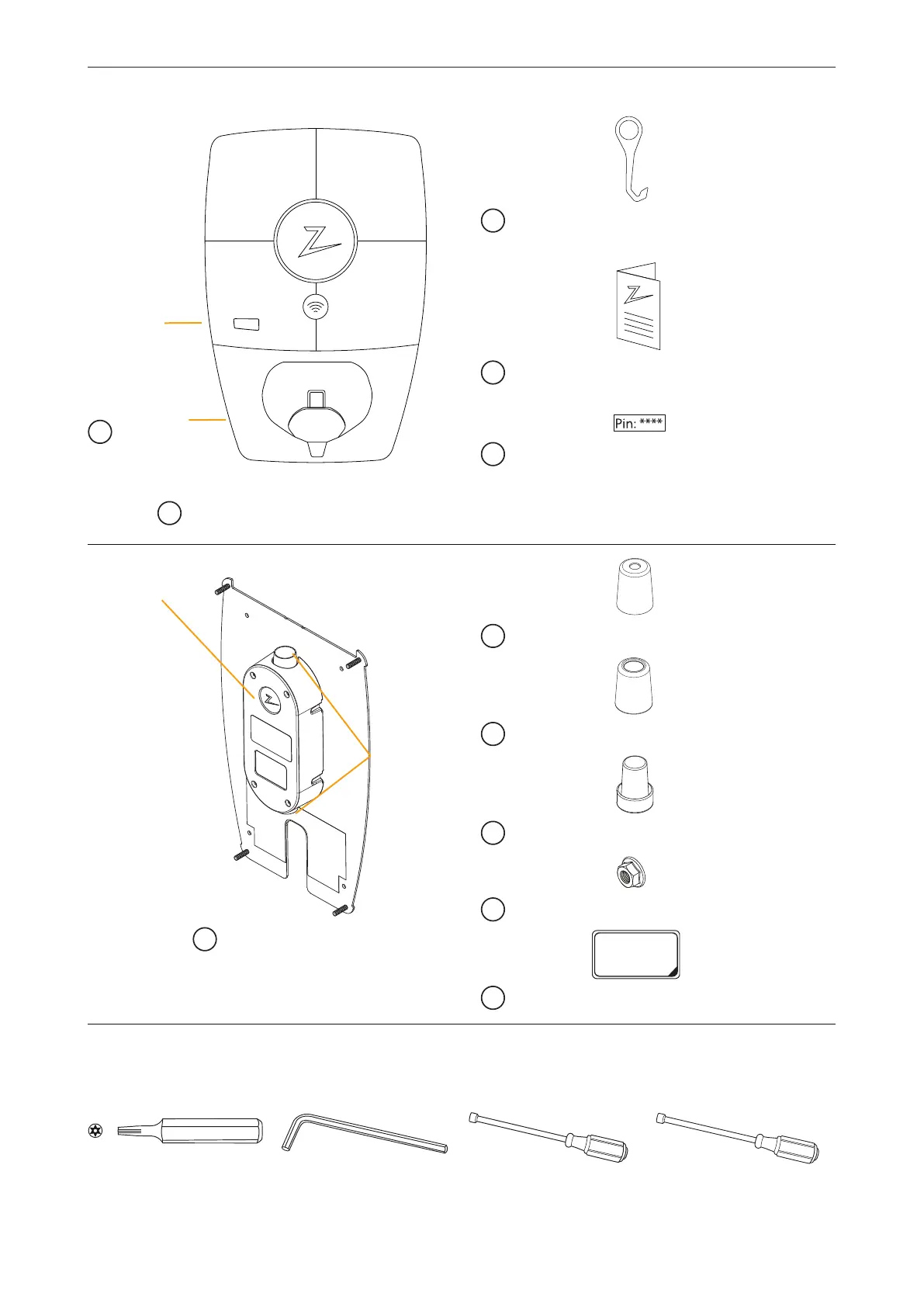
In the box
Cable entry
Supplied with the back plate
Junction box
x 1
C SmartKey Column version ZM000278
x 1
D User manual – ZM000325
x 1
E Pin
Unique PIN code to configure the device
inthe Zaptec app
Dept. Technical reference Created by Approved by
Document type Document status
Title DWG No.
Rev. Date of issue Sheet
01.08.2017
1/1
ZCS_Sealing_Cone_8mm_v1
Fredrik Ostrem
x 1
G Small cable seal (10–16mm) – ZM000180
Dept. Technical reference Created by Approved by
Document type Document status
Title DWG No.
Rev. Date of issue Sheet
01.08.2017
1/1
Untitled
Fredrik Ostrem
x 1
H Large cable seal (16–21mm) – ZM000174
Dept. Technical reference Created by Approved by
Document type Document status
Title DWG No.
Rev. Date of issue Sheet
01.08.2017
1/1
ZM000173-2
Fredrik Ostrem
x 1
I Blanking plug for cable seal – ZM000173
x 4
J Mounting nuts – ZB100049
x 1
REMOVE BEFORE
INSTALLATION
OF ZAPTEC
K Adhesive sticker to protect connections
A Front cover
– ZM000185
B Charging station –ZM000806
F Back plate with junction box
– ZM000438
Tools required for installation
x 1 x 1 x 1 x 1
T10
T10 Torx screwdriver
orbit
4 mm
4mm Unbrako
screwdriver or bit
7 mm
7 mm-long socket
spanner
8 mm
8 mm-long socket
spanner
Display
Showing
cumulative
kWh


 To Next Page