20
English
Colour Meaning
NO LIGHT
Charging station has not been activated in the Zaptec Portal, no power from the power
circuit, incorrect connection or product fault. Check the upstream circuit breaker
inthedistribution cabinet.
PURPLE
Firmware updating.
GREEN
Check that the charging cable has been inserted into the charging station correctly.
Check that the vehicle has been configured to start charging immediately.
BLUE
Communication is taking place between the charging station and the vehicle.
Check whether the vehicle is configured to start charging immediately.
RED
Flashing red light
Authentication failed – Check that the RFID tag/charging card is connected
to your user profile.
Authentication failed – Check in the Zaptec Portal that your user has access
to charge on the charging station and/or installation concerned.
Steady red light
Disconnect the charging cable. If the status indicator illuminates green, you can
connect the charging cable again. If charging does not start and the indicator
illuminates red again, there may be a charging fault on the charging cable or vehicle.
If the status indicator lamp does not turn green after the charging cable has been
disconnected, you must check the fuses as described in the chapter “Checking
thefuses in the charging station”.
If this does not help, make a note of the serial number of the charging station
and contact user support as explained in the chapter “Support and Repairs”.
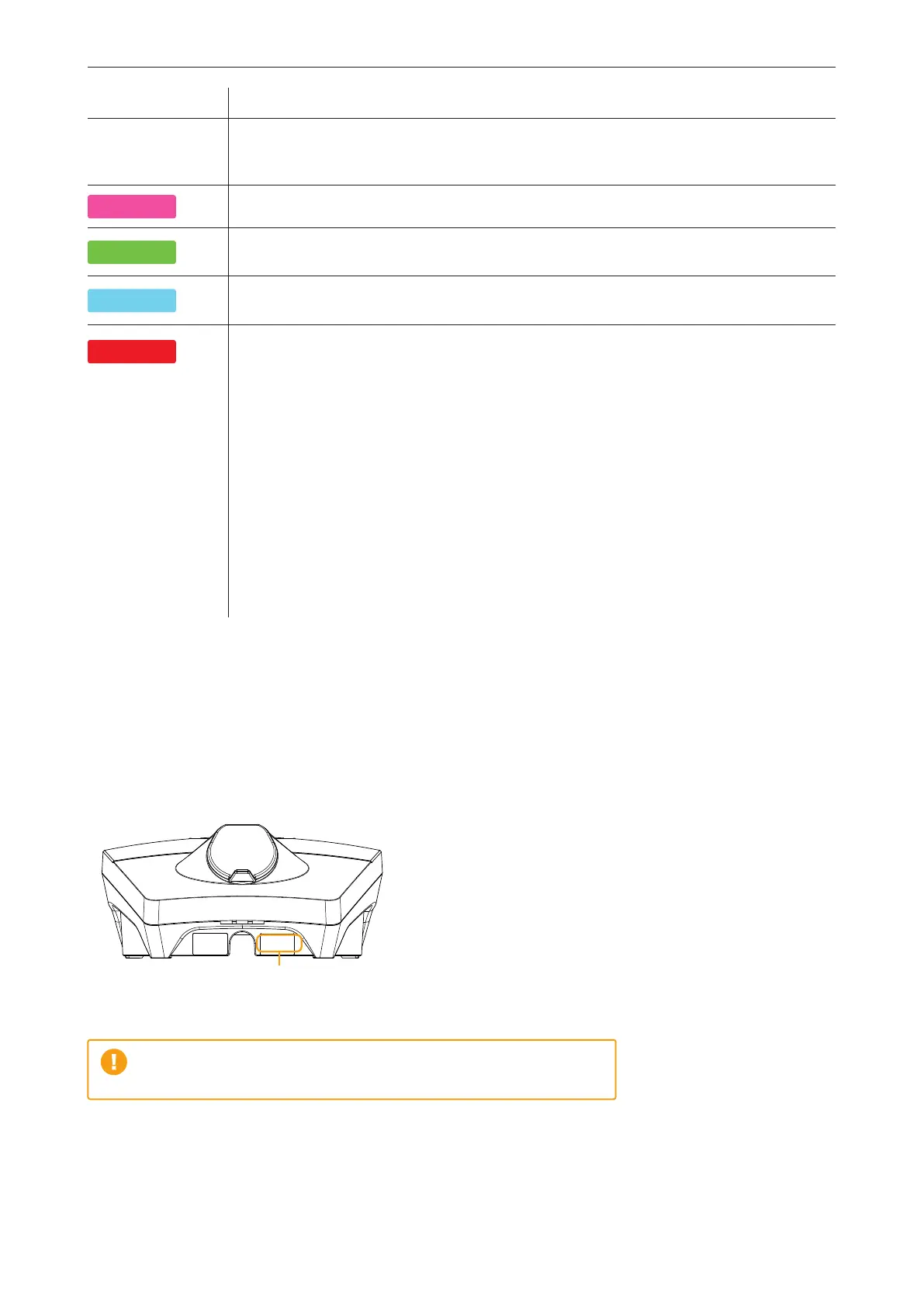
The location of the serial number is shown in the illustration.
Serial number,
e.g. ZPR123456
If the charging station has been disconnected from the power grid,
it will take two to three minutes to restart.


 To Next Page
 Loading...