NOMAD LAYOUT Left Side Panel
10
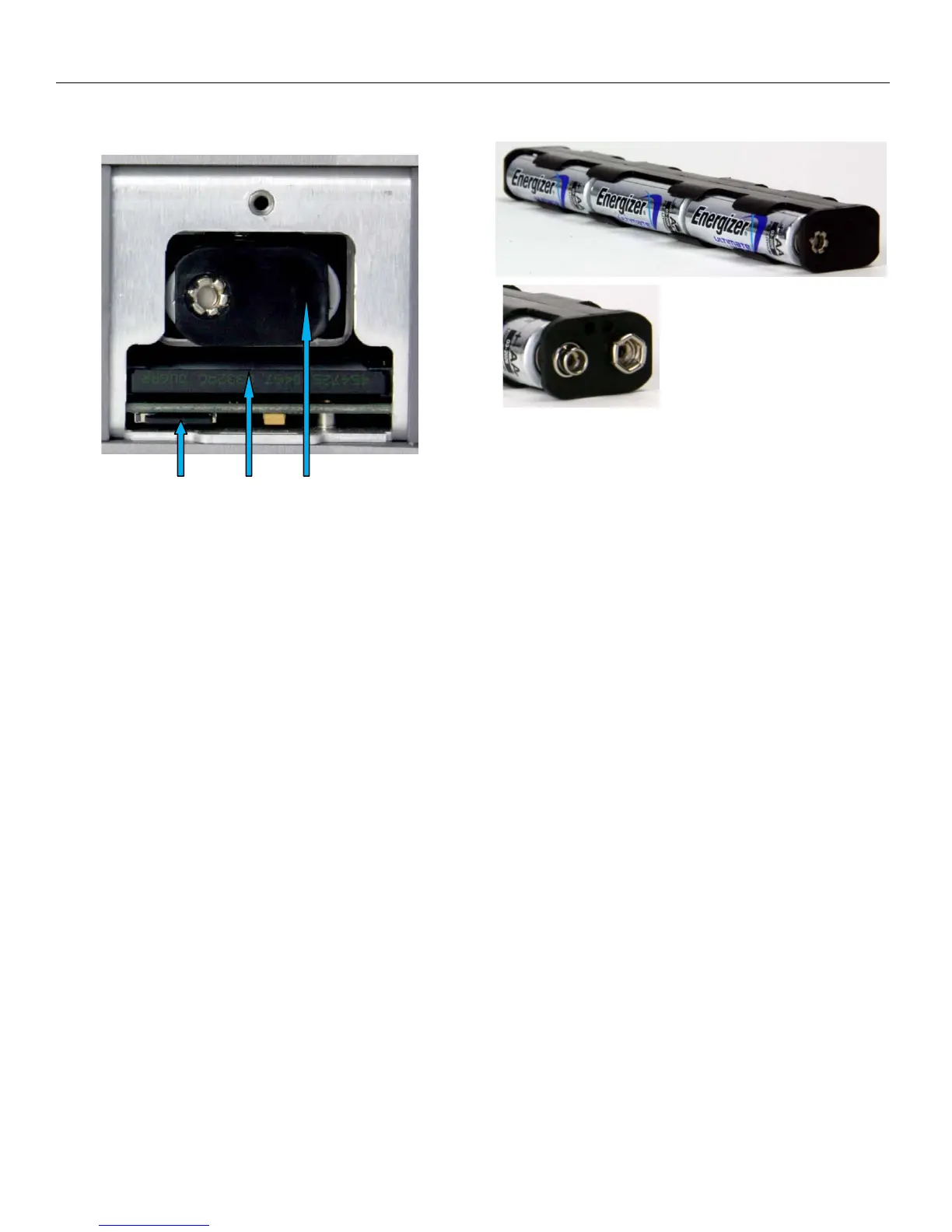
Battery Compartment Area (behind the door view)
10. Micro SD Media Slot - For factory use.
11. Compact Flash Card Primary Media Slot
12. Internal Battery Compartment
NOTE: Insert the battery carrier correctly. If you insert with the contacts reversed it will do no harm to
the unit, Nomad just won’t turn on.
Always observe the correct
battery polarity. The negative
contact on the battery is
always connected to the spring
contact in the carrier
.



 To Next Page