MAIN MENU My Nomad / Primary Card
24
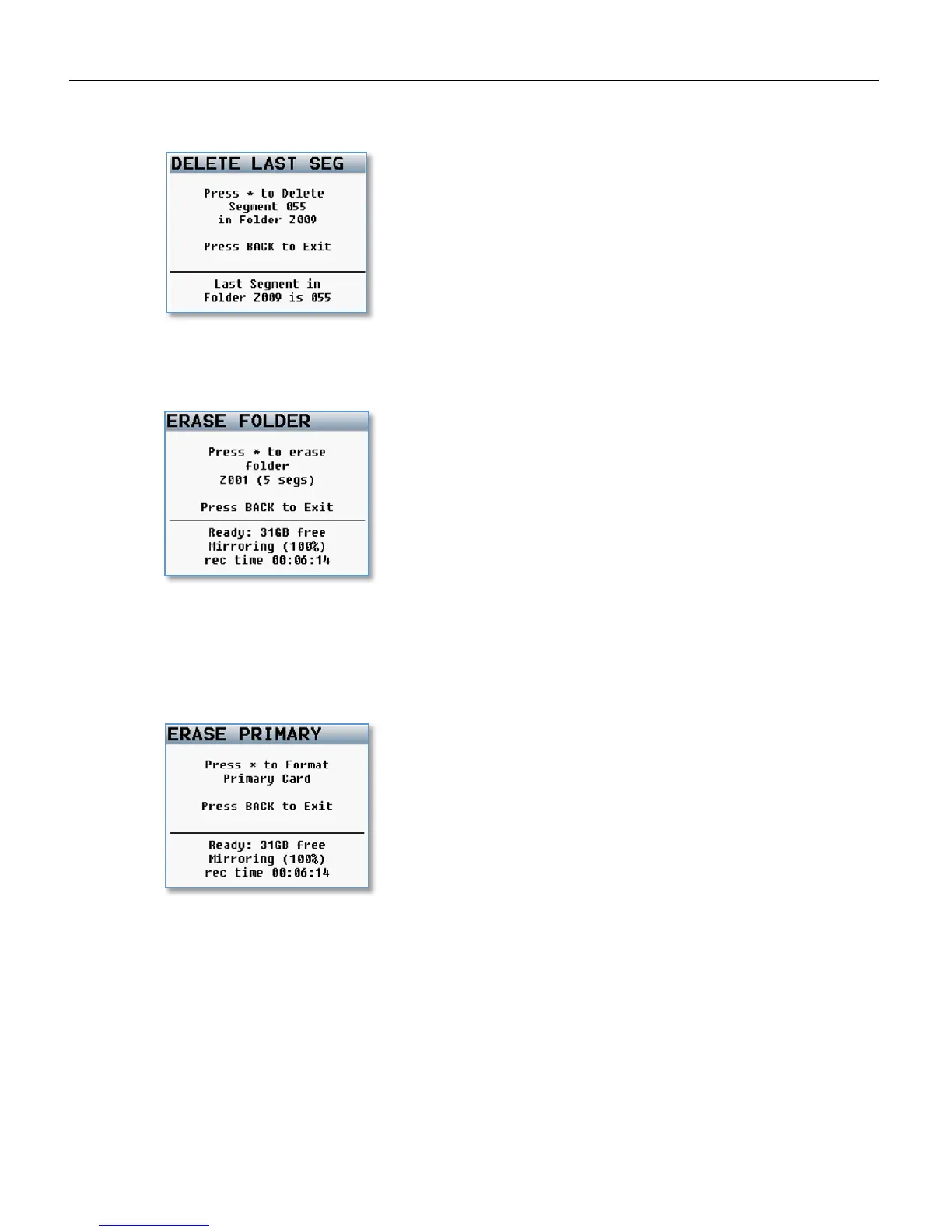
Delete Last Primary Segment
This menu allows you to delete the last recorded segment by pressing star key
Erase Current Primary Folder
This menu allows you to delete an entire folder from the compact flash card.
WARNING: If you have already mirrored a folder and do not want to erase the folder from the mirror card,
remove the mirror card before erasing. If you do not, the folder will be erased from both the primary and
mirror card.
Format Primary Card
This menu is where the primary CF card is formatted. This process will take about 4 minutes to complete.



 To Next Page