MAIN MENU Memory Menu
32
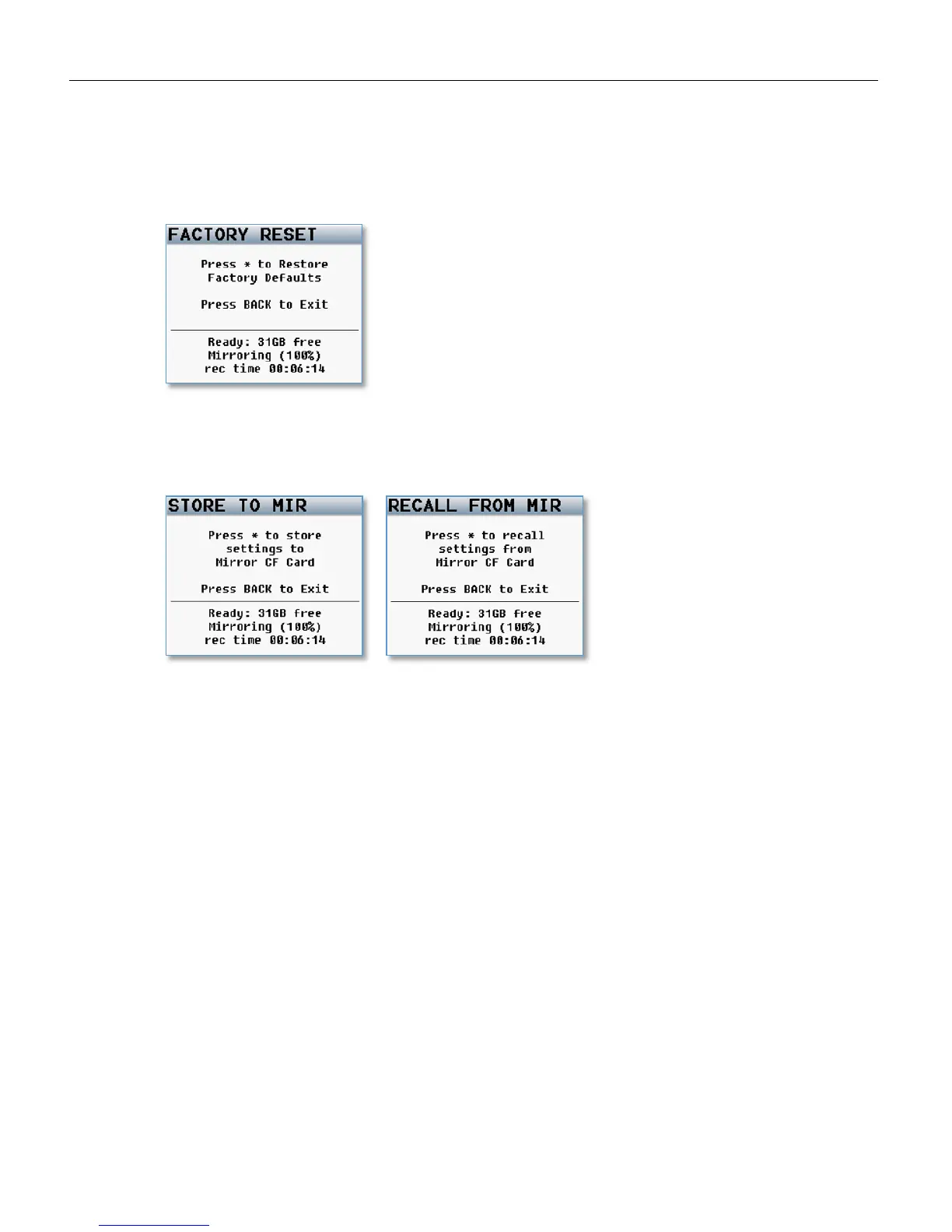
Factory Reset to Default Settings
This menu resets all the parameters back to factory default. If a factory reset is done, all of your user
setting will be lost and have to be re-input. Though a factory restore will not erase note and track presets.
To do a full restore - including note and track names - hold the stop key on boot up. It is advised to do a
factory reset when updating software or if your Nomad is exhibiting odd behavior.
Store / Recall using Mirror Card
Nomad has the option to save settings to (and restore settings from) the mirror compact flash card. This
allows settings to be exchanged between multiple Nomads.



 To Next Page