MAIN MENU ENG Setup Menu
51
Note Presets Edit
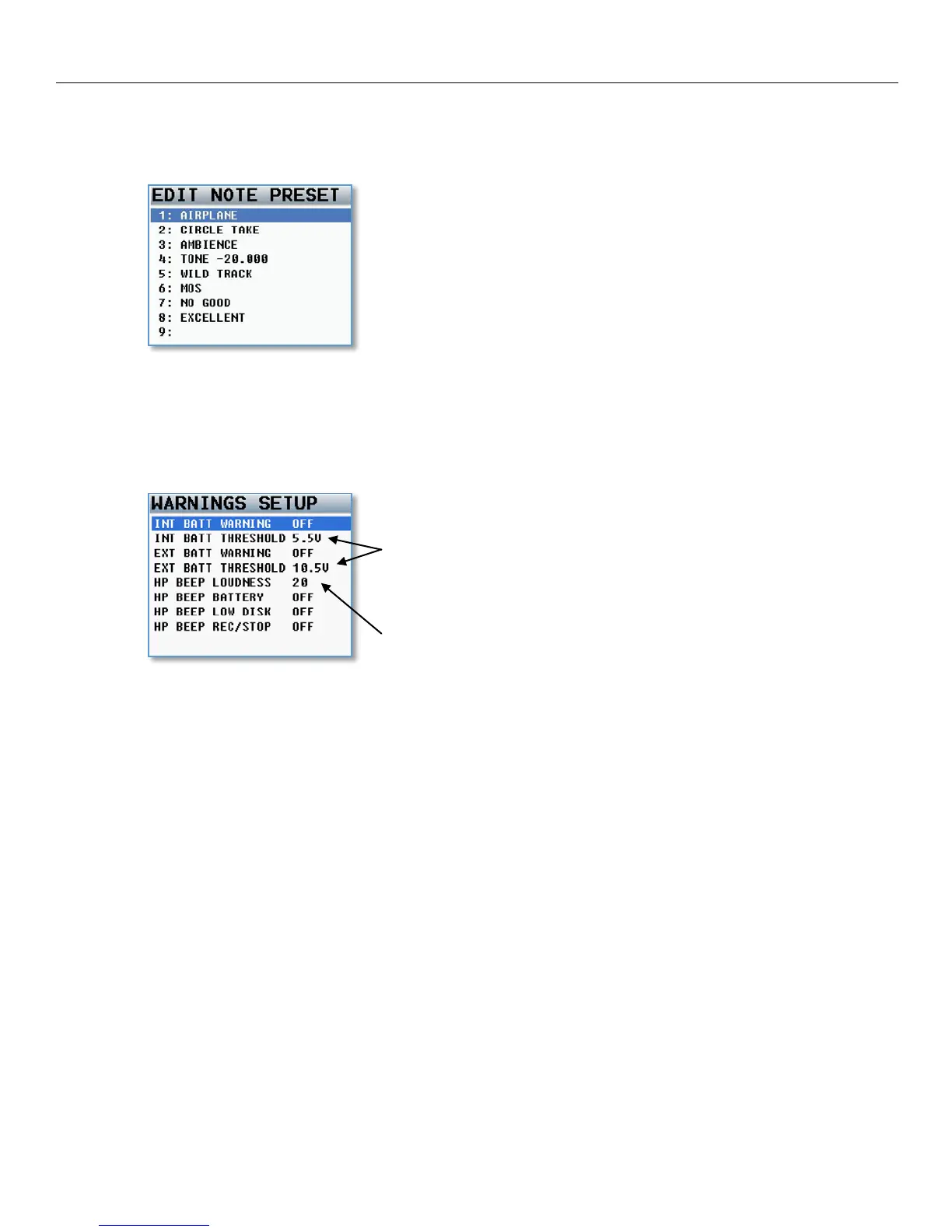
This menu allows you to create a preset list of notes. There are 20 note presets available. The existing notes
can edited and new notes names can be created. Each note can be up to 22 characters long.
Warnings Setup
The warning setup menu manages the audible alerts that are sent to the main headphones. These warnings will
also be displayed on the LCD screen. Once one of the warnings is displayed, press the headphone knob to
acknowledge and dismiss the warning.
There is a separate user adjustable
voltage cutoff for both internal and
external
battery – if you are not using
the internal battery it is recommended
to turn that warning off.
Set the volume level of the warning
beep.



 To Next Page