MAIN MENU ENG Setup Menu
49
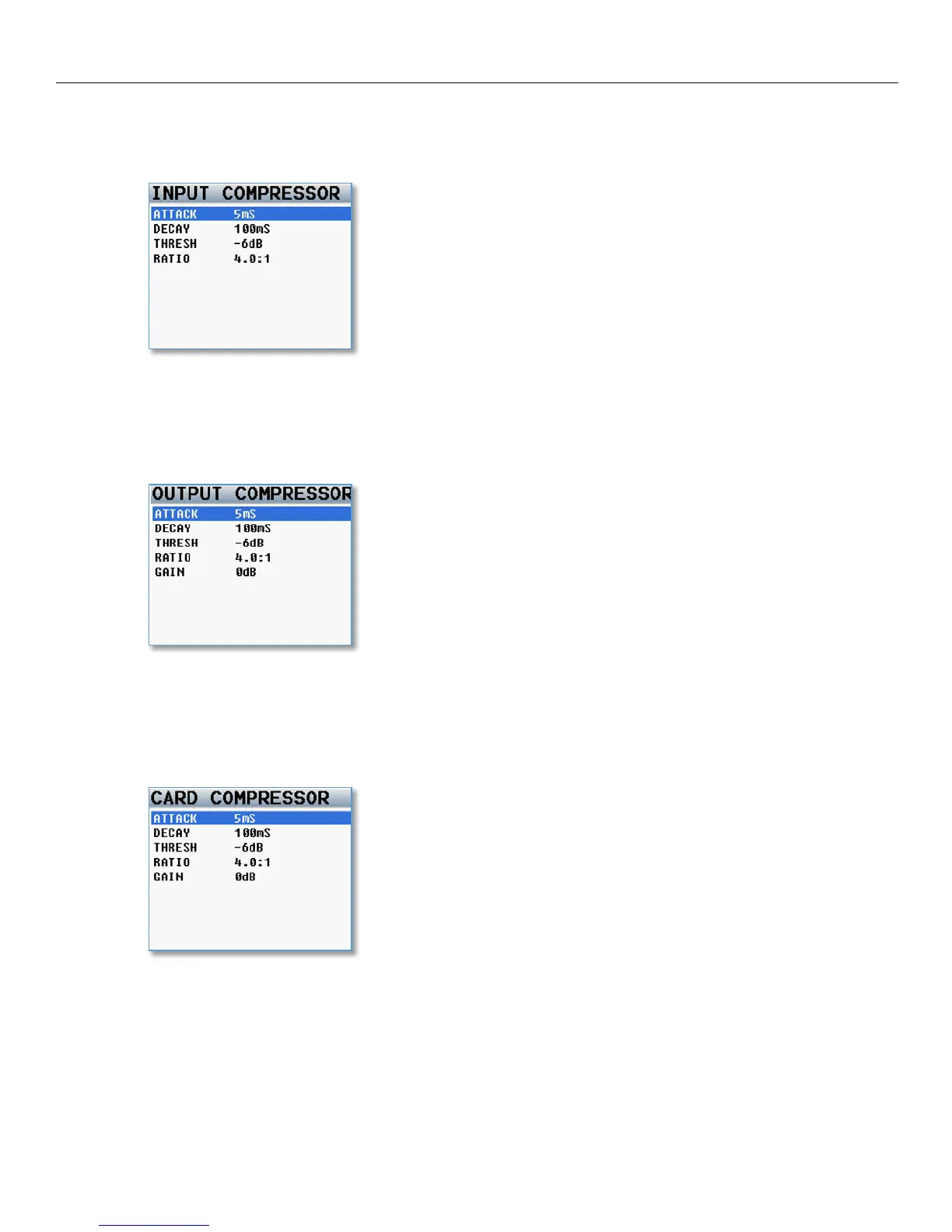
Input Compressor Parameter Adjust
This menu sets the parameters for the input compressor. The Input Compressor settings are global, meaning
that the settings adjusted here will be the same for all input Channels.
Output Compressor Parameter Adjust
This menu sets the parameters for the output compressor settings. The output compressor settings are global,
meaning that the settings adjusted here will be the same for all output busses. The parameter for the output
compressors allows you to add makeup gain.
Card Compressor Parameters
This menu sets the parameters for the card compressor settings. The card compressor settings are global,
meaning that the settings adjusted here will be the same for all card tracks. The parameter for the output
compressors allows you to add makeup gain.



 To Next Page