MAIN MENU Auto-Mixer
43
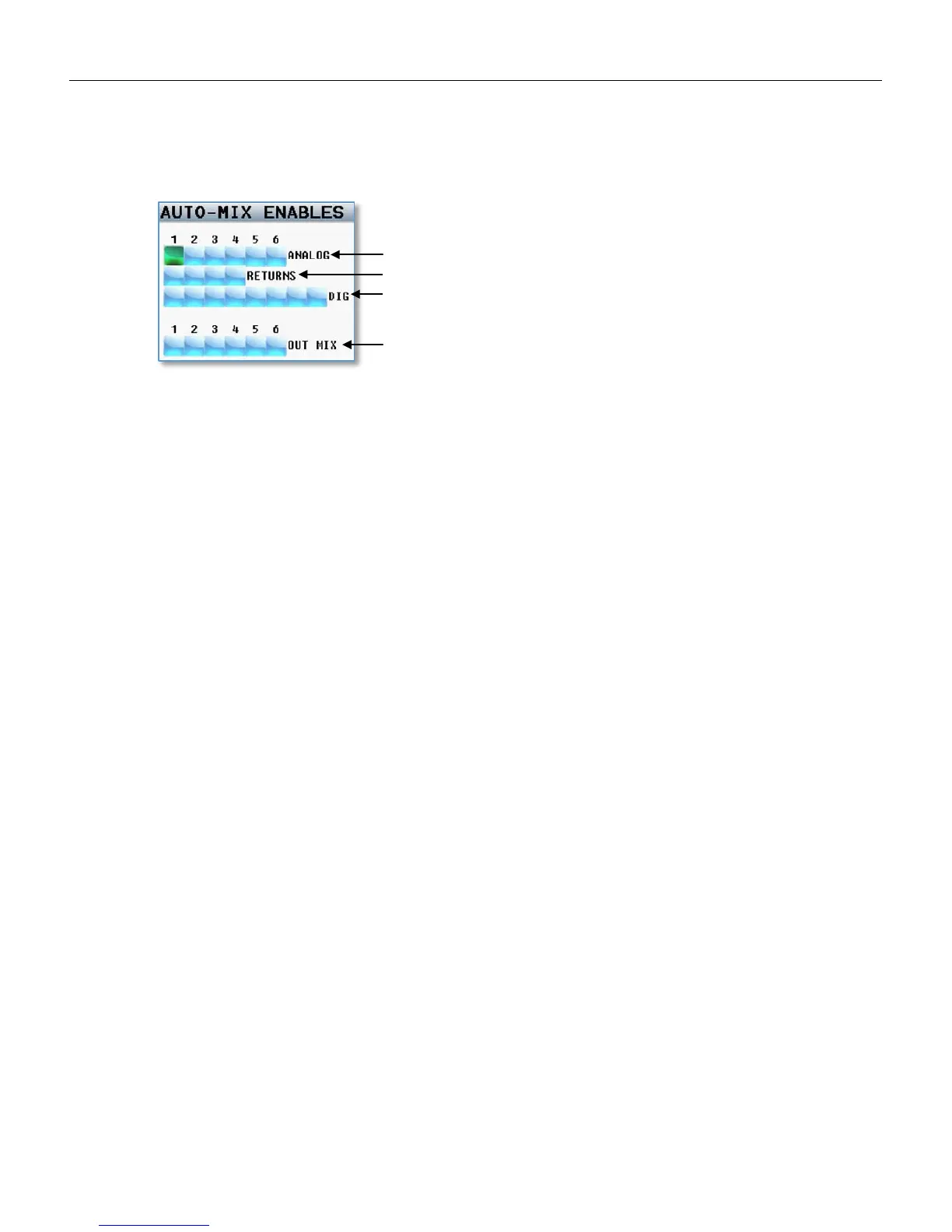
Auto-Mix Enables
The Auto-Mix enable matrix sets which inputs are included in the Auto-Mix. When an input is selected to be
included in the Auto-Mix an “A” will be displayed to the right of the input meter on the meter screen.
This matrix also lets you select which output buses the Auto-Mix will be sent to.
When assigning Auto-Mix to an output mix bus that bus should not have any thing assigned to it. If
something is assigned to an output bus with the Auto-Mixer the assigned audio will be mixed into the Auto-
Mix essentially defeating the Auto-Mixer. To verify that nothing is assigned go to the output bus assign
matrix and make sure that nothing is assigned to that bus.
Analog Inputs
Returns (analog input 7-10)
Digital Inputs
Selects which output busses the Auto-Mix
will be routed to



 To Next Page