3D Microscopy
Axiovert 100/135/135 M Eyepiece version
B 40-022-4 e 09/98 23
2.3.3 Check whether image is upright
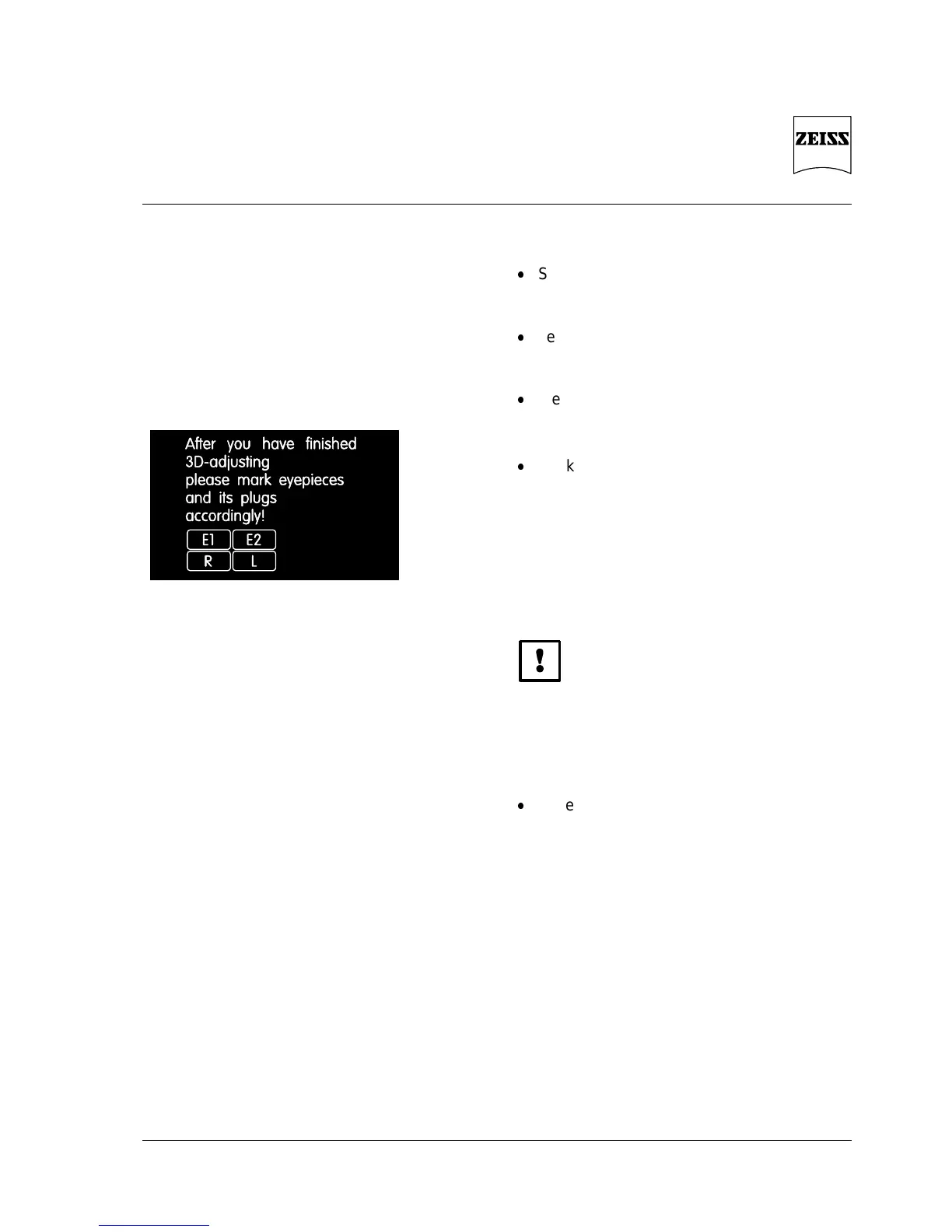
Fig. 8 Labels to mark the eyepieces
and plugs
Set the rotary switch of the 3D-CONTROL
DAS-3 to
3D VIS
Set the toggle switch of the 3D-CONTROL
DAS-3 to
STEREO
View a familiar object;
if the image is not upright, exchange the
eyepieces
Mark the eyepieces and the appropriate
plugs with the supplied labels
Fig. 8
E1 and E2 for the left and right
connection plug
L and R for the left and right
eyepiece
To avoid the cables on the eyepieces with 3D
shutter to be damaged, attach them to the rear
without any slack and fix them to the stand
using the supplied cable clamps.
Place the required object on the stage, focus
on it, set Köhler illumination and adjust
aperture diaphragm until optimum contrast
is achieved











 To Next Page