Page 2.18
Installation,
Configuration,
and
Initial
Tests
Installation of Video Card
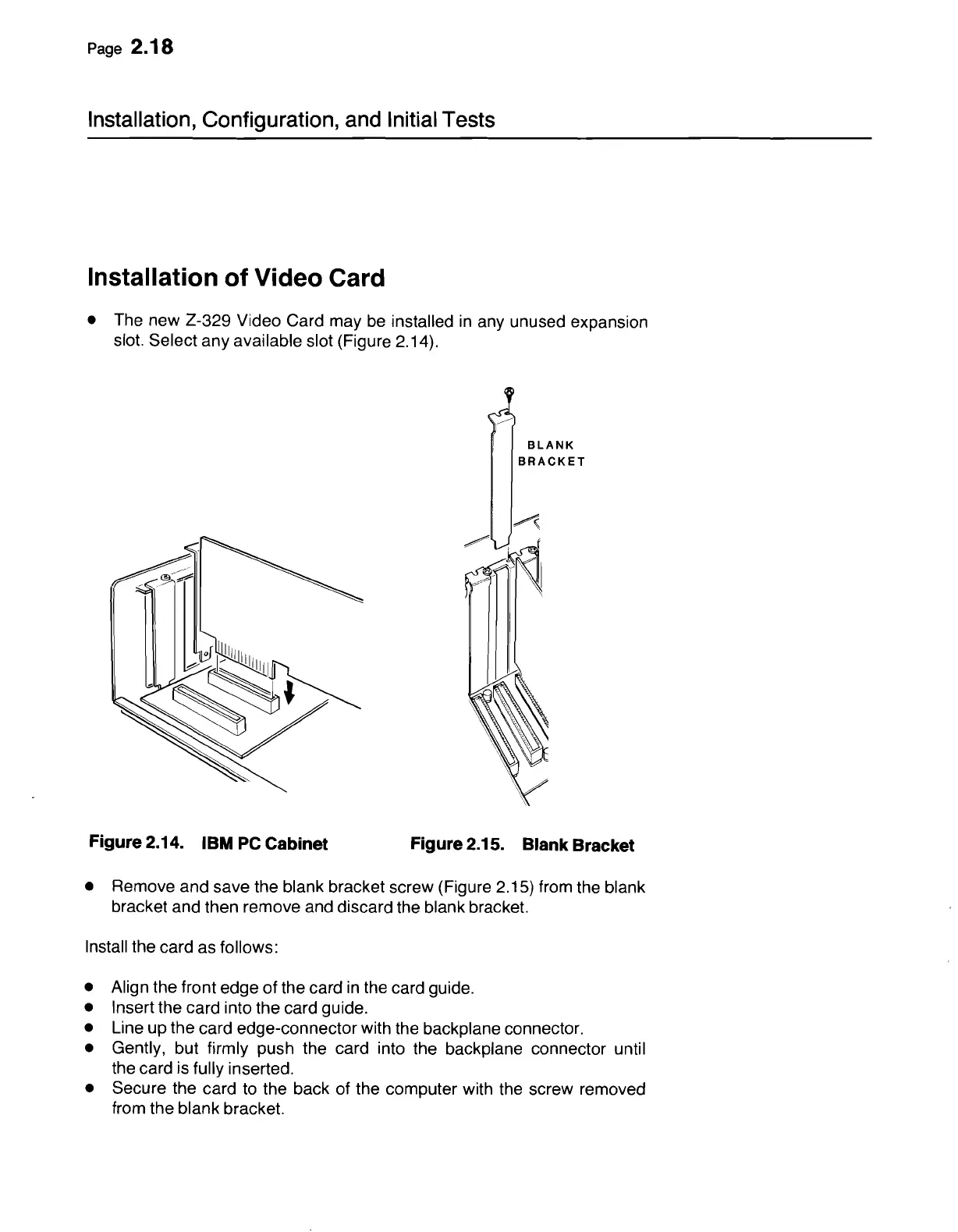
• The new 2-329 Video Card may
be
installed
in
any unused expansion
slot. Select any available slot (Figure 2.14).
BLANK
BRACKET
Figure 2.14. IBM
PC
Cabinet
~~
'\
Figure 2.15. Blank Bracket
• Remove and save the blank bracket screw (Figure 2.15) from the blank
bracket and then remove and discard the blank bracket.
Install the card as follows:
• Align the front edge of the card
in
the card guide.
• Insert the card into the card guide.
• Line up the card edge-connector with the backplane connector.
• Gently, but firmly push the card into the backplane connector until
the card is fully inserted.
• Secure the card
to
the back of the computer with the screw removed
from the blank bracket.



 To Next Page