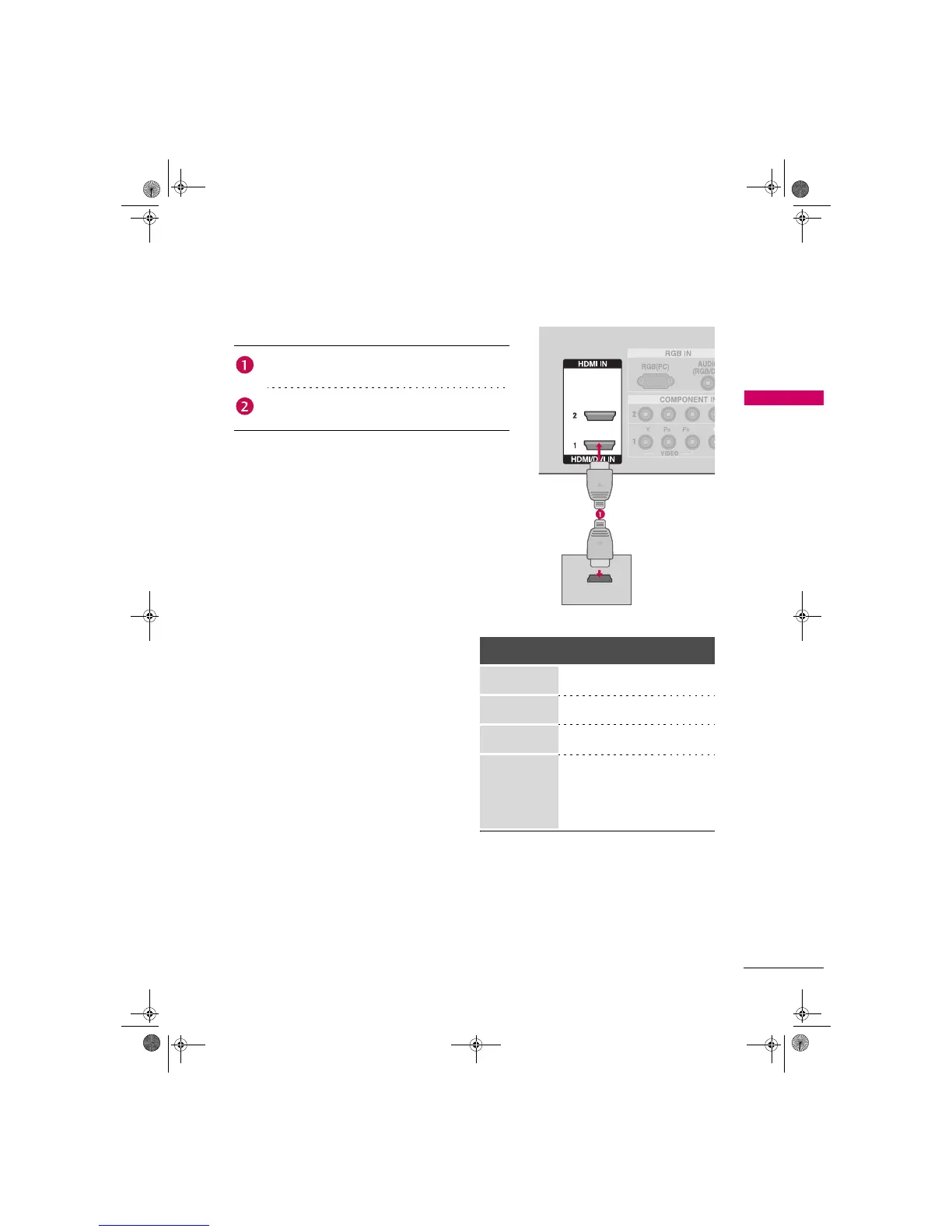
. How to connect
2. How to use
Turn on the digital set-top box.
(Refer to the owner’s manual for the digital set-top box.)
Select the HDMI1 or HDMI2 input source on the TV using
the INPUT button on the remote control.
Connect the digital set-top box to HDMI/DVI IN 1 or
HDMI IN 2 jack on the TV.
No separated audio connection is necessary.
HDMI supports both audio and video.
HDMI1/DVI-DTV, HDMI2-DTV mode
Resolution
Horizontal
Frequency (KHz)
Vertical
Frequency (Hz)
720x480p
31 . 4 7
31 . 50
59.94
60.00
1280x720p
44.96
45.00
59.94
60.00
1920x1080i
33.72
33.75
59.94
60.00
1920x1080p
26.97
27.00
33.71
33.75
67.432
67.50
23.976
24.00
29.97
30.00
59.939
60.00
HDMI-DTV OUTPUT
Zenith.book Page 17 Wednesday, April 2, 2008 11:46 AM



 To Next Page