31
WATCHING TV / CHANNEL CONTROL
THUMBSTICK
(Up/Down/Left
Right/ENTER)
Navigate the on-screen menus and adjust the system settings to your preference.
BRIGHT -/+ Adjust the brightness on screen.
TIMER Select the amount of time before your TV turns off automatically.
Xp.64
ADJUST Adjust the screen resolution, position, size and phase. Xp.27-28
PICTURE Selects the factory preset picture depend on the viewing environment.
Xp.41
SOUND Selects the factory preset sound for type of program. Xp.50
SAP Analog mode: Selects MTS sound (Mono, Stereo, or a SAP) Xp.54
DTV mode: Changes the audio language.
CC Select a closed caption.
Xp.57
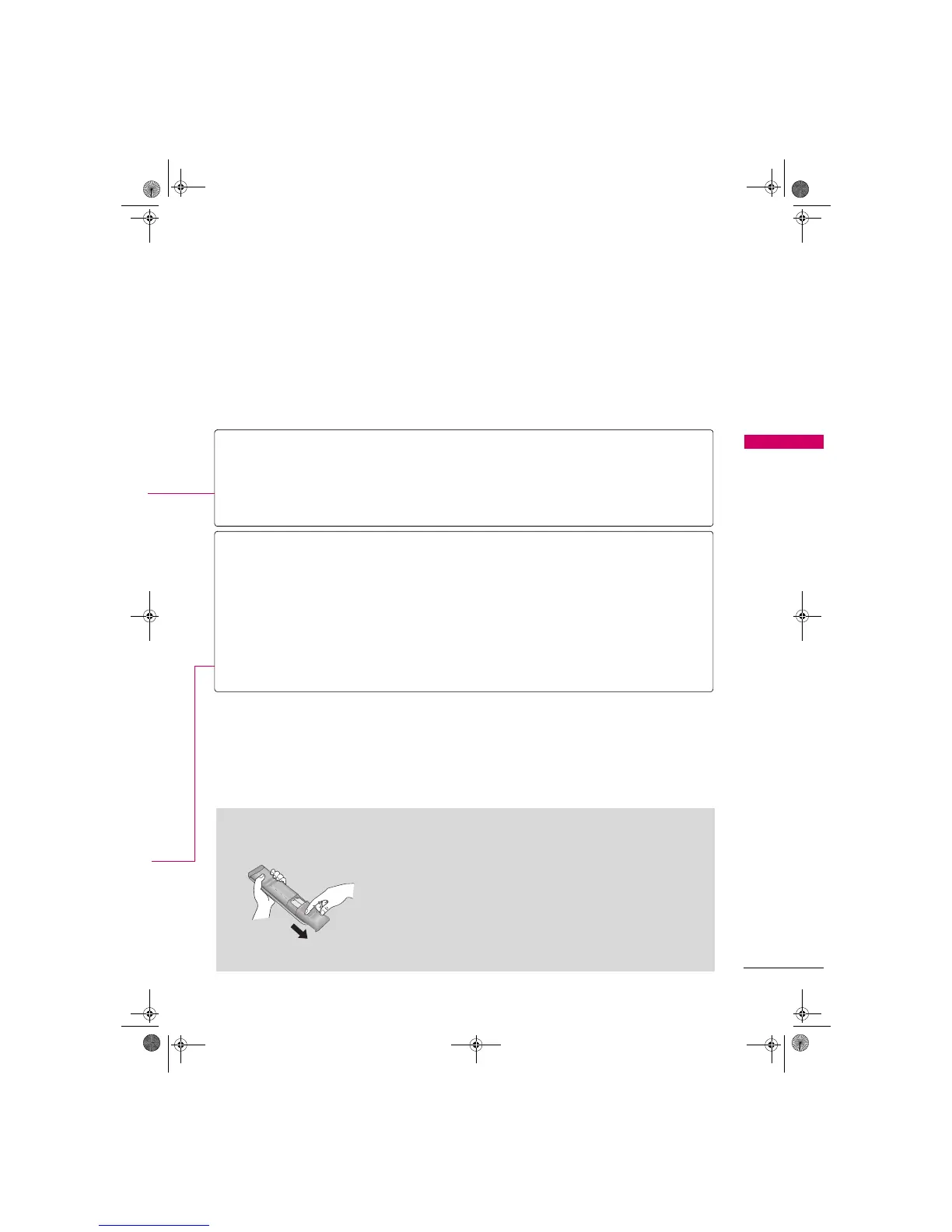
Installing Batteries
Open the battery compartment cover on the back side and install
the batteries matching correct polarity (+with +, -with -).
Install two 1.5V AAA batteries. Don’t mix old or used batteries with
new ones.
Close cover.
Zenith.book Page 31 Wednesday, April 2, 2008 11:46 AM



 To Next Page