32
WATCHING TV / CHANNEL CONTROL
WATCHING TV / CHANNEL CONTROL
TURNING ON TV
VOLUME ADJUSTMENT
Adjust the volume to suit your personal preference.
NOTE
X If you intend to be away on vacation, disconnect the power plug from the wall power outlet.
First, connect power cord correctly.
At this moment, the TV switches to standby mode.
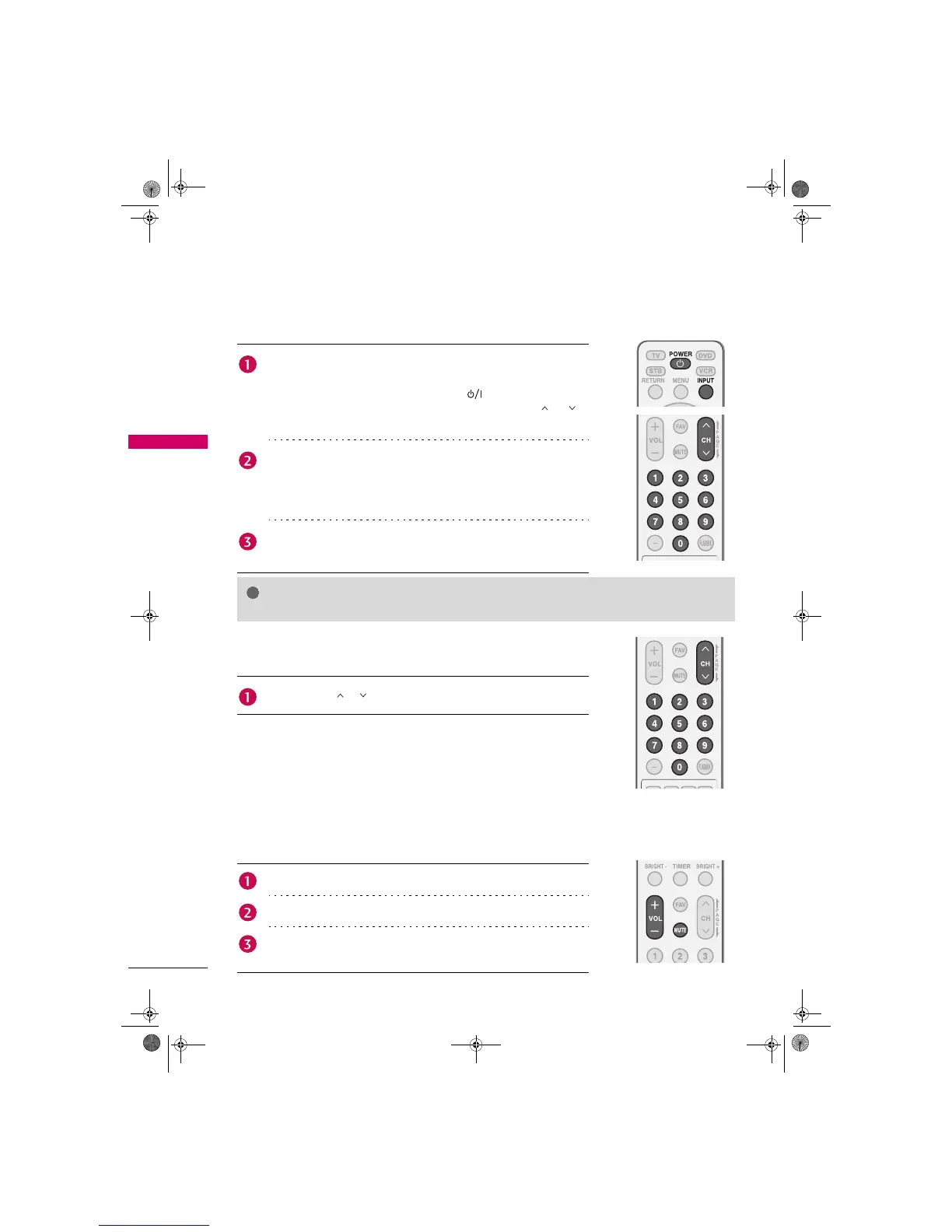
In standby mode to turn TV on, press the , INPUT, CH (S or T)
button on the TV or press the POWER, INPUT, CH ( or ),
Number (0~9) button on the remote control.
Select the viewing source by using the INPUT button on the remote
control.
This TV is programmed to remember which power state it was last set
to, even if the power cord is out.
When finished using the TV, press the POWER button on the remote
control. The TV reverts to standby mode.
CHANNEL SELECTION
Press the CH ( or ) or NUMBER buttons to select a channel number.
Press the VOL (+ or -) button to adjust the volume.
If you want to switch the sound off, press the MUTE button.
You can cancel the Mute function by pressing the MUTE or VOL (+ or -)
button.
Zenith.book Page 32 Wednesday, April 2, 2008 11:46 AM



 To Next Page