37
WATCHING TV / CHANNEL CONTROL
INPUT LIST
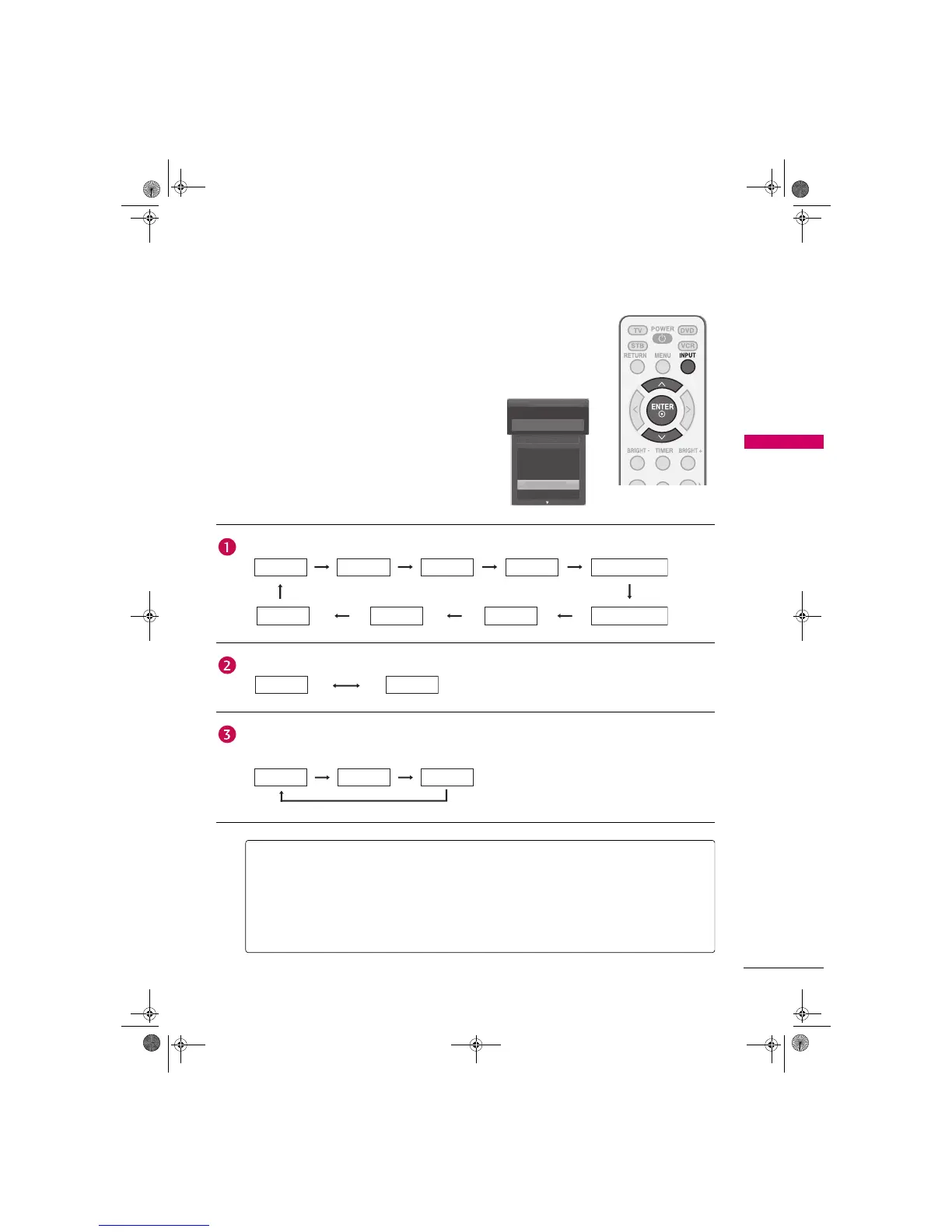
Press the INPUT button to display external device that is
connected to the unit, on screen.
Press the ENTER button to change the input to the active
external device. Use the S or T button to select the input
source.
If all external input sources are connected:
If no external input sources are not connected:
If there is any external input source connected:
(ex: When connected only to AV 2)
AV 2
Input List
Antenna
Cable
AV 1
AV 2
Component 1
Antenna Cable AV 1 AV 2 Component 1
Component 2RGB-PCHDMI1HDMI2
Antenna Cable
Antenna Cable AV 2
Antenna: Select it to watch over-the-air broadcasts.
Cable: Select it to watch cable and digital cable.
AV 1-2: Select them to watch a VCR or other external equipment.
Component 1-2: Select them to watch DVD or a Digital set-top box.
RGB-PC: Select it to view PC input.
HDMI1-2: Select them to watch high definition devices.
Zenith.book Page 37 Wednesday, April 2, 2008 11:46 AM



 To Next Page