33
WATCHING TV / CHANNEL CONTROL
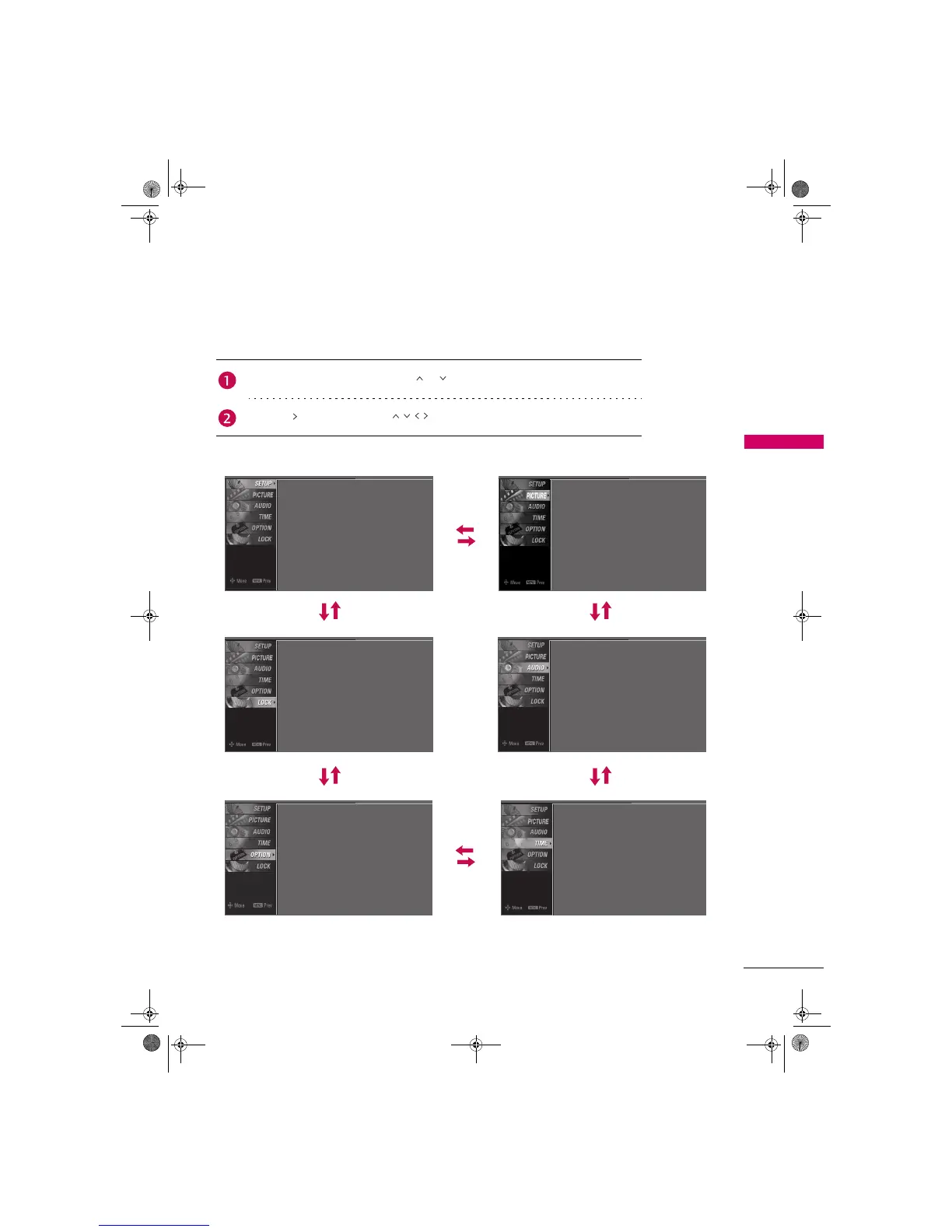
ON-SCREEN MENUS SELECTION
Your TV's OSD (On Screen Display) may differ slightly from what is shown in this manual.
Press the MENU button and then use or button to select each menu.
Press the button and then use button to display the available menus.
SETUP PICTURE
LOCK AUDIO
OPTION TIME
Language
Input Label
Key Lock
Caption
Set ID
: English
: Off
: Off
: 1
Screen
Picture Mode
Color Temperature
DB
Advanced
Aspect Ratio
Picture Reset
: User1
: Cool
: 16:9
Auto Tuning
Manual Tuning
Channel Edit
Lock System
Set Password
Block Channel
Movie Rating
TV Rating-Children
: Off
TV Rating-General
Downloadable Rating
Input Block
Sound Mode
Auto Volume
Balance
TV Speaker
: Standard
: On
: 0
: On
Clock
Off Time
On Time
Sleep Time
Auto Sleep
: Oct 19, 2006, 03:44 AM
: Off
: Off
: Off
: Off
Zenith.book Page 33 Wednesday, April 2, 2008 11:46 AM



 To Next Page