25
EXTERNAL EQUIPMENT SETUP
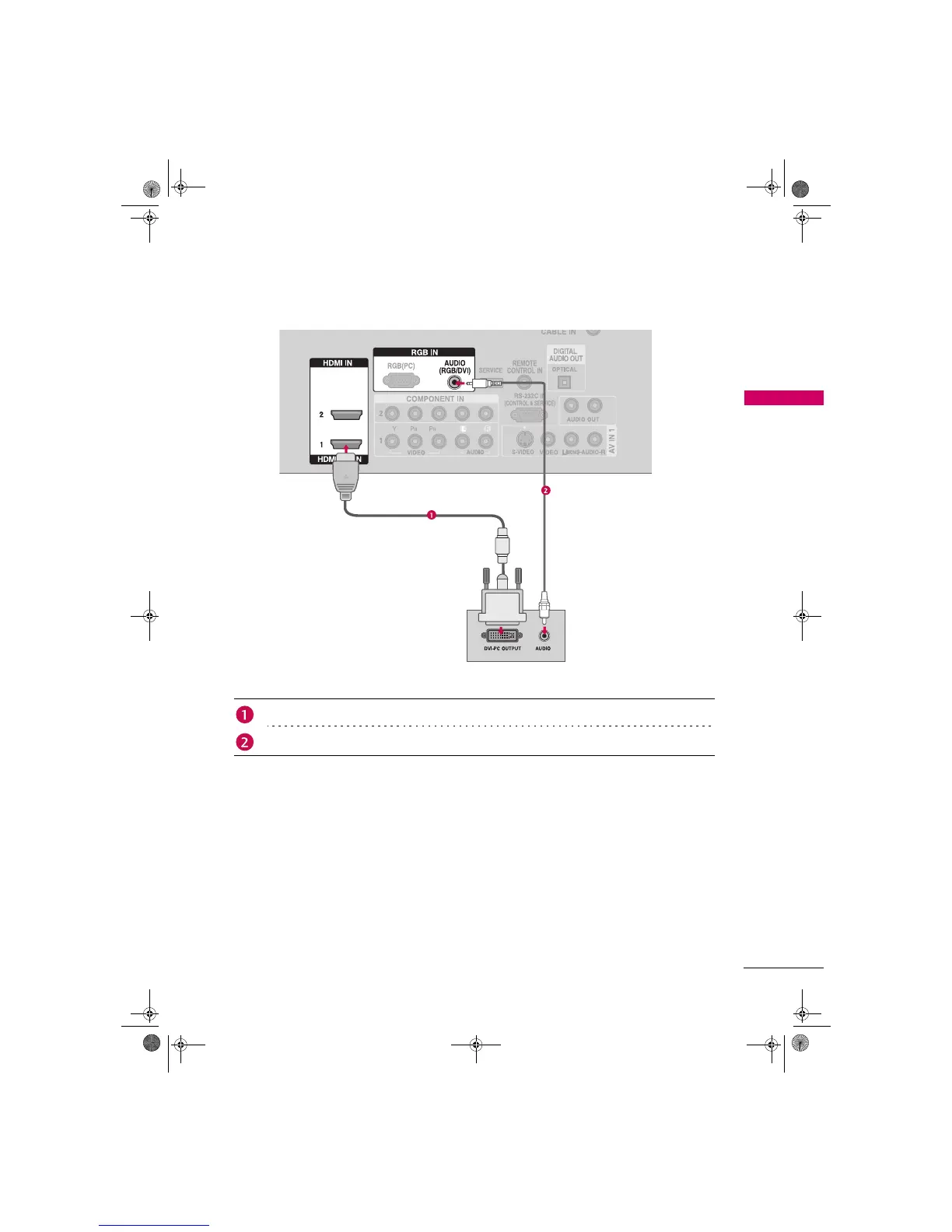
DVI to HDMI Connection
1. How to connect
2. How to use
Turn on t h e P C a n d t h e T V.
Select the HDMI1 input source on the TV using the INPUT button on the remote control.
Connect the DVI output of the PC to the HDMI/DVI IN 1 jack on the TV.
Connect the PC audio output to the AUDIO (RGB/DVI) jack on the TV.
Zenith.book Page 25 Wednesday, April 2, 2008 11:46 AM



 To Next Page