28
EXTERNAL EQUIPMENT SETUP
EXTERNAL EQUIPMENT SETUP
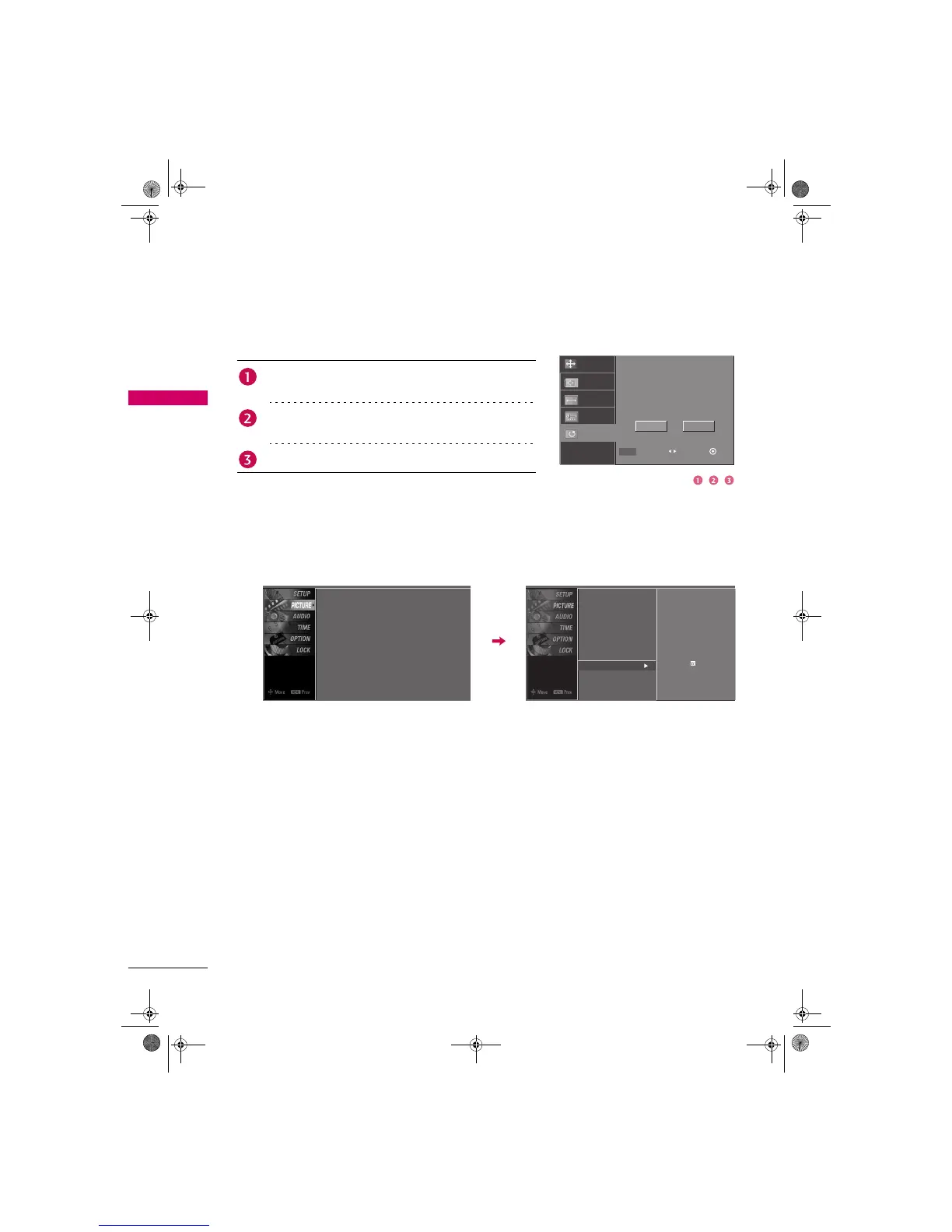
Initializing (Reset to original factory values)
To initialize the adjusted values.
You can also use the PICTURE menu to adjust Screen.
Press the ADJUST button and then use S or T button to
select Reset.
Press the ENTER button and then use W or X button to
select Ye s.
Press the ENTER button.
Position
Resolution
Size
Phase
Reset
Initialize Settings.
MENU Prev Select Ok
Yes No
Screen
Picture Mode
Color Temperature
DB
Advanced
Aspect Ratio
Picture Reset
: User1
: Cool
: 16:9
Screen
Picture Mode
Color Temperature
DB
Advanced
Aspect Ratio
Picture Reset
Selection (
X
or ) leads you to the
screen adjustment menu.
Zenith.book Page 28 Wednesday, April 2, 2008 11:46 AM



 To Next Page