1-6
DVD UPGRADE INSTRUCTION
FORMAT NO 1
1. Press POWER KEY to turn on.
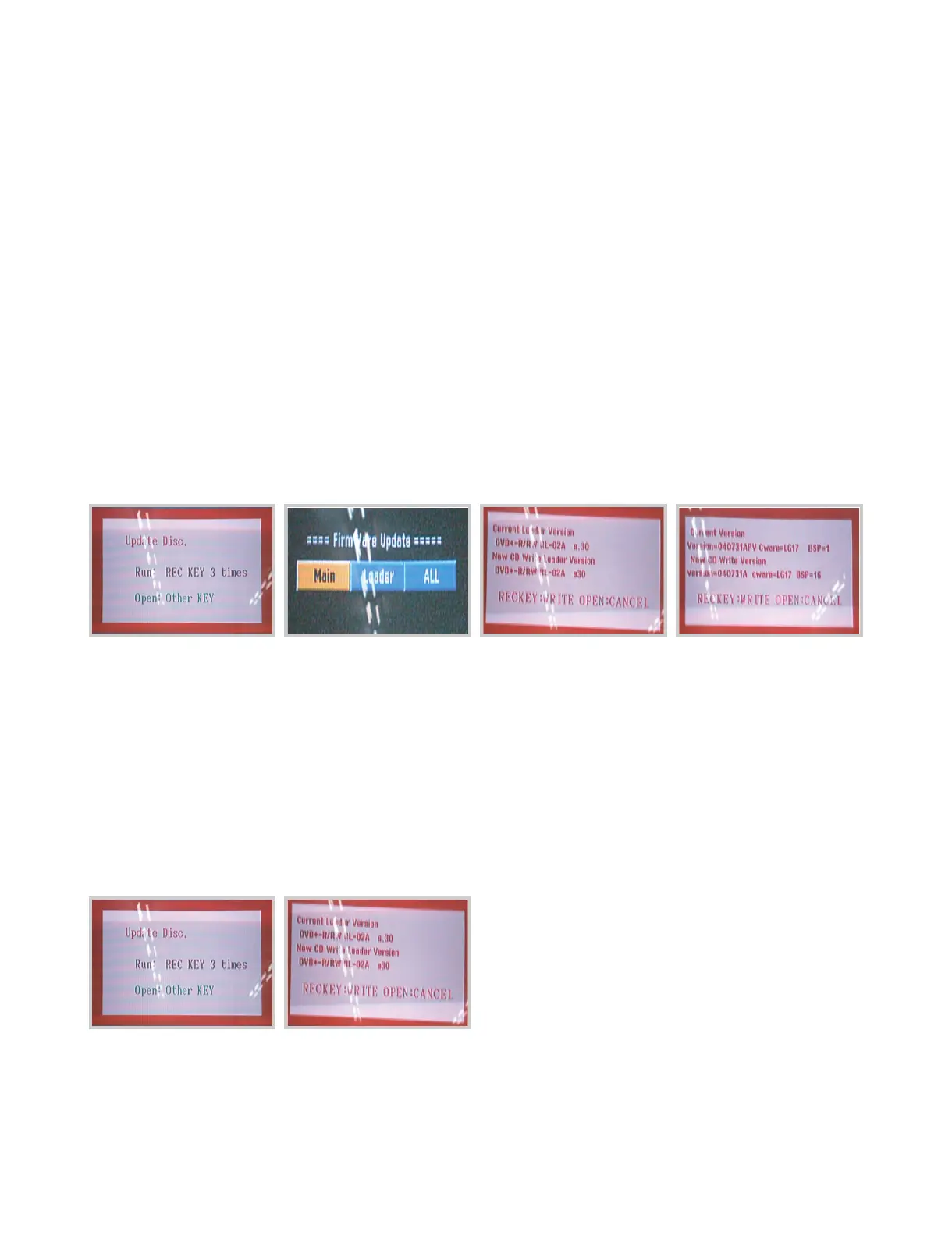
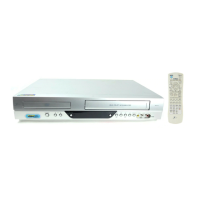
2. After booting, insert the upgrade disc, and you will see massage like [FIGURE 1]
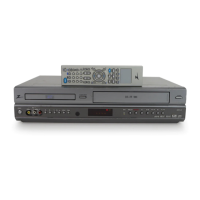
3. Press “REC” key (front or remote) 3 times and you will see as [FIGURE 2] with remote Chose one of them
then Press enter
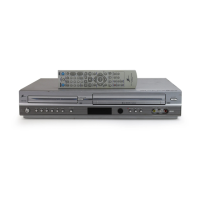
4. For update both of them [MAIN & LOADER] we chose “ALL” and first you will see [FIGURE 3] DVD update
→ Check the “Current Version” and “ New CD Write Version” and press “REC” key.
5. The DVD update will be on progress.And when finish update MAIN Version it’s automatically continue to
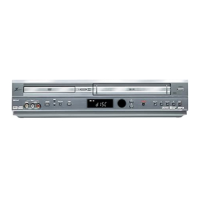
Update Loader Version and You will see [FIGURE 4]
→ Check the “Current Version” and “New CD Write Version “ and Press “REC” key once more
6. The LOADER update will be on progress. And tray will open.
7. Remove the disc and wait until finish
8. The tray will be close and open automatically after completing “UNDER UPDATE” 100%
9. Turn off the unit
10. Turn on again the unit is operation with new software
FORMAT NO 2
1. Press POWER KEY to turn on.
2. After booting, insert the upgrade disc, and you will see massage like [FIGURE 1]
3. Press “REC” key (front or remote) 3 times
4. The DVD update will be on progress.
→ Check the “Current Version” and “New CD Write Version “ and Press “REC” key once more
5. The tray will be open automatically after completing “UNDER UPDATE” 100%
6. Remove the disc andTurn off the unit
7. Turn on again the unit is operation with new software
[FIGURE 1] [FIGURE 2] [FIGURE 3] [FIGURE 4]
[FIGURE 1] [FIGURE 2]




 To Next Page