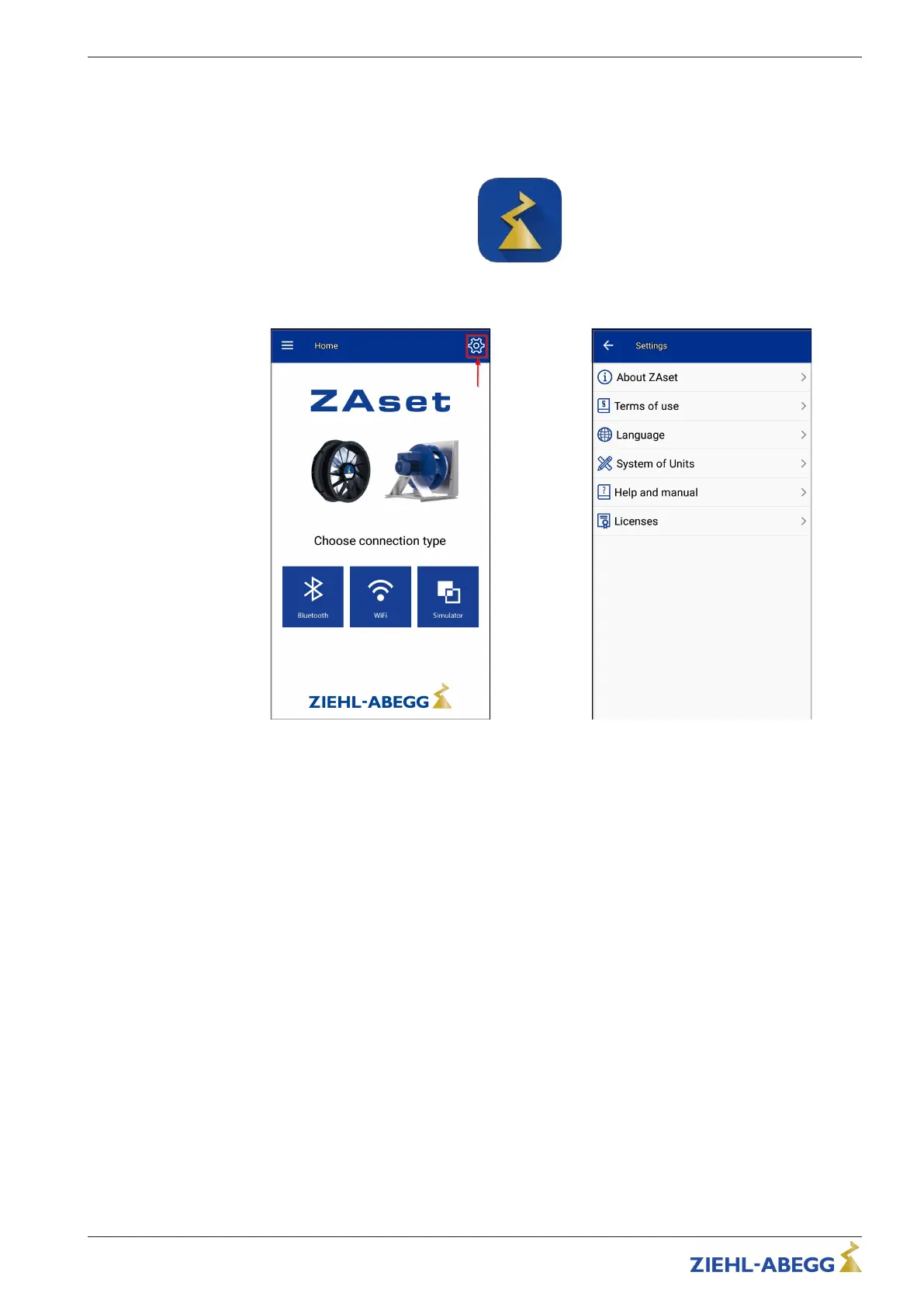
7.4 Establishing the Bluetooth connection
Proceed as follows:
1. Depending on your device, download and install the "ZAset Mobile" app from Google Play Store
or Apple App Store.
2. Start the app and, if necessary, open the Settings area with the gear wheel symbol.
3. Switch on the line voltage to the fan/frequency converter in compliance with the safety instruc-
tions.
4. Activate the Bluetooth connection on the mobile device (smartphone). Additionally allow location
determination in Android.
Quick Start Guide ECblue BASIC-MODBUS, ECblue BASIC AM-STICK-WB
L-BAL-F078-GB 2024 Index 005 Part.-No. 00706648-GB
21/32







 To Next Page