1 Main Windows
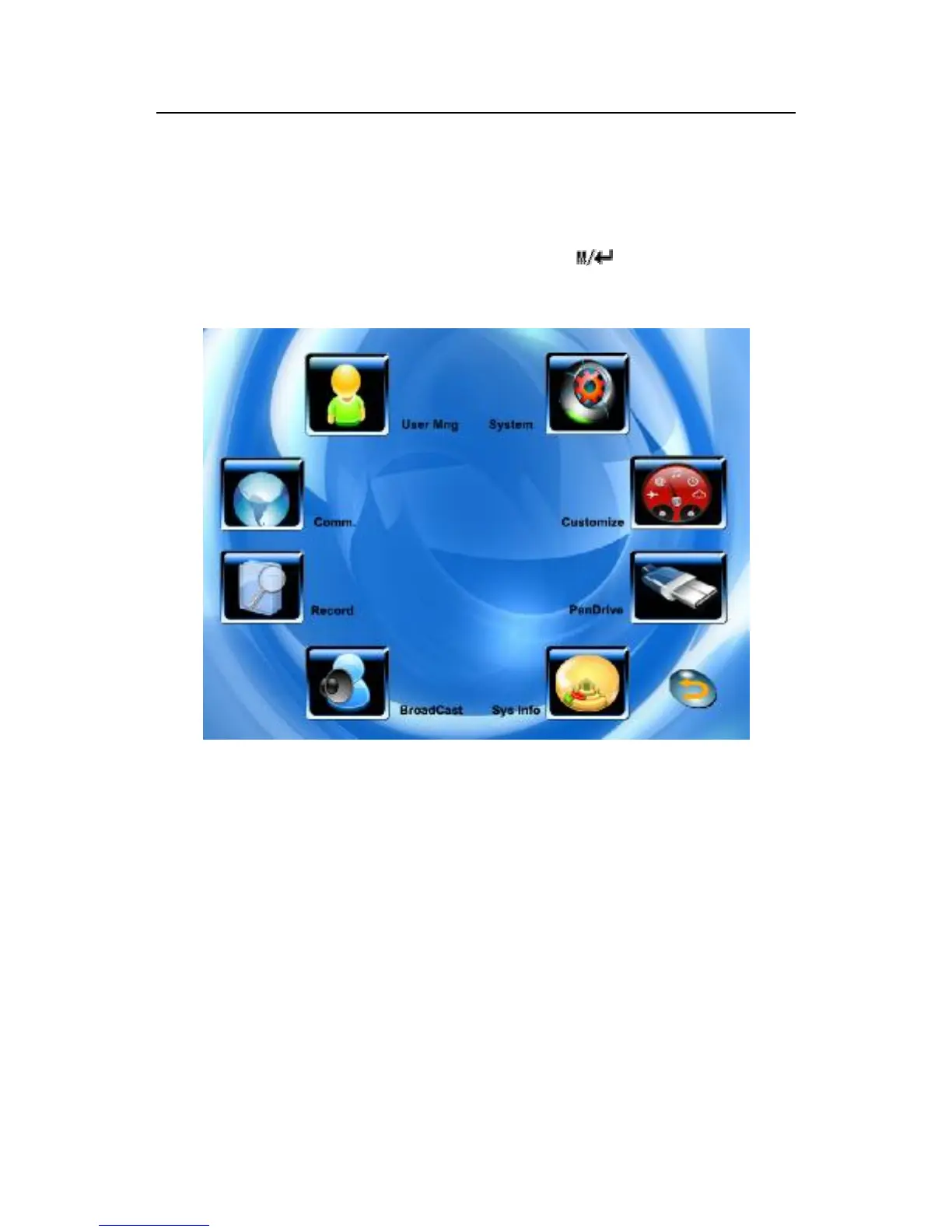
While device in readiness mode, Press key to open main
window, shown as following figure.
Instruction
On the Main menu interface you will find eight icons menu,
namely: User Management, System Settings, Communications
Settings, Customize Settings, Record Inquiries, U flash disk
Management, Broadcast Information, Systems Information. In
some menus, there are some submenus.
1) No Submenu Status
A: Press Function Key to enter the corresponding interface (F1 ~
F8).



 To Next Page