2) press "ESC" to exit. If the prompt "the data has been changed,
Are you sure to save it?” appear on equipment, want continuing to
press "OK", if you abandon this operation, press "ESC" key to
return the previous menu.
2.2 View User
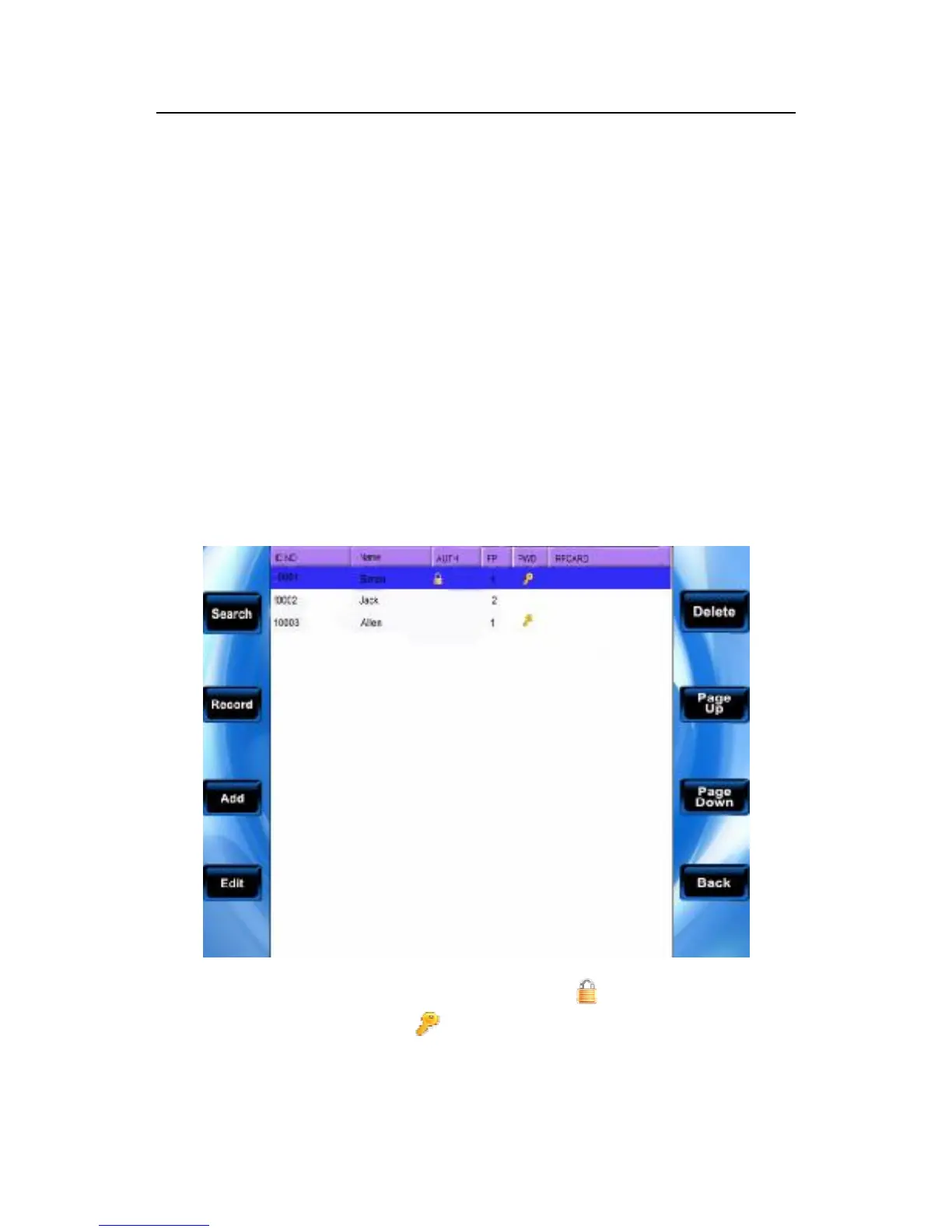
By means of the user view you can view all users' information in
the current equipment is available, which include username, the
number of fingerprint, whether the password is registered, and
user’s attendance logs. You are allowed to edit or delete some user
Note: 1) Shown as above figure, the icon express that this staff
is a manager, the icon express that the password has already
been registered.



 To Next Page