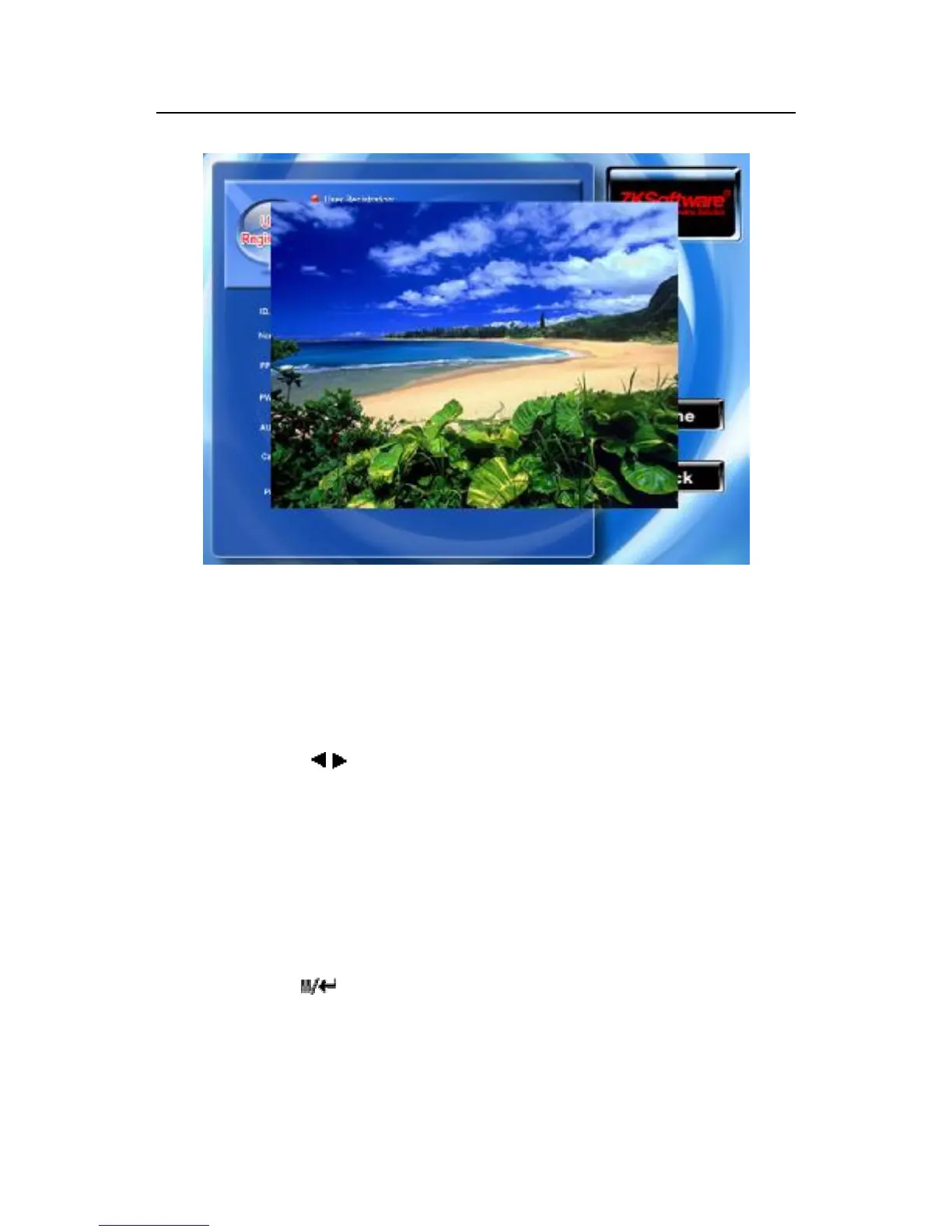
Press any one button or touch the region of images on the screen,
can exit from photo browser.
Privilege setting
Scroll the▲/▼ key, and locate cursor on the "Privilege" option
box, Scroll / key to choose privilege.
Save/exit user registration
To confirm the registration information is correct, after getting
confirmation, save it.
The way for saving:
1) Press " "(F7) the key ,the prompt “Save successfully!
Continues to input?" on the equipment, press "OK" the key to save
it, if you Do not want saving, Press “ESC”



 To Next Page