Press F4 key to delete the short message.
Device will prompt “Are you sure to delete this short message? :
Press “OK” to confirm the delection, press “ESC” to give up the
operation
8.2 View Staff Short Message
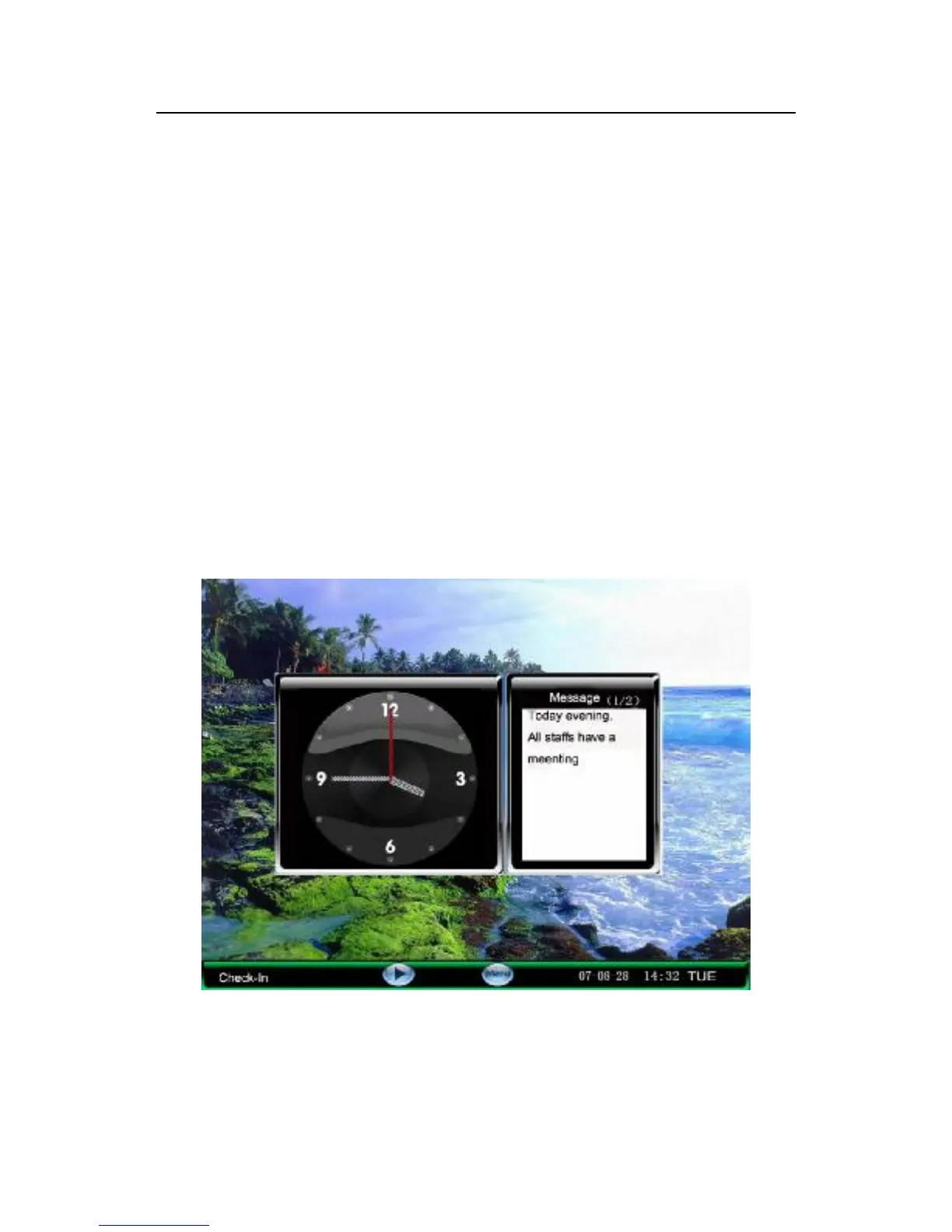
1) Check the public short message
While the public short message is working, the main interface
show the picture and the content of the message, the interval
display time will turn around with advertising picture, if there are
many short messages, please scroll ▲/▼ keys to read
2)Examine individual short message
If the user who has the message verified successfully, the short message



 To Next Page