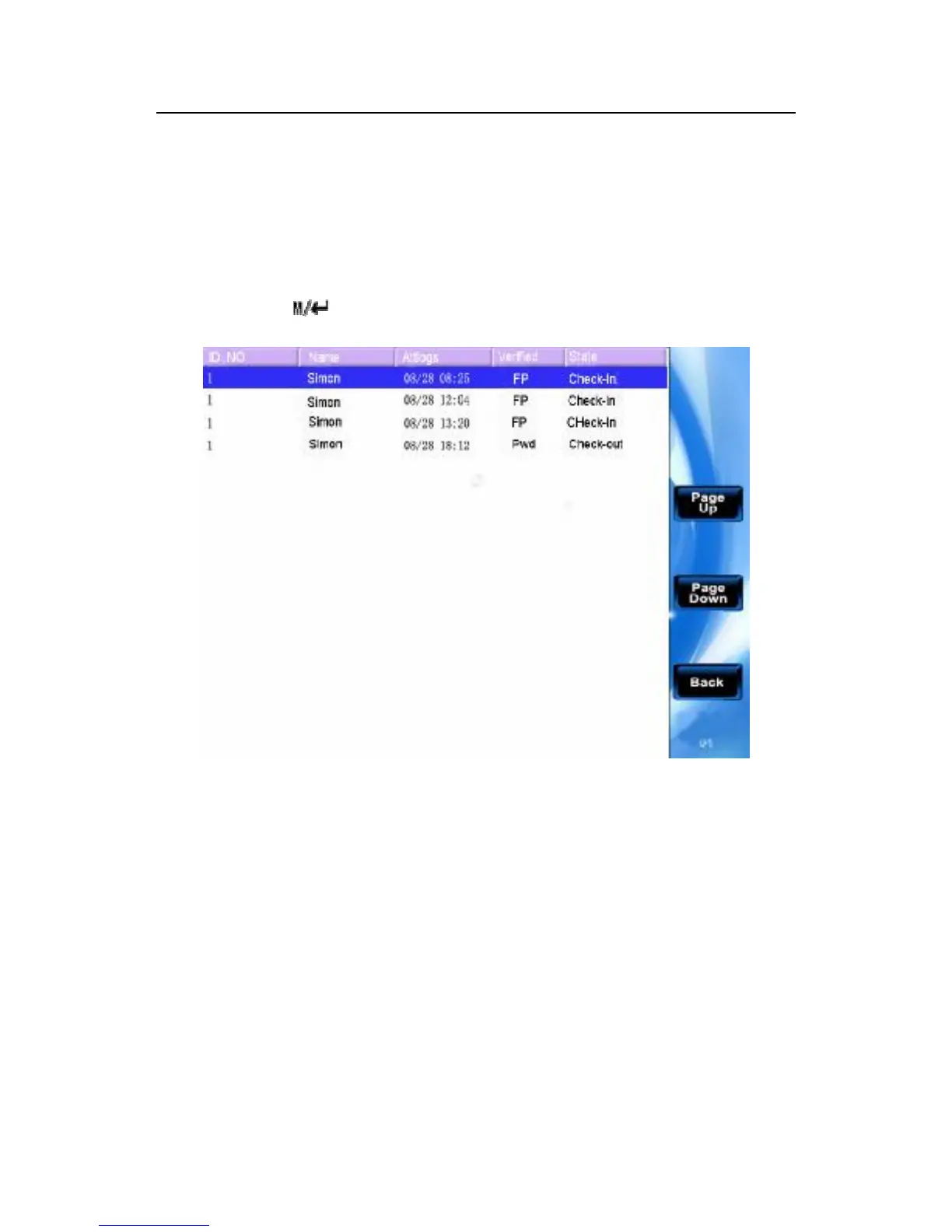
Scroll ▲/▼ key to browse the attendance log line by line.
Press F6/F7key to browse the attendance log page by page.
Press“ESC”/F8 return the user browser interface
Press OK/ /F5 key to inquire the detailed situation.
After the examination completed, press "ESC" (F8)key to return to
the user management interface.
2.2.3 Add New User
There is an option that is easily operator to add user in the here, the
function is some with 2.1 introduce. Press F3 to enter



 To Next Page