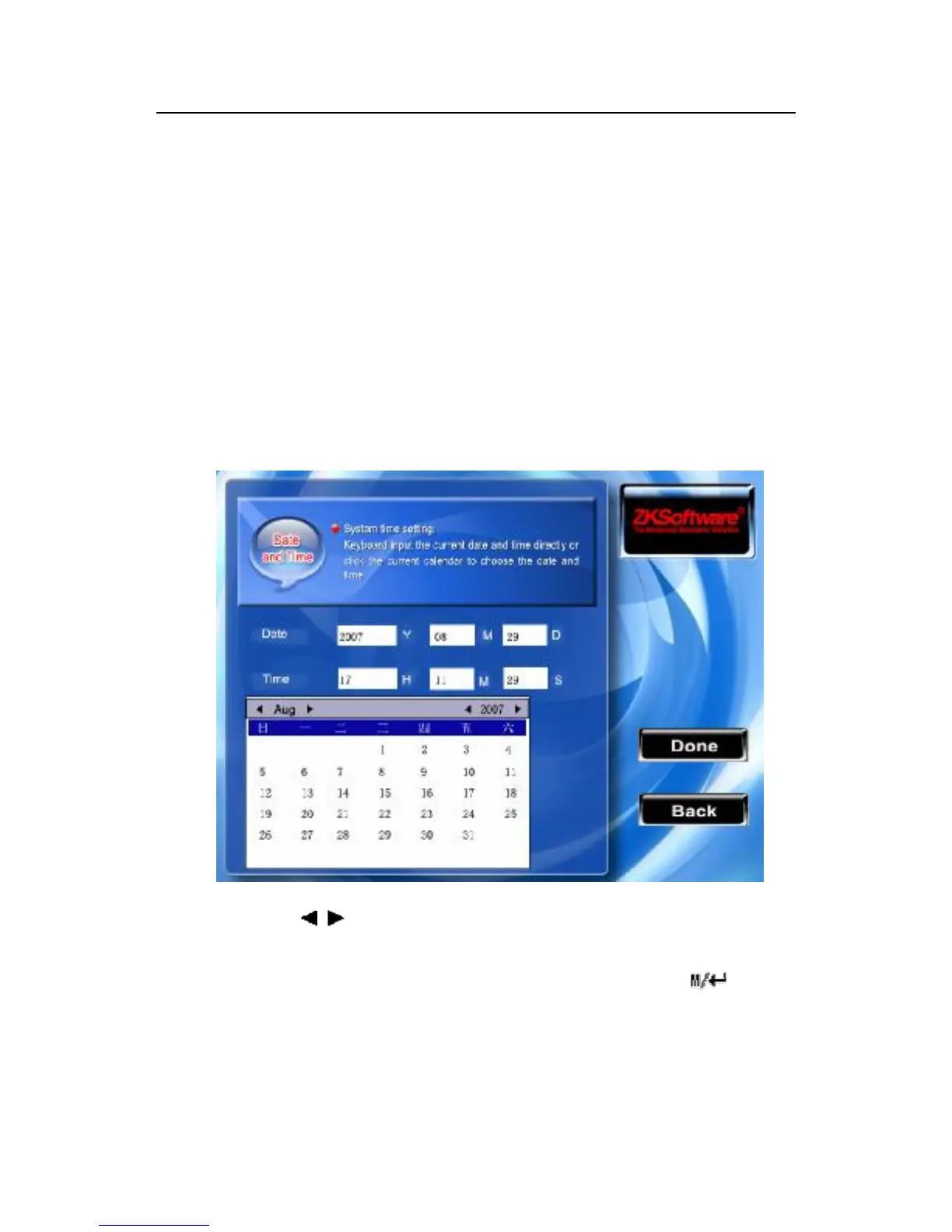
3.2 Time and Date settings
It is necessary to set the accurate date and time for each of
equipments. To obtain guarantee for tracking the accurate
attendance result.
Enter option to set the time and date :
Instruction
Scroll the / key to switch option input box, Scroll▲/▼key to
shifts the cursor input box . set up the value with the numeric
keyboard input After you set up completed, please press /“OK”
(F7) to save this configuration, press the ESC(F8) key to
abandon operation and return to the up page



 To Next Page