5 User profile
User Profile settings can be set up according to their personal
preferences show some style and operation method.
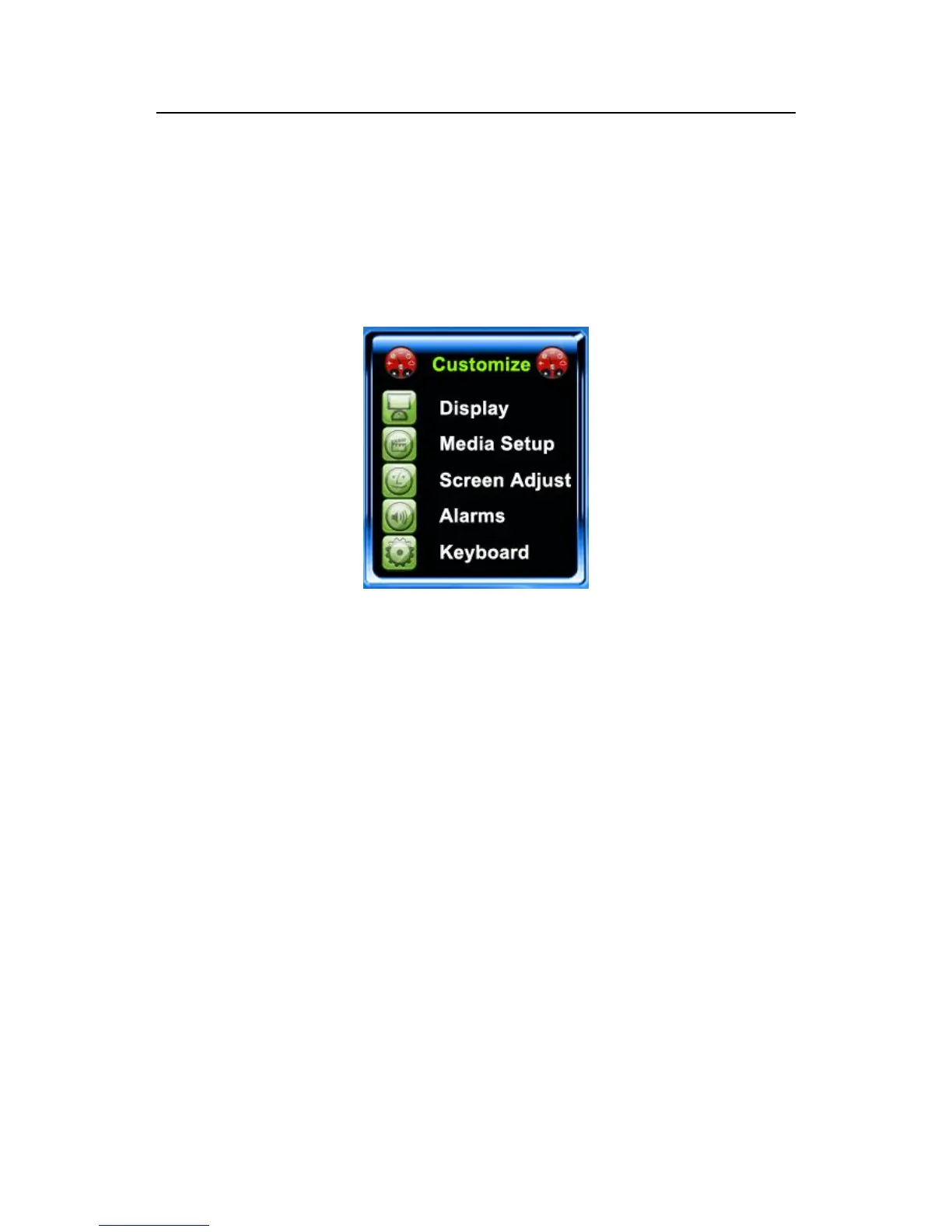
5.1 User Customize
According to their personal preferences, users can set up the initial
interface style.
the times of retrying 1:1 verification or password: users go on 1:1
verification or password, who may forget the right registered finger
or improperly press fingers. The setting provides user with
convenience, and reduces to repeat keys, makes the user to retry the
verification after failed to verify within the limited times.
Clock options: When the user is going on the verification operation,
regardless it is success or failure, the Clock pattern will display you
choose on the screen after verifying.



 To Next Page