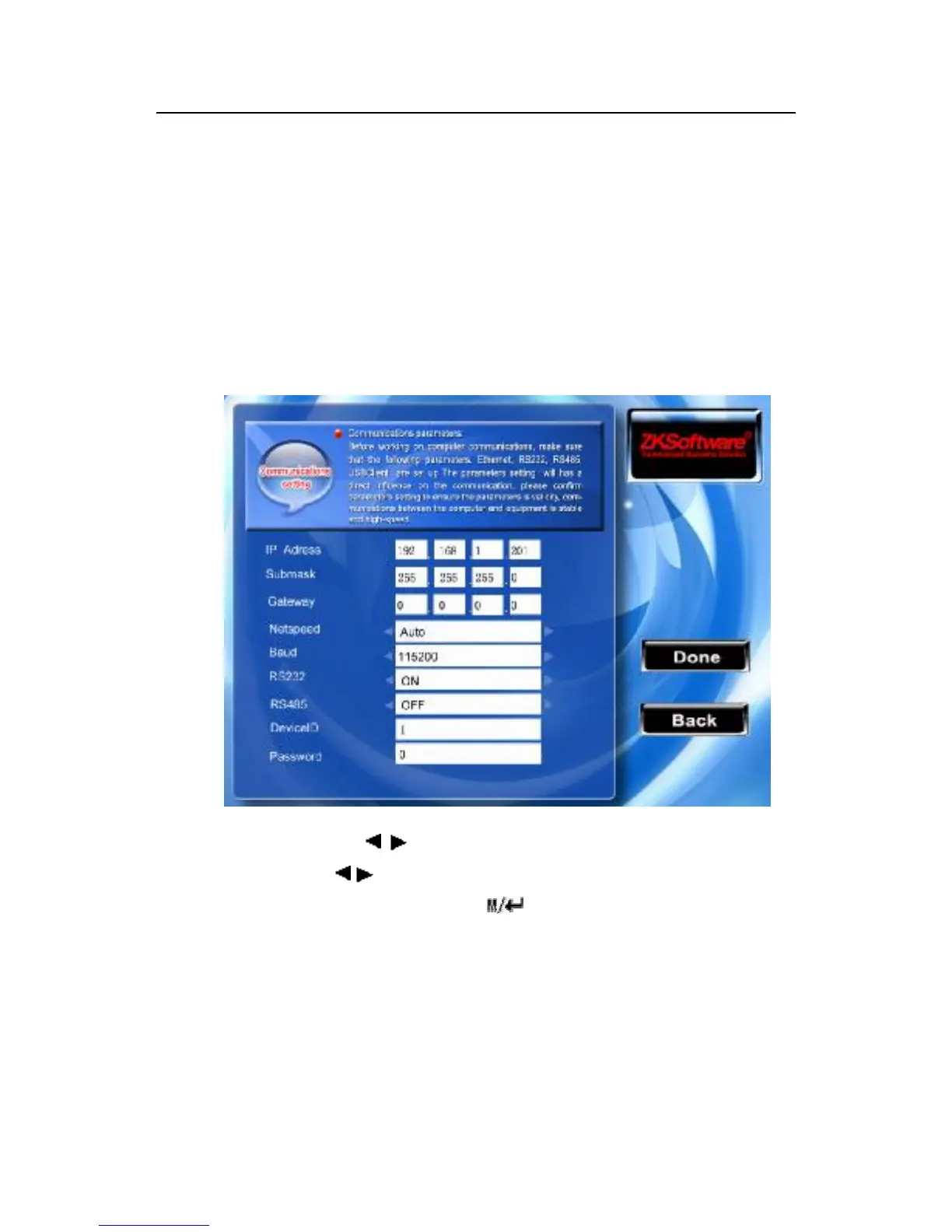
the password does not exist), it is allowed to set it as other values,
after setting up, be sure to input this password before the software
communicate with the equipment , otherwise you will fail to create
connection between the fingerprint machine and PC software. The
connection password length is 1 ~ 6.
Instruction
Scroll the ▲/▼、 / key to shift the cursor on the item you need
set, scroll the / key again to shift the value which you choose.
After setting up, directly press /“OK”( F7)key to save this
setting and return to preceding interface, press the “ESC”( F8) key
to cancel and return to preceding interface.



 To Next Page