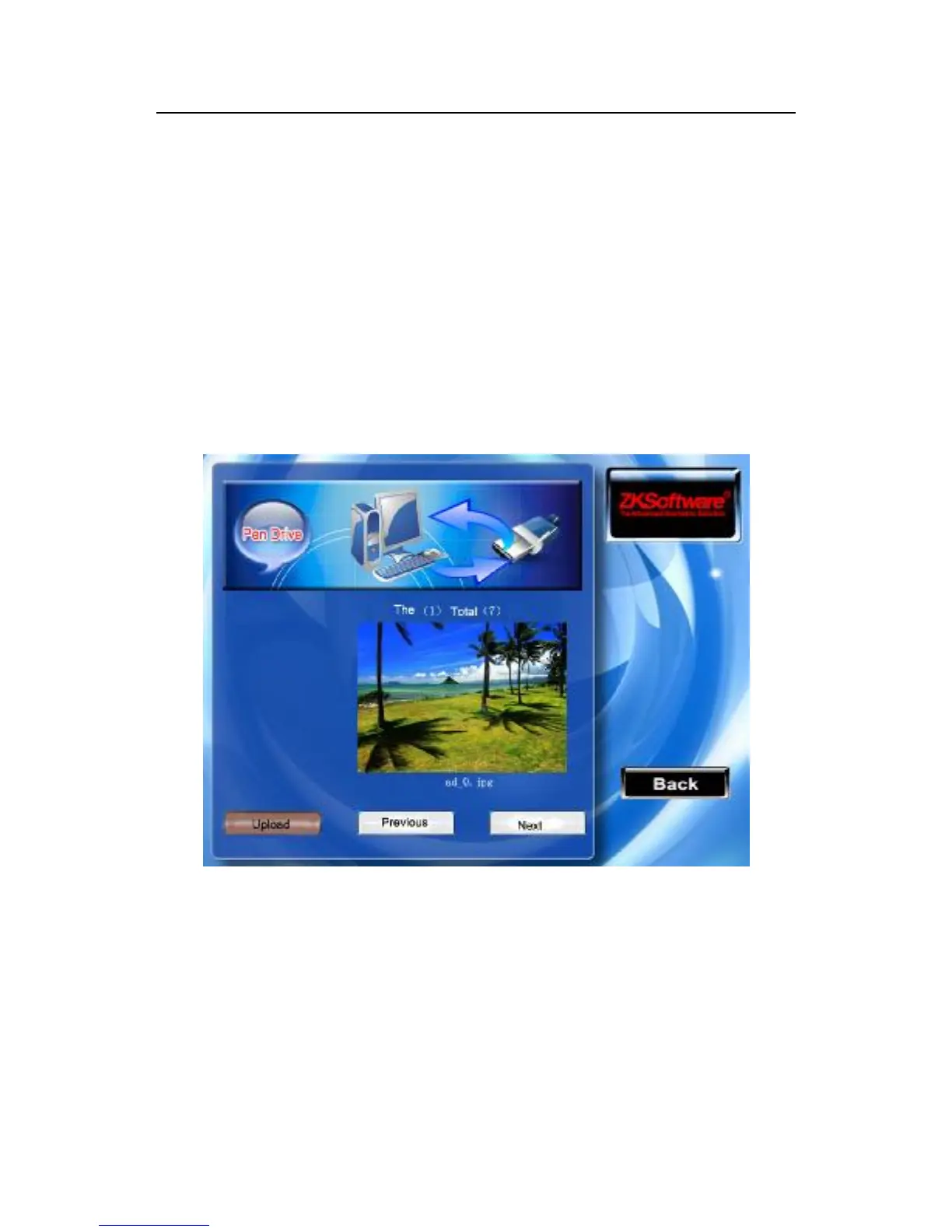
7.3 Upload the Customized Picture
Upload the file with JPG picture format which front name as "ad_”
in the USB flash disk into the equipment, after these pictures have
been transfer to the equipment, it will display in the initial window.
(Picture specification, please see appendix 4)
Instruction
Plug the USB flash disk in the USB slot of the fingerprint machine,
scroll "▲/▼" key to preview the picture in the USB flash disk then
press the OK key to choose the picture you want to upload. If the
prompt “upload successfully” is displayed on the equipment, the
file will automatically jumps to the next picture. After completing
uploading the pictures, press ESC(F8) key to exit.



 To Next Page