Appendix 1
Getting Familiar with Keyboard
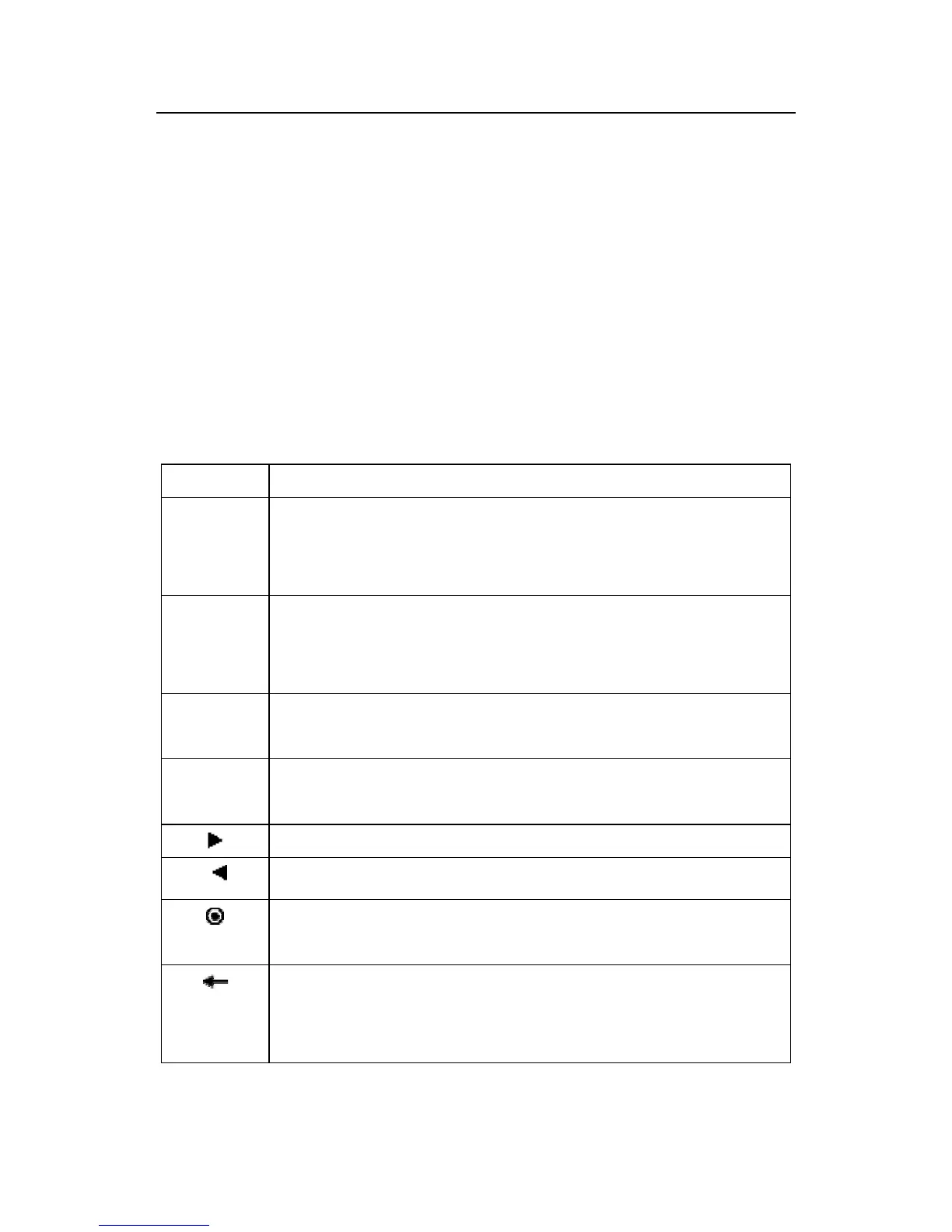
The equipment keyboard has different usage in different interface,
for details please see the next table.
Key Detailed solution
numeric
keyboard
1, 0 ~ 9, is used in to input the staff to number, numeral
and password so on.
Function
Key
1. Main menu , that is used as attendance state key.
2. The shortcut key, if there is operation item in the
screen ,and relate the button position
▲
1、Upward .
2、Upward/forward switch option
▼
1、Downward.
2、Downward/Backward switch option.
1、Revision current value.
1、Revision current value
1、Shut down key. Keep press the key for 3 seconds in the
initial interface to shut down the unit.
1、 Backspaces key. While inputting wrong AC.NO,
password, system setting value, press the key to
delete the value.



 To Next Page