2) The RF card No. will be displayed on the Card No. Rank
Scroll ▲/▼ key , the blue cursor locate at the line that want to
be operate, press the function key where around the screen both
side to do operation, Example , press F1 key to search user.
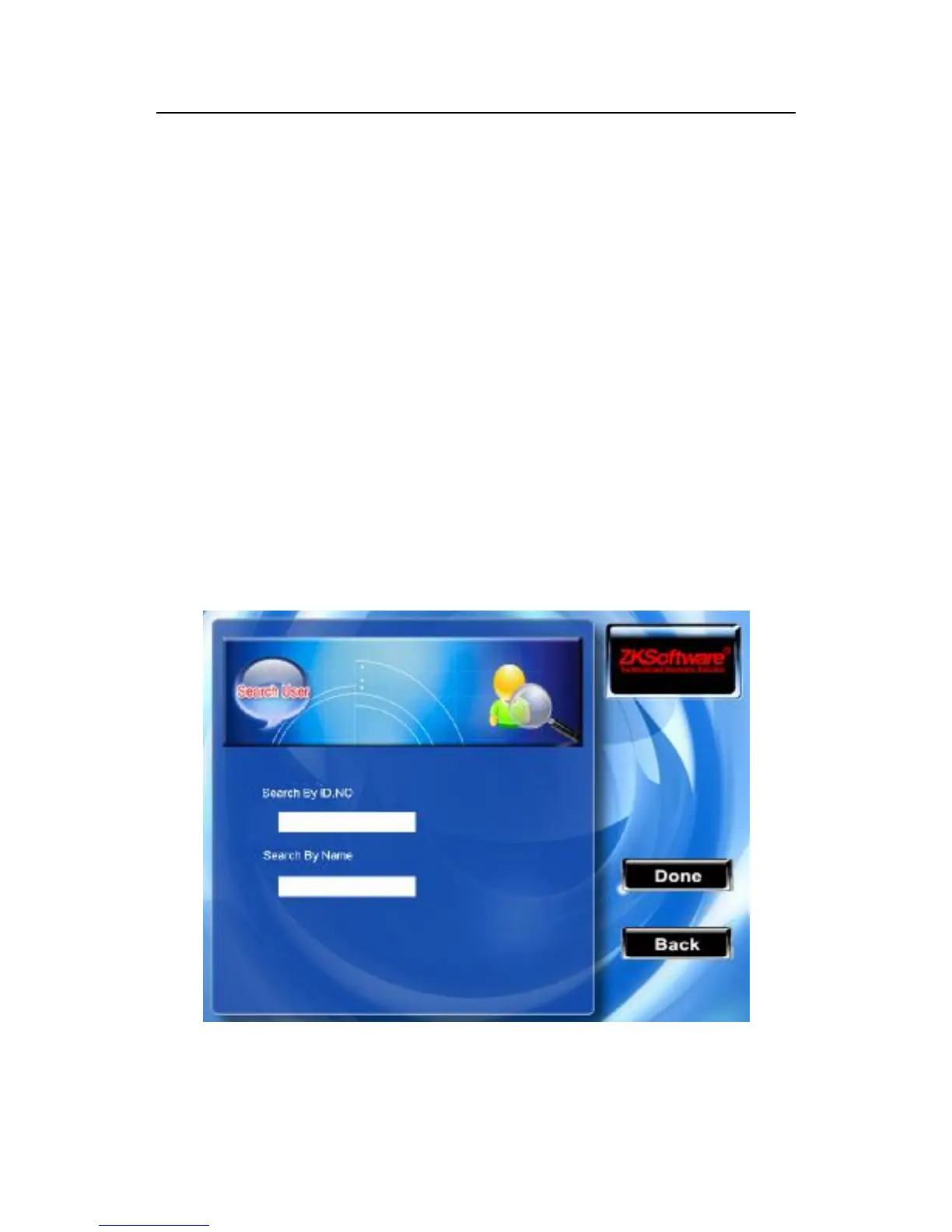
2.2.1 Search for users
When there are lot of registered user in the device, in order to
provide the manager with convenient rapidly to find a staff, the
equipment come with "AC.NO" “Name” to retrieve the staff.
Press the F1 key in the user browser interface, the operation menu
appear:
Input staff's AC.NO that you search for, press the "OK" key to



 To Next Page