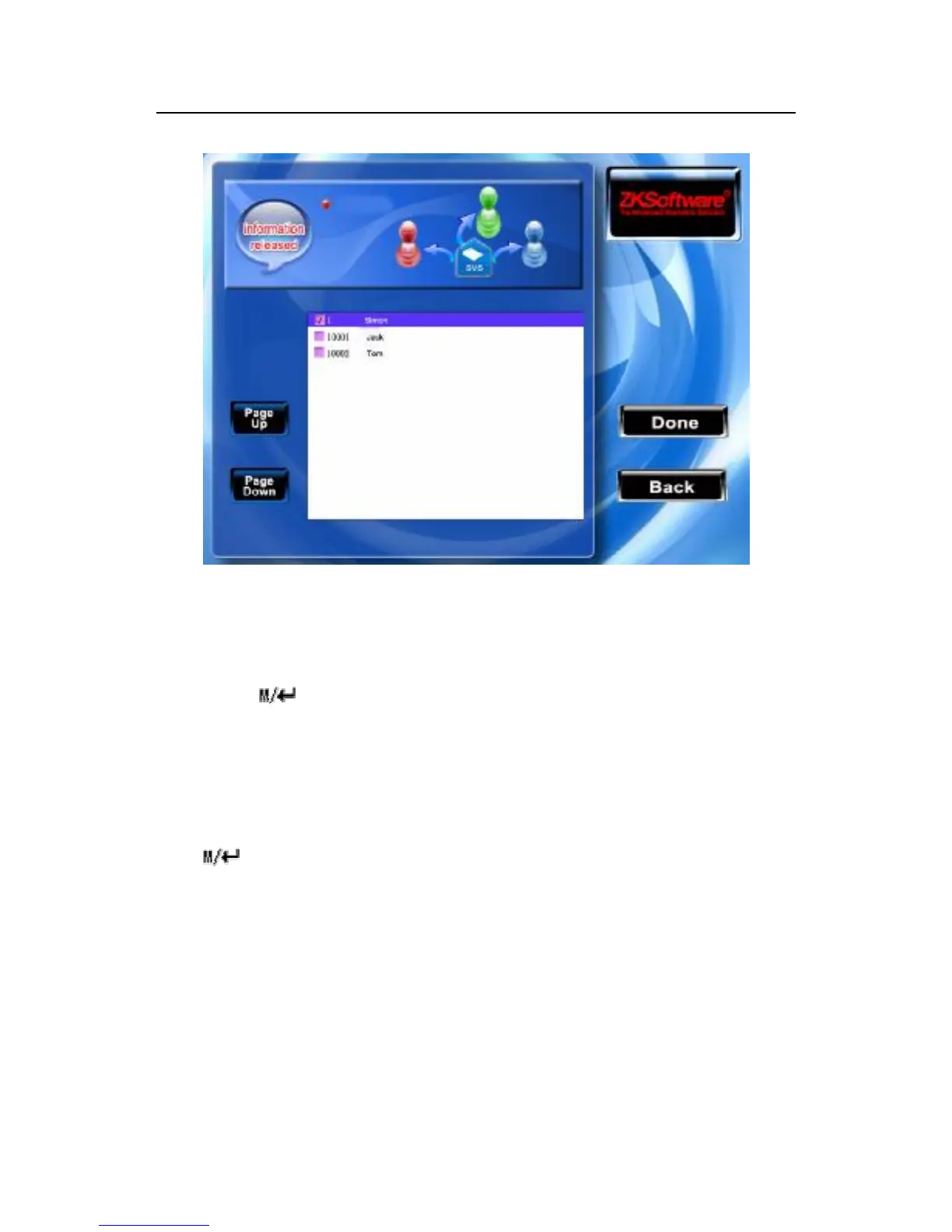
Scroll ▲/▼key to search personnel line by line .
Press "OK" key to choose the personnel, then short message will be
released to this staff.
Press /F7/F8 key to save your choice and exit.
Note: Before finishing the steps, please do not exit, or the setting
will not work and turn to the initialization.
(2) while in public short message or initialization, the distributing
button will not work. After completing the setting, press
/F7/F8 key to save it and return to the short message list.
2) Edit short message
Press F3 key to edit short message.
The operation to edit the short message is same with one to add the
short message.
3) Delete Short Message



 To Next Page