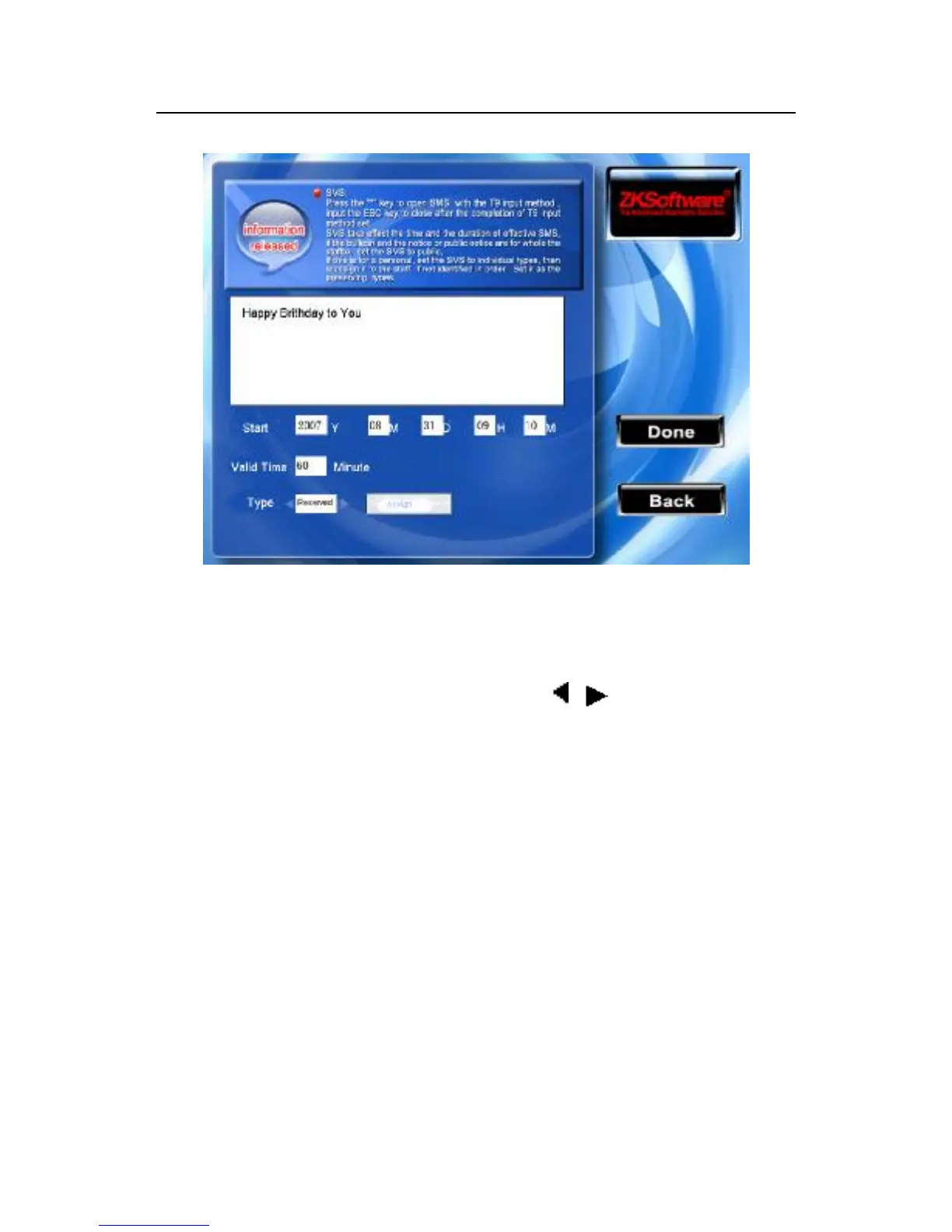
When the cursor locate in the text box, press “*”key to open the T9
input method, input the content of the short message, scroll the ▲/
▼ key to switch the input box, scroll / to change setting or
keyboard and input the value with the small numeric keyboard.
(1) If the type of individual short message is your choice, the
distributing button is available; here the individual short message
will be distributed to the staff



 To Next Page